
vibespace
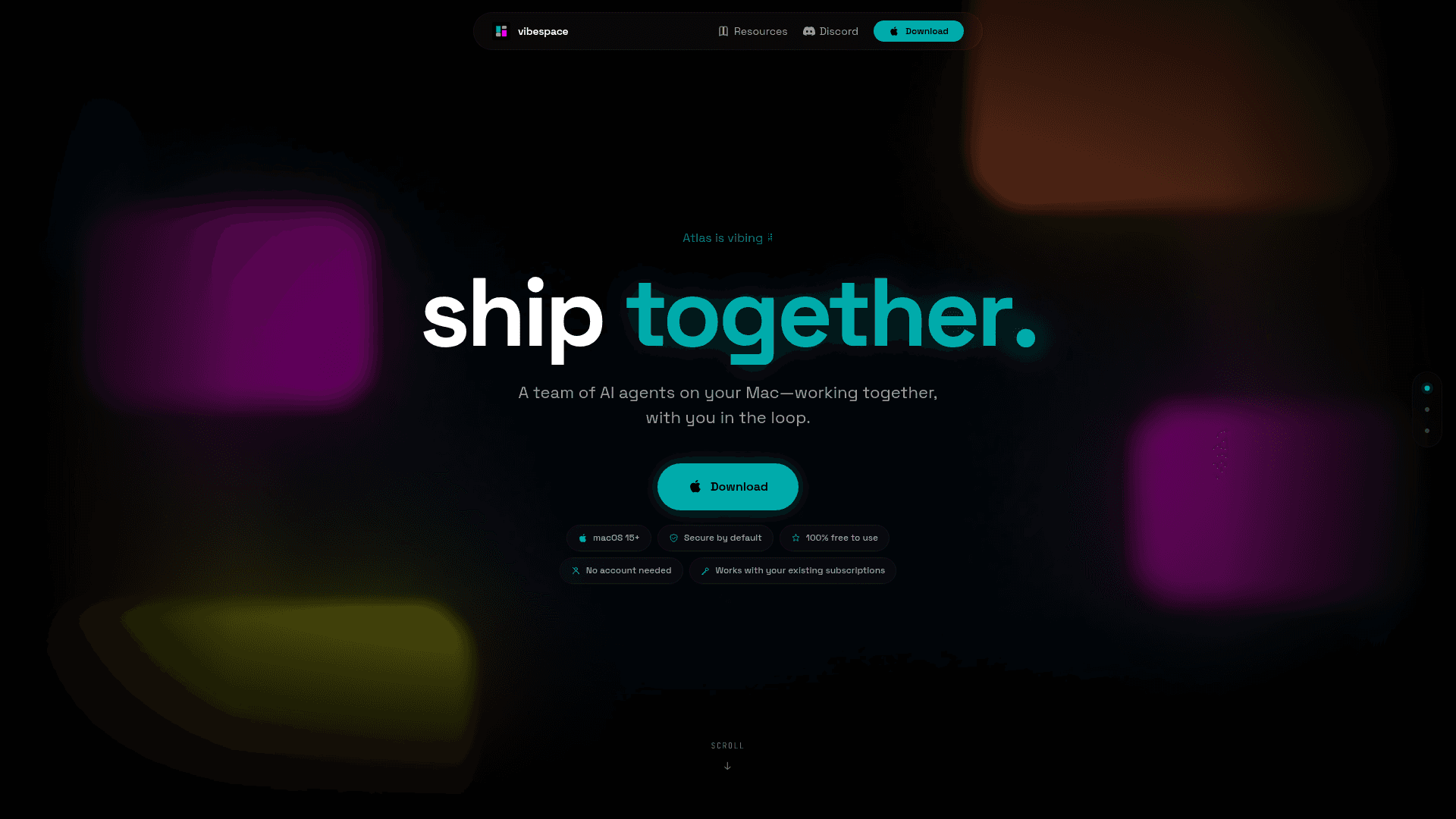
A macOS desktop app that runs a team of AI agents working together on your projects, with you in the loop, using your existing AI subscriptions.
At a Glance
About vibespace
vibespace is a free macOS desktop application that orchestrates a team of AI agents working collaboratively on your projects. Built by vibespacehq and available via GitHub, it requires macOS 15 or later and works with your existing AI provider subscriptions — no separate account needed.
What It Is
vibespace is a multi-agent workspace for macOS that turns a single prompt into a coordinated team of specialized AI agents. Rather than chatting with one AI at a time, you start a "vibespace" and a primary agent assembles a team that collaborates in real time — with each other and with you. The tool is positioned squarely in the vibe-coding and autonomous-agent category, emphasizing human-in-the-loop oversight throughout the process.
How the Agent Team Works
When you enter a prompt, the primary agent (called Atlas in the demo) spins up a specialized team tailored to the task. Agents communicate through Channels and Direct Messages visible in the app's sidebar. The Live Feed shows pending approvals and real-time activity, keeping you informed and in control. Every artifact the agents produce — brand guides, market briefs, landing pages — appears as a live preview forwarded from the agent container.
Views and Workspace Layout
The app surfaces work through several dedicated views:
- Live Feed — real-time stream of agent activity and approval requests
- Channels & DMs — agent-to-agent and agent-to-user communication threads
- Filesystem & Terminals — direct access to what agents are reading and writing
- Previews — live rendered output of shipped artifacts
- Command Bar — quick navigation and control
- Vault — secure storage for API keys and secrets, keeping sensitive credentials out of agent context
Provider and Blueprint Setup
vibespace connects to Claude Code or OpenAI Codex as its underlying AI providers, using credentials you already hold. Blueprints let you choose the style of vibespace you want to start — essentially pre-configured team templates for different workflows. The docs cover installation, provider connection, and blueprint selection as the core onboarding path.
Deployment Model and Availability
vibespace runs entirely on your Mac — there is no cloud account, no server-side processing of your data, and no sign-up required. The homepage states it is "secure by default" and "100% free to use." The app is distributed as a .dmg directly from GitHub Releases. Source code is hosted at github.com/vibespacehq/vibespace, and the project has an active Discord community for support and feedback.
Community Discussions
Be the first to start a conversation about vibespace
Share your experience with vibespace, ask questions, or help others learn from your insights.
Pricing
Free
100% free to use. No account needed. Works with your existing AI provider subscriptions.
- Multi-agent team orchestration
- Live Feed, Channels, DMs, Filesystem, Terminals, Previews
- Vault for API key management
- Blueprint templates
- Works with Claude Code and OpenAI Codex
Capabilities
Key Features
- Multi-agent team orchestration from a single prompt
- Live Feed with real-time agent activity and approval requests
- Agent Channels and Direct Messages for collaboration visibility
- Filesystem and Terminal views for agent work inspection
- Live Previews of agent-produced artifacts
- Vault for secure API key and secrets management
- Blueprint templates for different workspace styles
- Works with existing Claude Code or OpenAI Codex subscriptions
- No account required
- Human-in-the-loop approval workflow
- macOS-native desktop application