
VidStudio
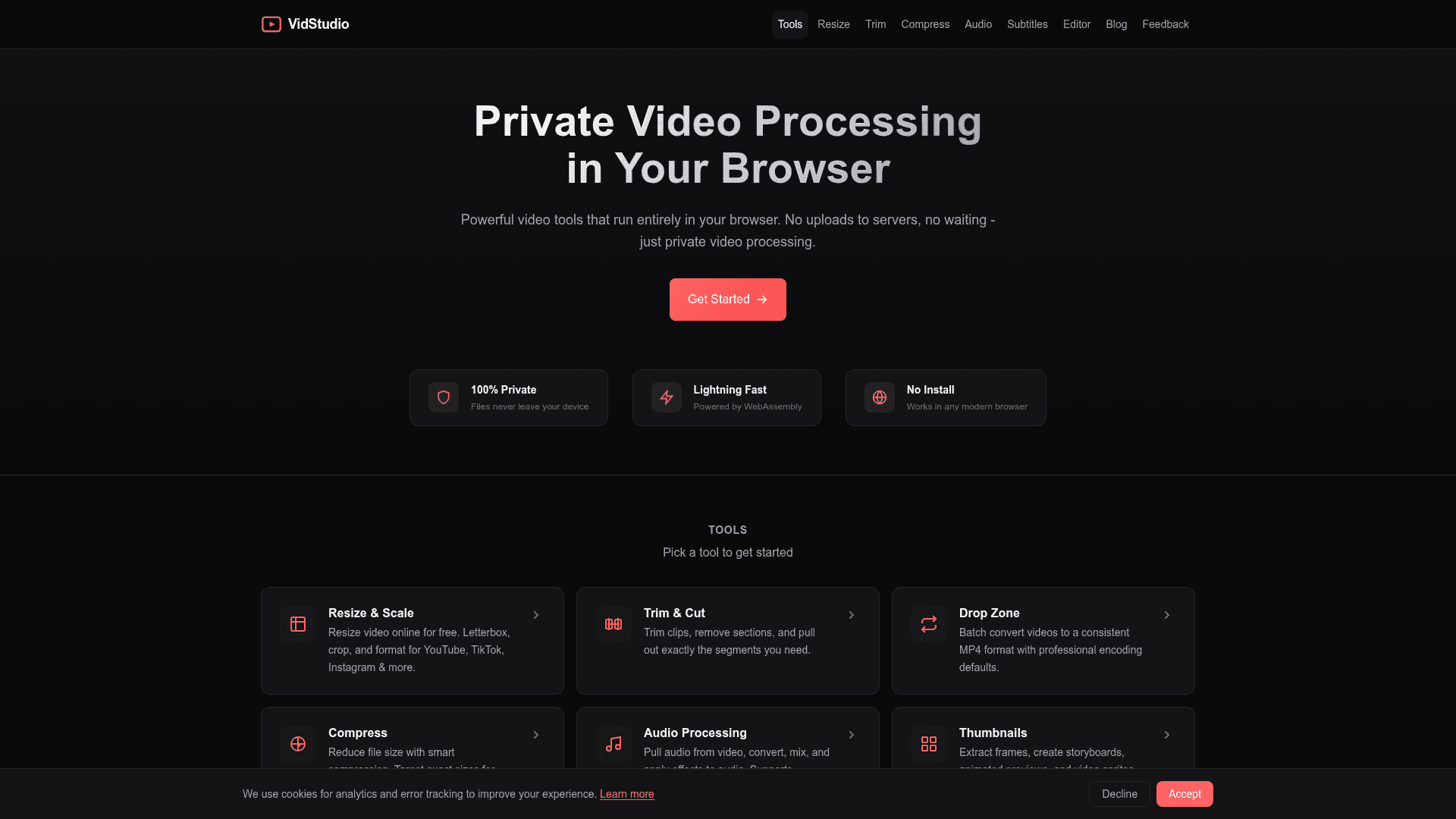
A browser-based video processing suite that runs entirely client-side using WebAssembly — no uploads, no installs, fully private.
At a Glance
About VidStudio
VidStudio is a powerful, privacy-first video editing and processing toolkit that runs entirely in your browser using FFmpeg WebAssembly. All video processing happens locally on your device — files never leave your machine, eliminating upload wait times and privacy concerns. It supports a wide range of tools from resizing and trimming to audio extraction, subtitle burning, and watermarking, all accessible without any installation.
- Resize & Scale — Resize videos for YouTube, TikTok, Instagram, LinkedIn, Facebook, Pinterest, and more with letterbox or crop options.
- Trim & Cut — Remove sections, trim clips, and extract specific segments with frame-accurate precision.
- Compress — Reduce file size using smart compression with target size options or quality presets; includes platform-specific presets for Discord, WhatsApp, Slack, Twitter, and more.
- Drop Zone (Batch Convert) — Batch convert videos to a consistent MP4 format with professional encoding defaults.
- Audio Processing — Extract audio from video, convert formats, mix tracks, and apply audio effects; supports MP4 to MP3, WAV, AAC, M4A, FLAC, and more.
- Thumbnails — Extract frames, generate storyboards, animated previews, and video sprites.
- Watermark — Add image or text watermarks with control over positioning, transparency, timing, and movement effects.
- Video Editor — Multi-track editor with a source monitor, frame-accurate seek, and WebCodecs decoding.
- Subtitles & Text — Add text overlays, burn-in subtitles, extract subtitle tracks, and create animated text effects.
- 100% Private — No server uploads; all processing is done in-browser via WebAssembly (FFmpeg WASM).
- No Install Required — Works in any modern browser without plugins or downloads.
Community Discussions
Be the first to start a conversation about VidStudio
Share your experience with VidStudio, ask questions, or help others learn from your insights.
Pricing
Free
All video processing tools available for free, running entirely in your browser with no uploads required.
- Resize & Scale
- Trim & Cut
- Compress
- Drop Zone batch convert
- Audio Processing
Capabilities
Key Features
- Browser-based video processing
- No server uploads — fully private
- WebAssembly (FFmpeg WASM) powered
- Video resize and scale for social platforms
- Trim and cut video clips
- Smart video compression with platform presets
- Batch video conversion (Drop Zone)
- Audio extraction and format conversion
- Thumbnail and storyboard generation
- Watermark with image or text
- Multi-track video editor
- Subtitle burn-in and text overlays
- Animated text effects
- Frame-accurate seeking
- WebCodecs decoding