Visual Studio IDE
Microsoft's full-featured IDE for professional developers, with AI-powered coding assistance via GitHub Copilot, advanced debugging, testing, and Azure integration.
At a Glance
Free, fully-featured IDE for students, open-source, and individual developers.
Engagement
Available On
Alternatives
Listed Jul 2026
About Visual Studio IDE
Visual Studio IDE is Microsoft's flagship integrated development environment for Windows, designed for professional software developers building .NET, C++, web, cloud, mobile, and game applications. The IDE ships with GitHub Copilot built in, offering AI-powered code completions, chat assistance, and an agent mode that can plan, build, test, and fix code from a single natural-language prompt. Visual Studio 2026 is the current major release, with active development continuing through the Insiders channel.
What It Is
Visual Studio IDE is a full-stack development environment that covers the entire software lifecycle—from writing and debugging code to testing, version control, and cloud deployment. It targets professional developers and teams working primarily on Windows, supporting languages including C#, C++, Python, JavaScript, TypeScript, and more. The IDE is distinct from the lighter-weight Visual Studio Code; it provides deeper tooling for enterprise and large-scale projects, including advanced profilers, database tools, and enterprise security features.
AI Capabilities with GitHub Copilot
GitHub Copilot is deeply integrated into Visual Studio and available at no cost through the Copilot Free tier. Key AI features include:
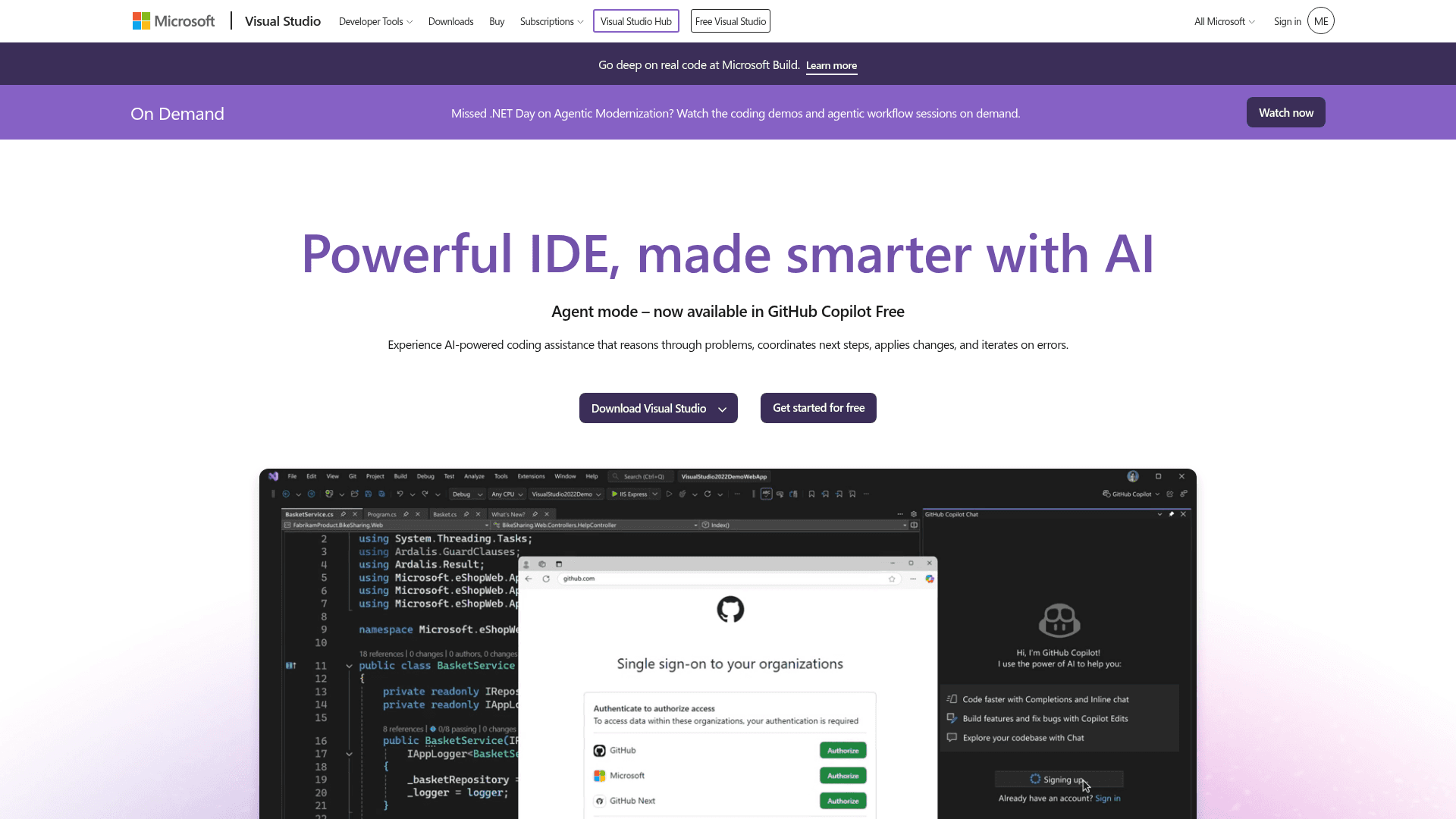
- Agent mode: Reasons through problems, coordinates next steps, applies multi-file changes, and iterates on errors from a single prompt.
- Copilot Chat: A conversational interface for real-time coding help, debugging explanations, and unit test generation.
- Inline completions: Context-aware single-line and full-snippet suggestions powered by the latest AI models.
- AI-generated commit messages: Automatically drafts commit messages based on staged code changes.
- Profiler Agent: Highlights performance bottlenecks and guides developers toward faster code.
The IDE supports multiple AI model backends, allowing developers to select the model best suited to each task.
Core Development Tooling
Beyond AI, Visual Studio provides a comprehensive set of built-in tools:
- IntelliSense: Predictive, context-aware code completion for all major supported languages.
- Debugger: A best-in-class debugger with support for breakpoints, live variable inspection, deadlock analysis, and Copilot-assisted exception explanations.
- Profilers: CPU, memory, XAML, database, and event profilers for .NET and C++ applications.
- Testing: Integrated unit and integration test runners with Copilot-assisted test generation.
- SQL tools: Query editing, server/database exploration, and schema visualization without leaving the IDE.
- Live Share: Real-time collaborative editing and debugging sessions with access controls.
Platform and Language Support
Visual Studio is built for Windows and supports cross-platform application targets including macOS, Linux, iOS, and Android. First-class support is provided for:
- .NET 10 and C# 14: Full support for the latest language and runtime features across web, cloud, desktop, and AI workloads.
- Aspire: Integrated tooling for building cloud-native .NET applications.
- C++ and Modern C++: Latest language features, STL updates, and cross-platform tooling.
- Game development: Unity, Unreal Engine, and native C++ game development workflows.
- Azure: Integrated tools for building, deploying, and debugging cloud applications, with GitHub Actions and Azure DevOps support.
Editions and Availability
Visual Studio ships in three main editions: Community (free for individual developers, students, and open-source projects), Professional (for small teams), and Enterprise (for organizations requiring advanced debugging, enterprise security, and Azure credits). An Insiders channel provides early access to new features. The homepage references customer stories from organizations including Halo Studios, HP, Real Madrid, and General Motors as published by Microsoft.
Update: Visual Studio 2026
The current major release is Visual Studio 2026 (VS18 channel), with agent mode for GitHub Copilot listed as newly available. The Insiders program provides pre-release builds for developers who want early access. Recent product direction signals include deeper Copilot integration across debugging, testing, and version control workflows, as well as expanded AI model selection within the IDE.
Community Discussions
Be the first to start a conversation about Visual Studio IDE
Share your experience with Visual Studio IDE, ask questions, or help others learn from your insights.
Pricing
Community
Free, fully-featured IDE for students, open-source, and individual developers.
- Full IDE features
- GitHub Copilot Free (2,000 completions/month, 50 chat messages/month)
- IntelliSense
- Debugger
- Profilers
Professional
Powerful developer tools, services, and subscription benefits for small-team collaboration.
- All Community features
- Team collaboration tools
- Subscription benefits
- Professional support
Enterprise
Advanced debugging, enterprise security, AI-assisted development, plus Azure Credits and Dev/Test pricing.
- All Professional features
- Advanced debugging
- Enterprise security
- AI-assisted development
- Azure Credits
- Dev/Test pricing for the cloud
Capabilities
Key Features
- GitHub Copilot agent mode
- AI-powered code completions
- Copilot Chat for real-time coding help
- AI-generated commit messages
- IntelliSense code completion
- Advanced debugger with Copilot assistance
- CPU, memory, and database profilers
- Integrated unit and integration testing
- Live Share real-time collaboration
- Multi-file editing with Copilot Edits
- Azure integration and deployment
- Git and GitHub Actions CI/CD
- SQL query editor and schema visualization
- Cross-platform app design (Windows, Mac, Linux, iOS, Android)
- Unity and Unreal game development support
- Extension marketplace
- Customizable themes
- .NET 10 and C# 14 support
- Aspire cloud-native tooling
- Modern C++ support
Integrations
Demo Video