
VMark
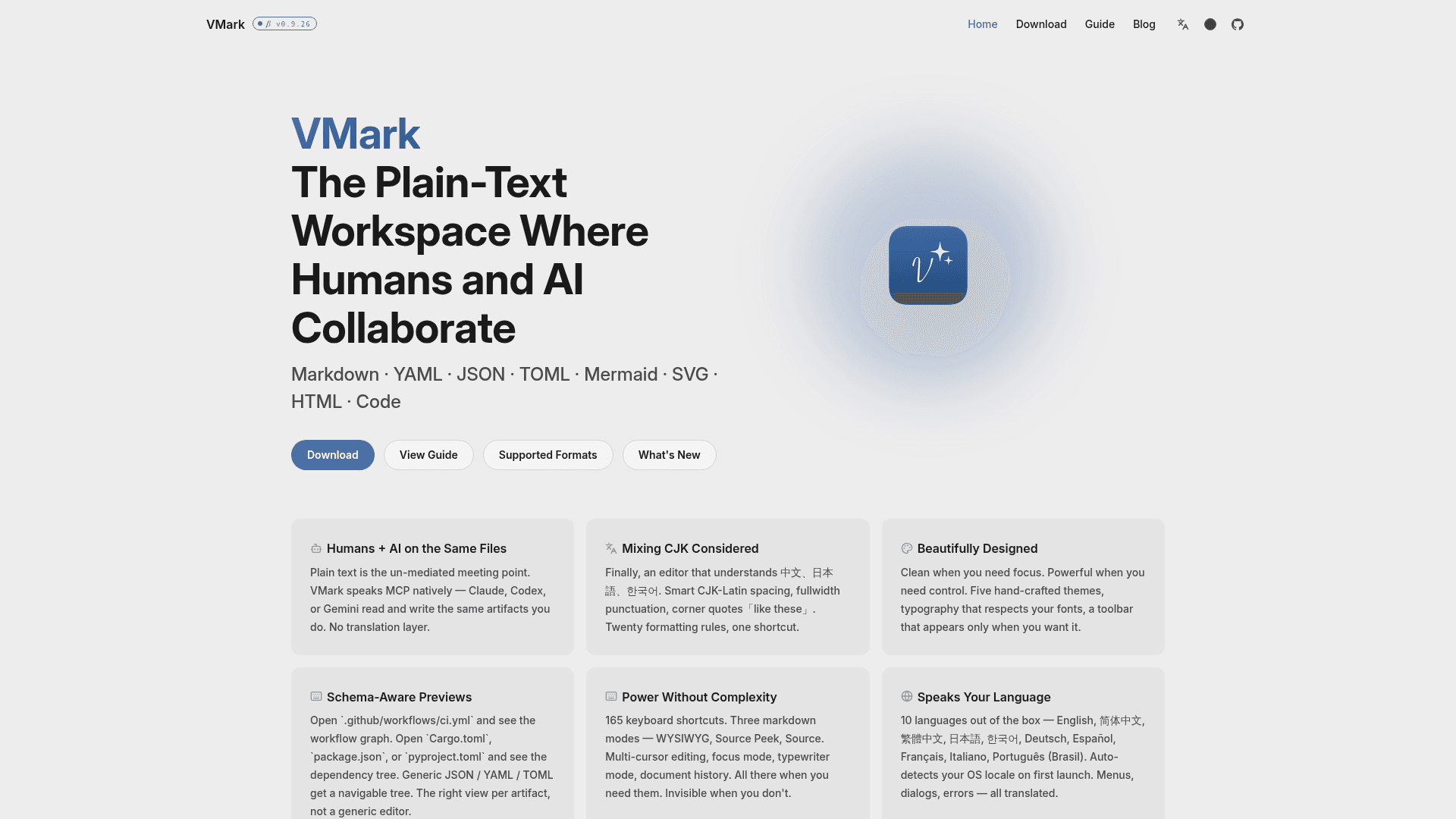
A local-first, AI-native plain-text workspace and Markdown editor that supports MCP integration with Claude, Codex, and Gemini, with schema-aware previews and CJK formatting.
At a Glance
About VMark
VMark is a free, local-first desktop Markdown editor built by @xiaolai and released under the ISC License. It positions itself as a plain-text workspace where both humans and AI agents read and write the same files — Markdown, YAML, JSON, TOML, Mermaid, SVG, HTML, and code — with no translation layer. The app is currently in beta at v0.9.26, available for macOS (Apple Silicon and Intel), Windows, and Linux.
What It Is
VMark is a multi-format, schema-aware text editor built with Tauri v2 (Rust), React 19, TypeScript, Tiptap, and CodeMirror 6. It goes beyond a standard Markdown editor by rendering context-appropriate views for known file types: opening .github/workflows/ci.yml shows a workflow graph, while Cargo.toml, package.json, or pyproject.toml shows a dependency tree. Generic JSON, YAML, and TOML files get a navigable tree view. The editor offers three Markdown modes — WYSIWYG, Source Peek (F5), and Source Mode (F6) — giving writers control over how much raw syntax they see at any time.
AI-Native MCP Integration
VMark speaks the Model Context Protocol (MCP) natively. Through a one-click setup in Settings → Integrations, it connects to Claude Desktop, Claude Code, Codex CLI, and Gemini CLI. Once connected, AI agents can read and write directly to the same plain-text files the user is editing — no copy-paste, no export step. The homepage shows screenshots of Claude Code and Claude Desktop sending content that appears in VMark with full formatting intact. The project README describes this as "vibe-coded" — written entirely by AI under human supervision — and the repo ships with full configuration for Claude Code, Codex CLI, and Gemini CLI.
CJK and Multilingual Support
VMark includes over 20 formatting rules specifically for Chinese, Japanese, and Korean text. Features include smart CJK-Latin spacing, fullwidth punctuation handling, corner quotes (「like these」), and dash conversion. The app ships in 10 languages — English, Simplified Chinese, Traditional Chinese, Japanese, Korean, German, Spanish, French, Italian, and Brazilian Portuguese — and auto-detects the OS locale on first launch. All menus, dialogs, and error messages are translated.
Editor Power Features
- 165 keyboard shortcuts (all customizable in Settings)
- Multi-cursor editing:
Mod+Dto select next match,Alt+Clickto add cursors,Mod+Alt+↑↓for vertical cursors - Tab Escape: auto-pair brackets and quotes, press Tab to jump past the closing character
- Focus Mode: dims surrounding content while keeping the active paragraph visible
- Typewriter Mode: keeps the cursor centered on screen
- Document history for recovering previous versions
- Five hand-crafted themes: White, Paper, Mint, Sepia, Night (six in the README, adding Solarized)
- GitHub-style alert blocks: Note, Tip, Important, Warning, Caution
- Collapsible sections via
<details>/<summary> - Typography controls: Latin and CJK font selection, font size, line height, block spacing, CJK letter spacing
Local-First Architecture
VMark stores all documents on the user's machine with no cloud sync, no accounts, and no analytics. The homepage publishes anonymous device counts from update-check pings — the vendor-published statistics show tens of thousands of unique devices across macOS (Apple Silicon and Intel), Windows, and Linux. macOS is described as the primary platform; Windows and Linux builds are labeled "best-effort."
Update: VMark v0.9.26
The latest release is v0.9.26, published on 2026-08-03, with the repository last pushed on 2026-08-03. A blog post titled "Multi-Format Launch" (2026-05) marks a significant expansion of supported file formats beyond Markdown. The project was created in January 2026 and has accumulated 487 GitHub stars and 73 forks as of the last update. The contributing model is issues-only — no external pull requests are accepted, as fixes are applied by AI agents with full project context.
Community Discussions
Be the first to start a conversation about VMark
Share your experience with VMark, ask questions, or help others learn from your insights.
Pricing
VMark
Fully free and open-source under the ISC License. No accounts, no cloud, no analytics.
- All editor features included
- MCP integration with Claude, Codex, Gemini
- Multi-format support (Markdown, YAML, JSON, TOML, Mermaid, SVG, HTML)
- Schema-aware previews
- CJK formatting
Capabilities
Key Features
- WYSIWYG Markdown editing
- Source Peek mode (F5)
- Source Mode with CodeMirror 6 (F6)
- Schema-aware previews for YAML, TOML, JSON, GitHub Actions workflows
- MCP integration with Claude Desktop, Claude Code, Codex CLI, Gemini CLI
- Multi-cursor editing
- Tab Escape for bracket/quote auto-pairing
- CJK formatting with 20+ rules
- Smart CJK-Latin spacing
- Focus Mode
- Typewriter Mode
- Document history
- Five hand-crafted themes (White, Paper, Mint, Sepia, Night)
- 165 customizable keyboard shortcuts
- GitHub-style alert blocks
- Collapsible sections
- Typography controls (font, size, line height, spacing)
- 10 UI languages with auto-detection
- Local-first, no cloud, no accounts
- Mermaid diagram support
- SVG and HTML (sandboxed) support
- Syntax-highlighted code file viewer
- AI Genies for inline writing assistance