
Willow
Open-source, local-first AI studio combining chat, code generation, media creation and scheduled agents in one workspace using your own API keys.
At a Glance
MIT-licensed self-hosted/local-first Willow studio; users bring their own API keys (external cost).
Engagement
Available On
Alternatives
Listed Oct 2026
About Willow
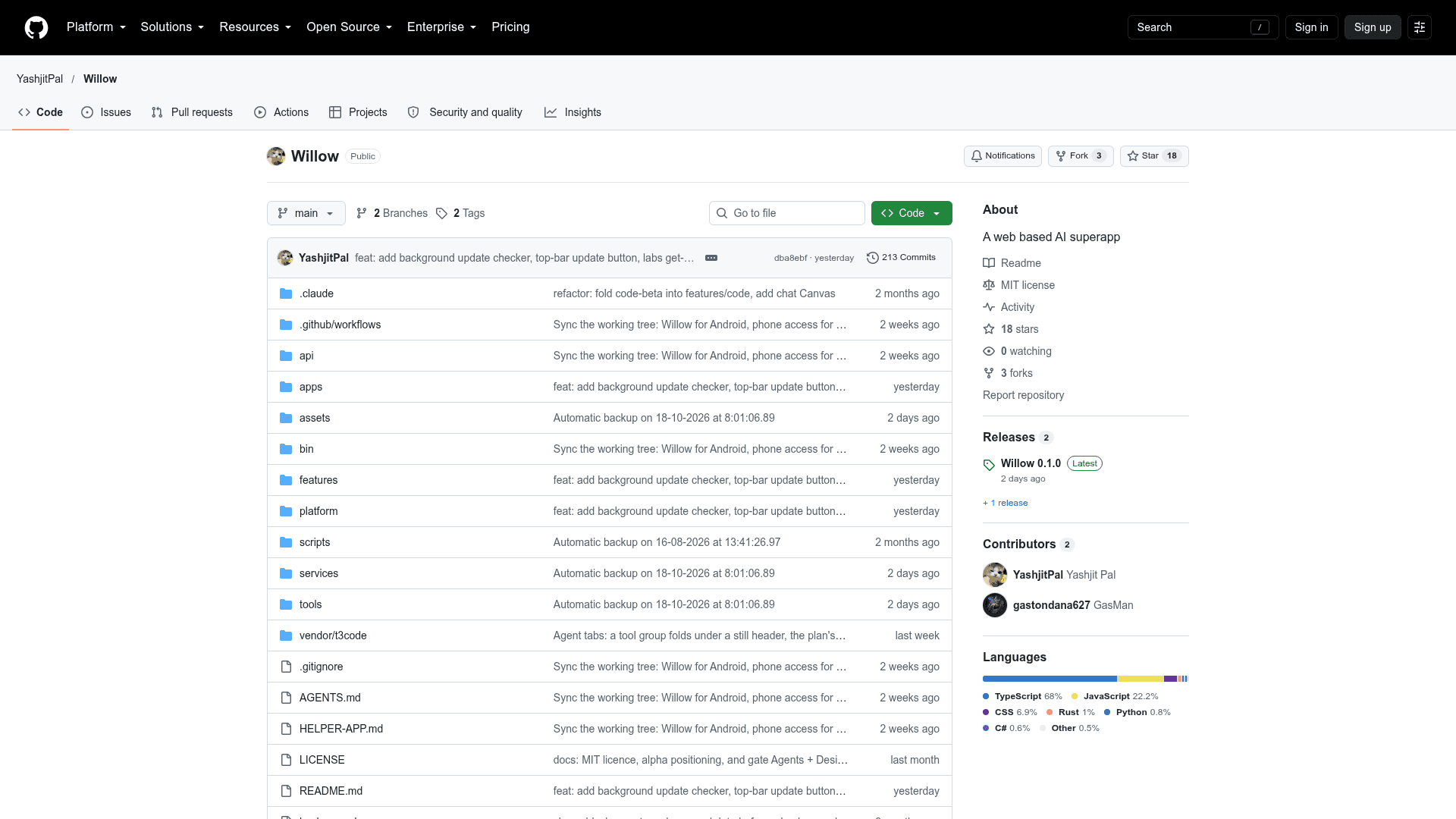
Willow is an open-source AI studio and canvas workspace by Yashjit Pal. It brings conversational chat, in-browser app generation, media creation and scheduled agents into one local-first interface where users supply their own provider API keys. The project is labeled alpha, with a v0.1.0 release published.
What It Is
Willow is a multi-surface client that replaces switching between separate tools for chatting, coding, image and media generation, and automation. Chats, projects, notebooks and generated media are stored in a folder the user picks on their own disk through the browser's File System Access API, with Google Drive available as an alternative storage adapter. The README states there is no analytics or telemetry, and that API keys stay on the device. Signing in is optional and uses Firebase for profile and non-secret UI state.
The Four Main Surfaces
- Chat: streaming conversation with mid-conversation model switching, readable reasoning steps, file and clipboard image attachments, dictation, an editable canvas panel, notebooks and reusable Gems personas.
- Code: describe an app and watch files stream in, with a preview bundled in the browser by esbuild-wasm, hot updates on save, and click-to-edit visual editing that maps elements back to source ranges. An optional patch-based harness is available for larger projects.
- Media: image generation with an editor (crop, box and lasso select, pen markup), music, video, consistent characters across sets, and an agent sidebar that plans batches of generations.
- Spark: agents defined from a sentence that run on a cron-style schedule, can use a real browser, and use saved skills and attached files; each run keeps its own timeline.
Agents (a node-based workflow canvas) and Design (UI generation from text or sketches) are incomplete and hidden by default behind Settings → Labs.
Model Providers
Six providers are wired in with tool-calling loops: Google Gemini, Anthropic Claude, OpenAI GPT, xAI Grok, Moonshot Kimi and Zhipu GLM. The README says Gemini is best supported in the alpha and recommends starting with a Gemini key; the others are under testing and may behave unexpectedly.
Setup Path
Willow requires Node 20 or newer. It can be launched with npx willow-studio, installed globally as the willow command, run from source with npm, or built as a Tauri desktop app for Windows, macOS and Linux. The desktop app adds tray operation, login startup, native notifications, approved-command folder access and per-agent Linux computers (Windows with WSL 2). Desktop builds are not code-signed yet. The CLI accepts port, host and no-open options.
Community Discussions
Be the first to start a conversation about Willow
Share your experience with Willow, ask questions, or help others learn from your insights.
Pricing
Open Source
MIT-licensed self-hosted/local-first Willow studio; users bring their own API keys (external cost).
- MIT License
- Local-first; runs via npx, global npm install, from source, or desktop app
- Bring your own API keys (external provider costs)
- Alpha release
- Optional sign-in via Firebase
Capabilities
Key Features
- Streaming multi-provider chat with mid-conversation model switching
- Editable canvas side panel for documents and code
- Notebooks and reusable Gems personas
- Dictation with live waveform
- In-browser app generation with live preview via esbuild-wasm
- Click-to-edit visual editing mapped to source
- Image, music and video generation with image editor
- Consistent character definitions across image sets
- Scheduled Spark agents with computer-use browser mode
- Reusable skills for agent tasks
- Local disk or Google Drive storage
- Local-first with no telemetry
- Tauri desktop app with tray, notifications and per-agent computers
- CLI launcher via npx or global install