With Coral
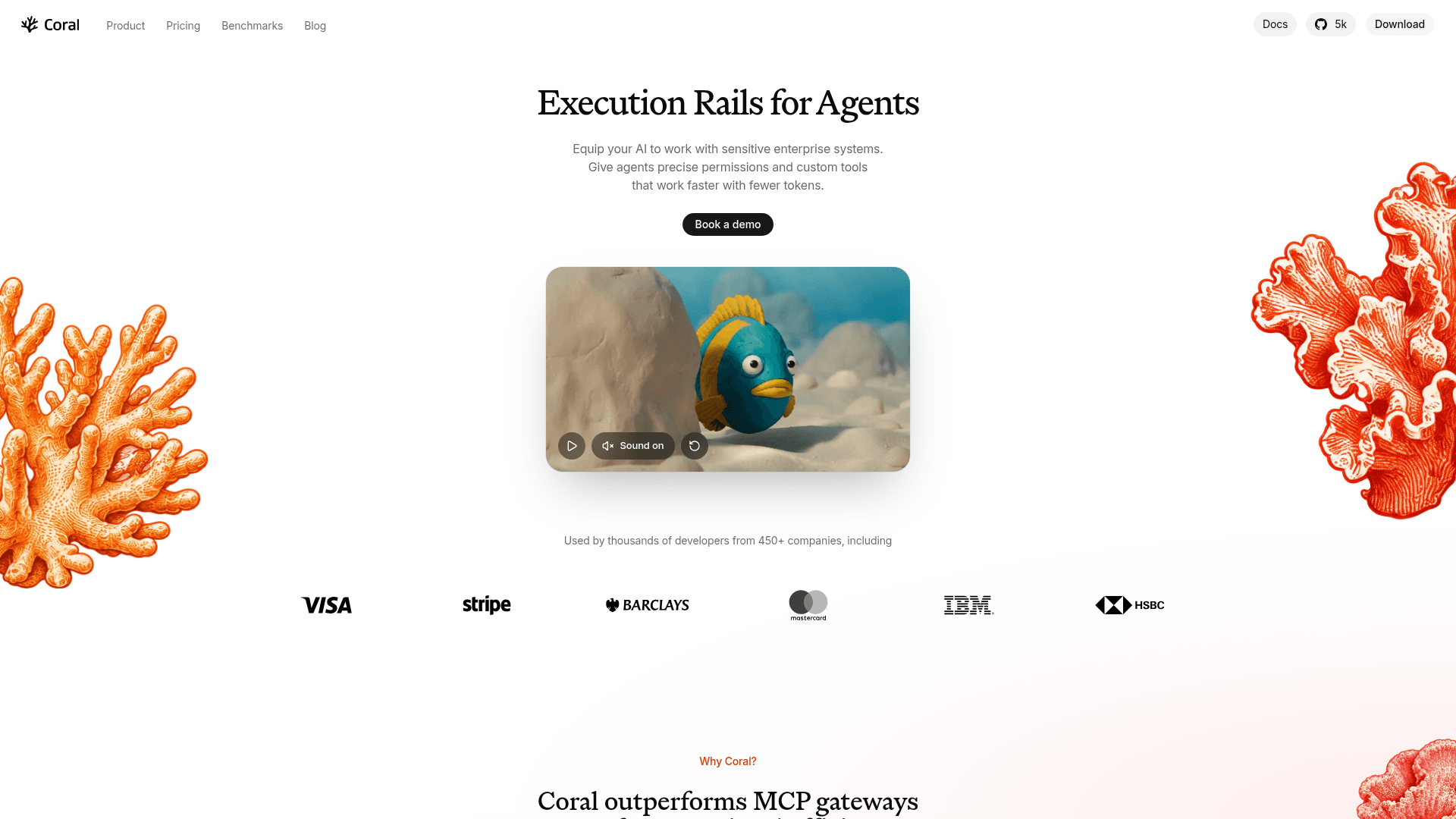
Open-source, self-hosted execution layer that gives AI agents policy-controlled access to enterprise systems through MCP and reusable custom tools.
At a Glance
About With Coral
Coral is an open-source, self-hosted gateway from Phoebe Technology Limited that sits between AI agents and the systems they work on. Agents connect over MCP, write short TypeScript programs that call provider tools, and save successful programs as reusable custom tools. Coral checks each call against workspace policy before adding credentials and forwarding it. The core is licensed under Apache 2.0 and runs as a desktop app or a shared server.
What It Is
Coral is an execution layer for agents rather than an agent framework. You add providers such as GitHub, Slack, Linear or Datadog, either from a catalog or from your own OpenAPI document or MCP server. You then point an MCP client such as Claude Code or Codex at your workspace's Coral MCP URL. Agents can call tools only from the providers you add, and Coral stores the credentials so agents never hold them.
How Programs Run
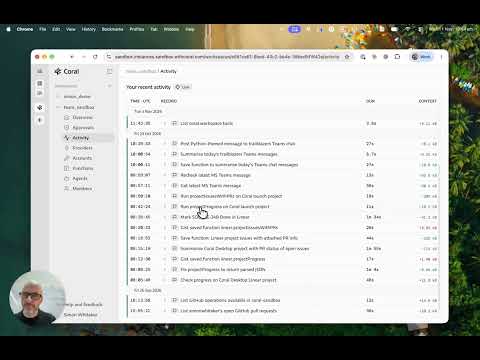
Agents use the exec tool to send TypeScript programs, and coral.search to discover available tools and their signatures. Each program runs in a fresh V8 isolate with no network access, no credentials and no imports. One program can call several tools, filter results and return only what the task needs, so less raw data reaches the model's context. Runs execute on the Coral server and continue even if the agent disconnects.
Permissions and Approvals
Each provider tool and custom tool can be set to Allow, Ask or Block. Approvals show the exact call and its arguments, can be granted in agent UIs such as Claude and Codex, and are logged in Coral. Because a custom tool is code, it can encode narrower rules, such as changing one field only on stale tickets, while Coral still checks every provider call inside it.
Custom Tools and Shared Memory
When a program succeeds, the agent saves it as a private custom tool called via coral.private. A workspace owner can publish it as a shared tool under coral.shared. Coral states that custom tools reduce tokens, cost and time on repeated tasks, and the vendor publishes its own benchmarks comparing Coral with direct MCPs and MCP gateways. Run traces can also serve as post-training data, and the vendor describes its Sailfish open-weights models trained this way.
Deployment
The desktop app runs on macOS (Apple silicon), Windows (x64) and Linux (x86_64). A shared team server runs with Docker Compose or Kubernetes and needs an OIDC identity provider, a reverse proxy for TLS, and SQLite or Postgres. The README states that Coral Enterprise, coming soon under a separate license, adds SAML SSO, SCIM, advanced RBAC, an immutable audit log and support SLAs.
Community Discussions
Be the first to start a conversation about With Coral
Share your experience with With Coral, ask questions, or help others learn from your insights.
Pricing
Open Source
Apache 2.0 licensed, free to self-host, with unlimited data sources, agents and queries; uses your own LLM keys.
- Coral tool execution layer
- Agent permissions control plane
- Shared agent workflows
- Unlimited data sources
- Unlimited agents
Enterprise
Additional governance controls and support for regulated and high-scale deployments. Custom pricing.
- Everything in Open Source
- SAML SSO and SCIM provisioning
- Advanced RBAC and agent policy controls
- Immutable audit log
- Bring your own secrets vault
- Custom provider integrations
- Managed evals and optimization
- Self-hosted
- Uptime and support SLAs
- Named support engineers
Capabilities
Key Features
- Per-tool Allow, Ask or Block policies for provider and custom tools
- Human approval flow with logged approvals
- Agents write TypeScript programs run in isolated V8 sandboxes
- Reusable private and shared custom tools
- Credential storage so agents never hold secrets
- Single MCP server endpoint for all workspace providers
- Providers from catalog, OpenAPI documents or MCP servers
- Desktop app and shared server deployment
- Structured run traces attributed to users or agents
- Self-hosted with local data and credentials
Integrations
Demo Video