One setup, three agents: where Claude Code, Codex and Cursor read your rules, skills, and MCP config


Claude Code, Codex, and Cursor each have their own files for project instructions, skills, and MCP servers. The three tools can share one instruction file and one skills folder. MCP configuration still lives in three places, in two formats.
Claude Code and Codex also document an /import command that copies a setup from another tool on your machine. Cursor's docs describe no import command. Cursor does read the other two tools' skill folders, and it can run Claude Code hooks.
This post maps where each tool looks, how to keep a single copy, and how to move a setup, according to Claude Code, Codex, and Cursor docs as of November 23, 2026.
Project instructions
| Tool | Project | Personal / global | Also loads |
|---|---|---|---|
| Claude Code | ./CLAUDE.md or ./.claude/CLAUDE.md; private per-project notes in ./CLAUDE.local.md (add it to .gitignore) | ~/.claude/CLAUDE.md | .md files in .claude/rules/, found recursively. A paths field in a rule's frontmatter loads that rule only for matching files. AGENTS.md in some cases (v2.1.277+), as described below. |
| Codex | From the project root, usually the Git root, down to the working directory, at most one file per directory: AGENTS.override.md, then AGENTS.md, then any names in project_doc_fallback_filenames | In ~/.codex (or CODEX_HOME): AGENTS.override.md if it exists, otherwise AGENTS.md. Codex uses only the first non-empty file at this level. | |
| Cursor | .mdc files in .cursor/rules. A plain .md file in that folder is ignored. AGENTS.md in the project root, plus nested AGENTS.md files in subdirectories. | User Rules in Customize → Rules | Team Rules from the dashboard |
Claude Code load order
Claude Code's memory docs describe the following.
CLAUDE.md and CLAUDE.local.md files in your working directory and every directory above it load at launch. They are concatenated, not overridden. Content runs from the filesystem root down, so the file closest to where you launched is read last. Within a directory, CLAUDE.local.md comes after CLAUDE.md.
CLAUDE.md files in subdirectories load once Claude reads, writes, or edits a file there.
AGENTS.md (v2.1.277 or later). Claude reads AGENTS.md when there is no CLAUDE.md, .claude/CLAUDE.md, or CLAUDE.local.md in your working directory or above it. ~/.claude/CLAUDE.md and .claude/rules/ don't count for that check and keep loading alongside AGENTS.md. If there is a CLAUDE.md, Claude reads CLAUDE.md only, unless you set Project instructions to claude-md-and-agents-md in /config. That setting reads both and will not read the same AGENTS.md twice.
Claude Code does not read AGENTS.override.md, AGENTS.local.md, or anything under a .agents/ directory.
Codex load order
Codex's AGENTS.md docs describe the following.
Files are joined from the root down, so the one closest to your working directory comes last and overrides earlier guidance. Empty files are skipped. Codex stops adding files at project_doc_max_bytes, 32 KiB by default. That cap is also listed in the Codex config reference.
Cursor load order
Cursor's rules docs describe the following.
Rule frontmatter (alwaysApply, description, globs) sets whether a rule is always on, pulled in when relevant, attached to matching files, or used only when you @-mention it.
Nested AGENTS.md files combine with their parents, and the more specific file takes precedence. When rules conflict, Team Rules come first, then Project, then User.
Skills
All three tools use the Agent Skills format: a folder with a SKILL.md whose frontmatter has a name and a description. The agent sees names and descriptions first and reads the full file when it uses the skill.
| Tool | Project | User / other | Same-name behavior |
|---|---|---|---|
| Claude Code | .claude/skills/<name>/SKILL.md, including nested <subdir>/.claude/skills | ~/.claude/skills/<name>/SKILL.md for personal skills, plus enterprise skills | When two skills share a name, enterprise wins over personal, and personal over project. Claude Code's skills docs list no .agents/skills location. |
| Codex | .agents/skills in every directory from your working directory up to the repo root | ~/.agents/skills, /etc/codex/skills for admins, and bundled system skills | Two skills with the same name aren't merged; both can show up. |
| Cursor | .agents/skills and .cursor/skills anywhere in the project, scoped to the directory they sit in. For compatibility, Cursor also loads .claude/skills and .codex/skills. | ~/.agents/skills, ~/.cursor/skills, ~/.claude/skills, and ~/.codex/skills |
.agents/skills covers Codex and Cursor. Claude Code is the one that needs .claude/skills, and Cursor reads that folder too. Details are in the Claude Code, Codex, and Cursor skills docs.
Recommended
AI Performance Metrics Explained Through How Printers Work
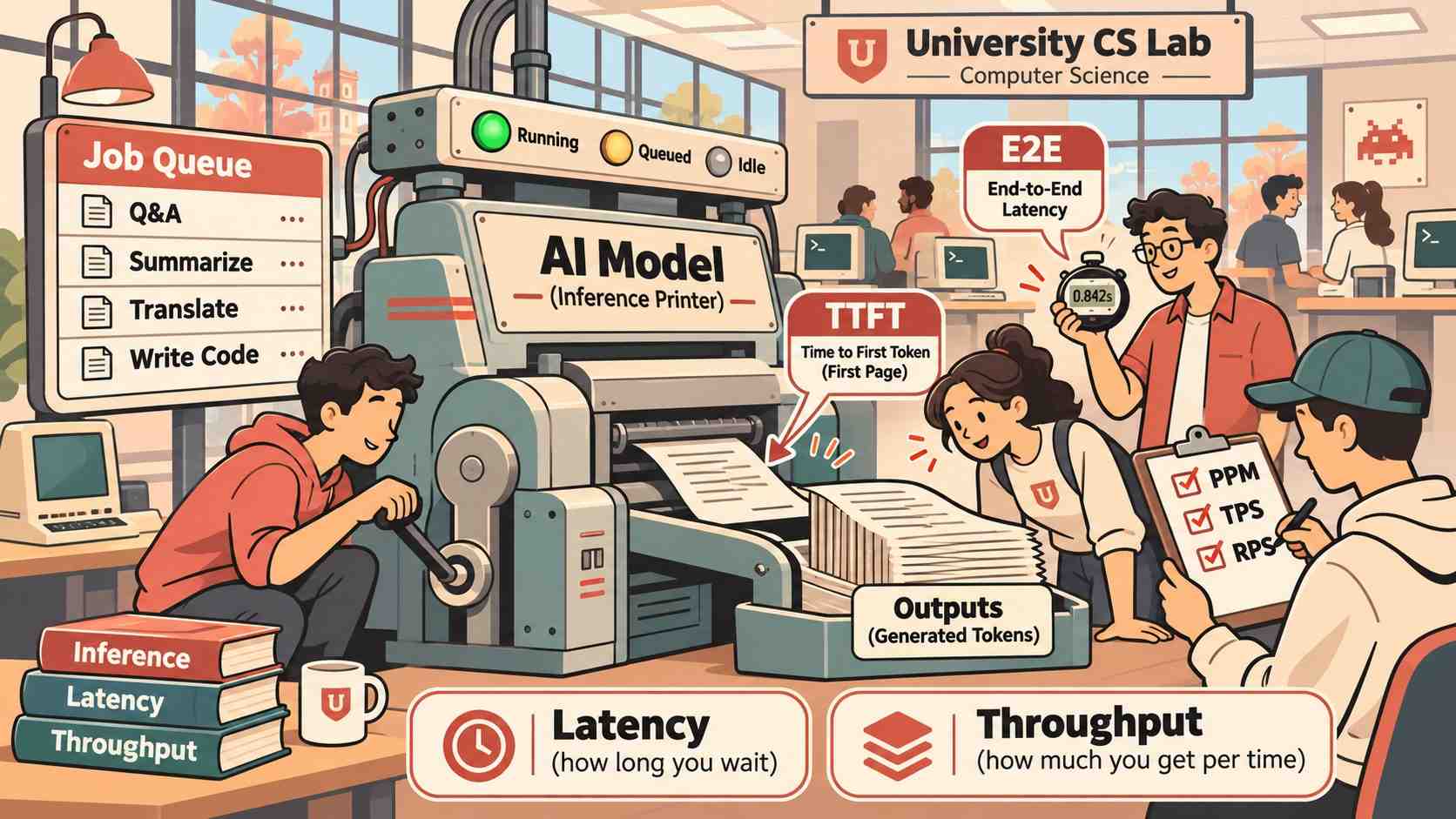
A familiar office printer can explain a lot about AI performance, from latency and throughput to memory and scheduling. The Printer It's 1999. Somewhere in a university computer lab. Three computer science students are s…
Read nextMCP servers
No MCP file is read by all three tools. Claude Code and Cursor both use JSON with an mcpServers object, but they expand variables differently (${VAR} versus ${env:NAME}). Codex uses TOML.
| Tool | Project | User / other | Format |
|---|---|---|---|
| Claude Code | .mcp.json at the project root, meant to be committed | Local scope (the default) and user scope, both stored in ~/.claude.json. Local applies to one project, user to all of them. | JSON; ${VAR} and ${VAR:-default} |
| Codex | .codex/config.toml in a trusted project | ~/.codex/config.toml | TOML; one [mcp_servers.<name>] table per server |
| Cursor | .cursor/mcp.json in the project, under an mcpServers object | ~/.cursor/mcp.json | JSON; ${env:NAME} |
Claude Code
Claude Code's MCP docs describe the following.
Claude Code asks for approval before using project-scope servers from .mcp.json in an interactive session.
If the same server is defined in more than one place, Claude Code connects once, using the first match in this order: local, project, user, plugin-provided servers, claude.ai connectors. The whole entry comes from that source. Fields aren't merged.
An entry with a url needs a type ("http", "sse", or "ws"). Without one, Claude Code treats it as a stdio server and skips it.
Codex
Codex's MCP docs describe the following.
codex mcp add adds a server from the CLI. The ChatGPT desktop app, Codex CLI, and the IDE extension share this configuration.
Cursor
Cursor's MCP docs describe the project and global JSON files above, and ${env:NAME} expansion.
Keeping one copy
Instructions
- Put shared instructions in
AGENTS.mdat the repo root. Codex and Cursor read it as is. - For Claude Code, either leave out
CLAUDE.mdso it readsAGENTS.mddirectly, or startCLAUDE.mdwith an import line and put Claude-only notes below it:
@AGENTS.md
- A symlink also works:
ln -s AGENTS.md CLAUDE.md
If anyone who clones the repo works on Windows, Anthropic's docs say to use the @AGENTS.md import instead. On Windows, a committed symlink can check out as a one-line text file.
Skills
- Keep skills in
.agents/skills/. Codex and Cursor pick them up there. - For Claude Code, symlink each skill folder into
.claude/skills/, for example:
ln -s ../../.agents/skills/deploy .claude/skills/deploy
Claude Code and Codex both document support for symlinked skill folders.
Or let the skills CLI from Vercel Labs do it:
npx skills add <owner/repo> -a claude-code -a codex -a cursor
Per its agent mapping and commands docs, that installs to .claude/skills for Claude Code and .agents/skills for Codex and Cursor, linking each agent's folder to one canonical copy unless you pass --copy. Add -g to install at user level.
A skills lock file in CI
A reader asked whether CI can reinstall the same skill versions from a lock file. With that CLI, its docs say yes.
Project installs are recorded in skills-lock.json, and npx skills experimental_install (or npx skills install with no source) restores them into .agents/skills and links them into each agent's folder. For a Git source it fetches the commit recorded in the lock, not the latest one.
--frozen-lockfile is the default when CI or GITHUB_ACTIONS is set: if a skill doesn't match its recorded hash, the command fails instead of changing the lock. npx skills check exits with code 1 when a skill has an update or local changes, so it can gate CI.
The restore command is marked experimental, so its name and options may change. Anthropic's, OpenAI's, and Cursor's own docs don't describe a skills lock file.
MCP
There is no shared MCP file, so each tool gets its own entry:
claude mcp add --scope projectwrites.mcp.json- Codex reads
[mcp_servers]fromconfig.toml - Cursor reads
.cursor/mcp.json
Moving your setup
Into Claude Code
/import codex, /import gemini, or /import cursor brings configuration from Codex, Gemini CLI, or Cursor on your machine into Claude Code: instruction files, MCP servers, commands, subagents, and skills. --dry-run previews without writing anything, and --yes skips the picker. Importing from Cursor needs v2.1.265 or later. It isn't available on Amazon Bedrock, Google Cloud's Agent Platform, Microsoft Foundry, or Claude Platform on AWS, or through a Claude apps gateway. See the Claude Code commands docs.
The import appends a one-time copy of instruction files such as AGENTS.md to the matching CLAUDE.md. After that, the text lives in two files. The @AGENTS.md line in the section above is the documented way to keep one copy.
/init also reads Cursor rules (.cursor/rules/ or .cursorrules) and .github/copilot-instructions.md into the CLAUDE.md it generates. With CLAUDE_CODE_NEW_INIT=1 it reads AGENTS.md too. If it finds Codex or Gemini CLI configuration, it offers /import. That behavior is documented in the memory docs under migrating instructions from other tools.
Into Codex
Type /import in an idle Codex CLI session, choose Claude Code or Cursor, and select the setup, project files, and recent chats to bring over. The CLI imports up to 50 chats from the last 30 days. In the ChatGPT desktop app it's Settings > Import, which can also import from Claude Cowork and keep imported work in sync with automatic updates, as described in OpenAI's import docs.
Per those docs: instruction files go to AGENTS.md, settings.json to config.toml, skills to skills, MCP servers to Codex's MCP config, hooks to Codex hooks, slash commands to skills, and subagents to Codex subagents.
Importing doesn't change or delete your existing setup. OpenAI's docs list what to review afterward: tool restrictions in imported skills and agents; MCP servers with custom auth, headers, environment variables, or transports; hooks; plugins; and prompts that depend on arguments or shell interpolation.
Into Cursor
Cursor's docs describe no import command. It reads Claude Code's and Codex's skill folders directly, as listed in the skills section. It also runs Claude Code hooks from .claude/settings.local.json, .claude/settings.json, and ~/.claude/settings.json when "Include Third-Party Plugins, Skills, and Other Configs" is on in Settings → Agents → Third-Party Imports. That setting is on by default. See Cursor's third-party hooks docs.
What loads when a session starts
- Claude Code: the
CLAUDE.mdchain (orAGENTS.md), rules withoutpaths, skill names and descriptions, and MCP tool names plus server instructions. Full MCP tool definitions wait for tool search, which is on by default.disable-model-invocation: truekeeps a skill's description out of context until you call it. - Codex: the
AGENTS.mdchain, up to 32 KiB by default, and a skills list capped at 2% of the model's context window, or 8,000 characters when the window size is unknown.skills.max_context_tokenschanges that budget, up to 10,000 tokens, as listed in the skills and config docs. - Cursor: rules set to Always Apply, plus the list of available skills. Skills with
disable-model-invocation: trueload only when you type/skill-name, andpathslimits a skill to matching files, per the Cursor skills docs.
Checking and trimming what loaded
Claude Code. /context all shows what loaded, including memory files. /skill-doctor (v2.1.252+) shows what each skill costs in context and how often it's used. /doctor prompt-audit (v2.1.283+) checks your CLAUDE.md, CLAUDE.local.md, and AGENTS.md files, rules, and skills for outdated or conflicting instructions, as noted in the memory docs. Anthropic suggests keeping each CLAUDE.md under 200 lines.
Codex. A [[skills.config]] entry with enabled = false turns off a skill without deleting it. enabled = false on an MCP server turns it off, and enabled_tools and disabled_tools limit which tools load.
Cursor. Toggle MCP servers off in Customize. Disabled servers don't load or appear in chat. The docs suggest keeping rules under 500 lines.
Sources
Checked against official docs on November 23, 2026.
Claude Code (Anthropic)
Codex (OpenAI)
- AGENTS.md
- Skills
- MCP
- Config reference
- CLI slash commands, including /import
- Import from another agent
Cursor
Skills CLI (Vercel Labs)
We cover new coding-agent tools and setup changes every week in the EveryDev.ai newsletter.
Comments
Checking profile…