
Dia
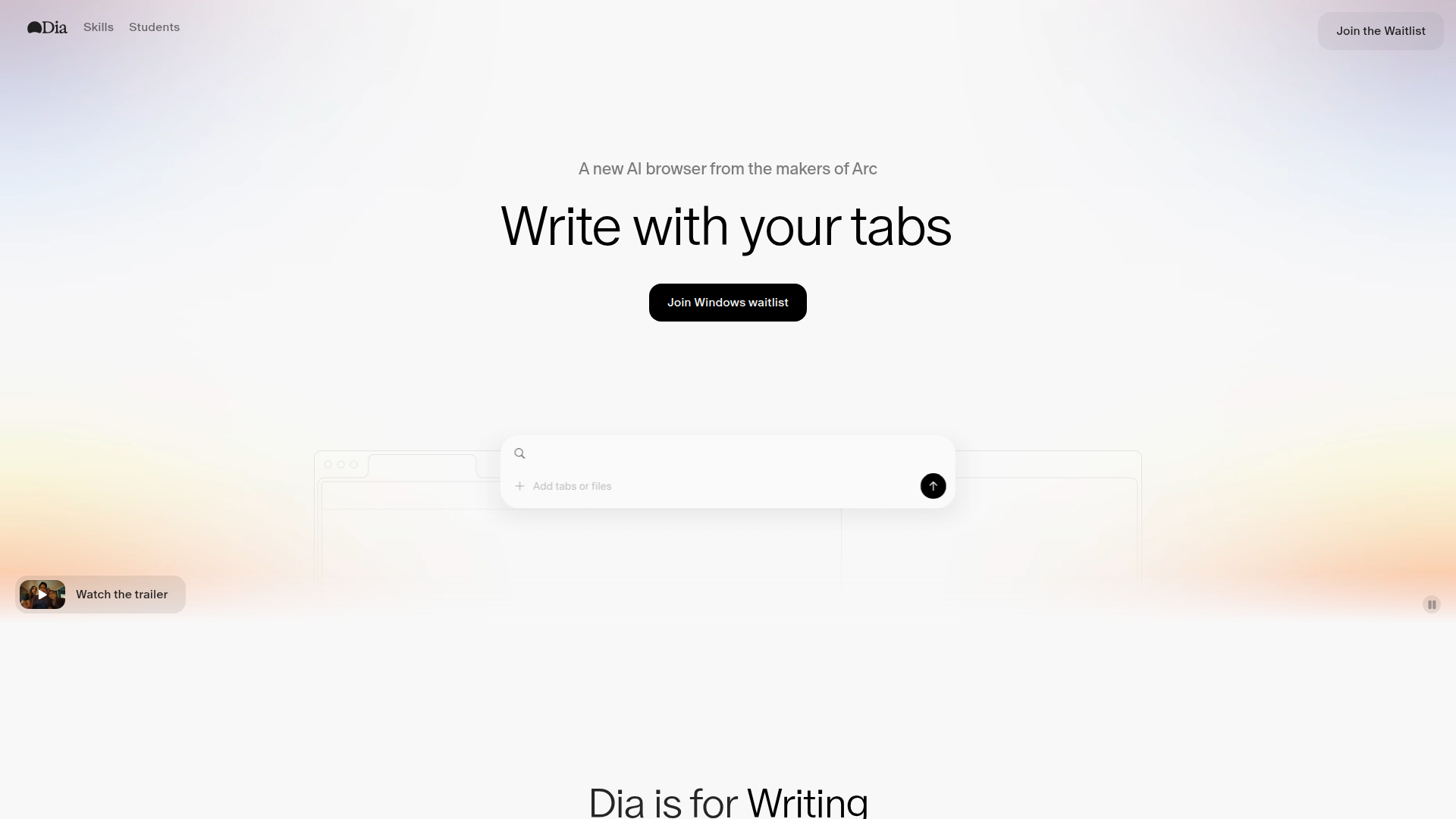
An AI-powered browser that embeds in-line writing, research, tutoring, planning and shopping assistance directly into web tabs, currently available for macOS 14+ on Apple Silicon.
At a Glance
About Dia
Dia is an AI-first browser from The Browser Company that provides context-aware assistance across your open tabs, acting as an in-line writing partner, tutor, planner and shopping concierge. Beyond built-in AI features, Dia introduces Skills—community-created shortcuts for repeatable workflows that you can discover, remix, and create yourself. Skills cover categories from research and development to writing, planning, and shopping, with a growing library of one-click automations like fact-checking, transcript generation, content analysis, and more. The browser emphasizes user control over privacy and is currently available on macOS 14+ with Apple Silicon.
Core AI Features:
- In-line copy editor — edit and improve text directly inside form fields and text boxes without copy-paste.
- Chat with your tabs — ask questions that use content from open tabs to give context-aware answers and comparisons.
- Tutor in every tab — get step-by-step explanations, practice problems and breakdowns of complex concepts while you browse.
- YouTube timestamps & instant summaries — jump to relevant moments and read concise summaries of videos and long articles.
- Planning assistant — generate immediate to-do lists, meeting takeaways and formatted outputs based on page content.
- Shopping concierge — compare products, surface sizing and review highlights to speed purchasing decisions.
- Translate on demand & personalization — translate text inline and tailor tone and localization for different audiences.
- Privacy controls — options to control what data is shared and how browsing context is used.
Skills (Workflow Automation):
- Community Skills library — discover and use Skills created by other users, organized by category (Planning, Learning, Development, Writing, Research, Shopping, Marketing) and curated into themed packs.
- One-click automations — invoke Skills like
/fact-checkfor instant verification,/transcriptfor YouTube video transcripts,/best-wordfor context-aware word suggestions,/outlinefor essay structures, and hundreds more. - Custom Skills — create your own Skills to automate repetitive browsing tasks, then share them with the community or keep them private.
- Skill Packs — pre-built collections like "Back to School," "Shop Smarter," "Make The Most Of Your Browsing History," and "Do Like The Greats" that bundle related Skills together.
- Browse Skills — explore the full Skills directory, see popular Skills, and submit your own creations. Find them at diabrowser.com/skills
To get started, install Dia on a supported macOS device, open the browser and enable the in-line assistant; interact with page content by highlighting text, invoking the assistant in text boxes, asking questions that reference your open tabs, or typing / followed by a Skill name to trigger workflow automations. Explore the Skills library to discover community-created shortcuts that match your workflows.
Community Discussions

20 takeaways from this talk on building Dia, an AI browser
The Browser Company’s head of AI engineering breaks down how they’re building DIA. Watch the full talk here On Building Fast Be honest when your product isn’t hitting your vision—even if users love it. Arc was loved by millions but they knew it was incremental. Build AI tools INTO your product, not …
Pricing
Free
Core in-line assistant features for individual use.
- In-line copy editor
- Instant summaries
- Basic tutoring in tabs
Pro
Contact sales for Pro pricing and enterprise options.
- Full access to Dia across tabs
- YouTube timestamps and advanced summaries
- Advanced personalization and priority support
Capabilities
Key Features
- In-line copy editor
- Context-aware chat using open tabs
- Tutor-style explanations and practice
- YouTube timestamps and instant summaries
- Translate on demand
- To-do and planning assistant
- Shopping recommendations and review highlights
- Privacy controls
Integrations
Demo Video