
EveryDev.ai
Sign inSubscribe
  1. Home
  2. Tools
  3. Agent TARS CLI
Agent TARS CLI icon

Agent TARS CLI

Agent Frameworks

Command-line interface for running the Agent TARS multimodal agent locally, with optional Web UI, model providers, and a typed workspace config.

Visit Website

At a Glance

Pricing

Open Source

Get started with Agent TARS CLI at no cost with Free version available.

Engagement

Available On

Windows
macOS
Linux

Resources

WebsiteDocsGitHubllms.txt

Topics

Agent FrameworksCommand Line AssistantsMulti-agent Systems

About Agent TARS CLI

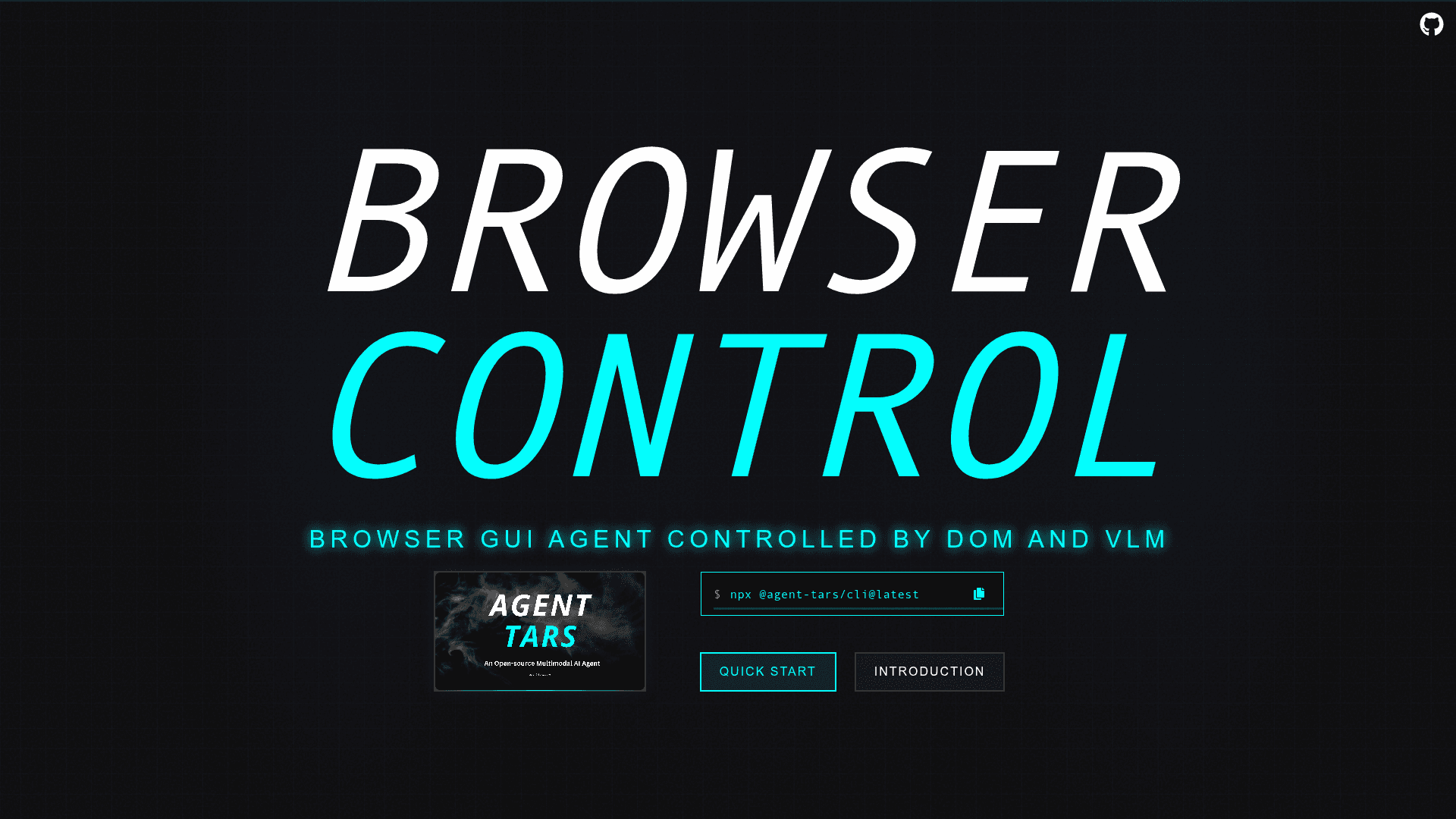
Agent TARS CLI is the terminal interface for the Agent TARS stack — a multimodal agent that can browse, run commands, use MCP tools, and coordinate GUI/browser actions. It supports multiple model providers (Volcano Engine Seed-1.5-VL, Anthropic Claude 3.7 Sonnet, OpenAI GPT-4o), can pop open a local Web UI to inspect runs, and lets you manage a typed workspace config in TypeScript.

Installation

  • Prerequisites
    • Node.js ≥ 22 (LTS recommended)
    • Google Chrome (the CLI controls your local browser)
  • Install
    # latest
    npm install -g @agent-tars/cli@latest
    
    # or install the current beta
    npm install -g @agent-tars/cli@next
    

Usage

  1. Pick a model provider & run
# Volcano Engine (Seed 1.5 VL / Doubao)
agent-tars \
  --provider volcengine \
  --model doubao-1-5-thinking-vision-pro-250428 \
  --apiKey "$VOLC_API_KEY"

# Anthropic
agent-tars \
  --provider anthropic \
  --model claude-3-7-sonnet-latest \
  --apiKey "$ANTHROPIC_API_KEY"

# OpenAI
agent-tars \
  --provider openai \
  --model gpt-4o \
  --apiKey "$OPENAI_API_KEY"

When the CLI starts it prints a local link (e.g. http://localhost:8888) — open it to view the Web UI for the current run.

  1. Create a global workspace (recommended)
agent-tars workspace --init   # guided setup
agent-tars workspace --open   # open the folder

Then manage config in TypeScript with types:

// agent-tars.config.ts
import { defineConfig } from '@agent-tars/interface';
export default defineConfig({
  model: { provider: 'volcengine' },
  // ...other settings
});
  1. Start a task
agent-tars --provider openai --model gpt-4o --apiKey "$OPENAI_API_KEY"
# Then in the Web UI, enter a prompt like:
# "Tell me the top 10 for Humanity's Last Exam"

Notes

  • Designed for headless CLI use; you can summon the Web UI on demand to inspect/steer runs.
  • Integrates with browser, shell commands, file system, and MCP tools; includes built-in tools like Search/Browser/File/Command.
Agent TARS CLI - 1

Community Discussions

Be the first to start a conversation about Agent TARS CLI

Share your experience with Agent TARS CLI, ask questions, or help others learn from your insights.

Pricing

OPEN SOURCE

Open Source

Get started with Agent TARS CLI at no cost with Free version available.

  • Free version available
View official pricing

Capabilities

Key Features

  • Multimodal agent runs from the terminal with optional Web UI viewer
  • Model provider plug-ins (Volcano Engine Seed-1.5-VL, Anthropic, OpenAI)
  • Local browser automation via Chrome
  • Typed workspace configuration in TypeScript
  • Built-in tools (Search, Browser, File, Command) plus MCP integration
  • Headless operation with on-demand UI
  • Supports visual grounding and tool calls with compatible models

Integrations

Google Chrome
Volcano Engine (Doubao / Seed-1.5-VL)
Anthropic Claude
OpenAI GPT-4o
MCP tools

Reviews & Ratings

No ratings yet

Be the first to rate Agent TARS CLI and help others make informed decisions.

Developer

ByteDance

ByteDance is the developer of the TARS framework and UI-TARS Desktop, exploring multi-agent orchestration systems for building applications with natural language.

Founded 2012
Building 2, 1733 Commercial Space
$9.4B+ raised
150,000 employees

Used by

Nike (TikTok marketing campaigns)
Mercedes-Benz China (AI technology…
Reliance Jio (digital services…
Sony Music (music content partnership)
+11 more
Read more about ByteDance
WebsiteGitHubX / Twitter
2 tools in directory

Similar Tools

Mistral Vibe CLI icon

Mistral Vibe CLI

Open-source command-line coding assistant powered by Devstral models for terminal-based agentic coding, file manipulation, and codebase exploration.

mini-SWE-agent icon

mini-SWE-agent

100-line Python coding agent with CLI/TUI that fixes GitHub issues and automates repo tasks. Model-agnostic via LiteLLM, sandboxable (Docker/Podman/Bubblewrap), with an Inspector to browse trajectories.

MindRoot icon

MindRoot

Open source AI agent web app platform for building, deploying, and sharing customizable AI agents with plugin architecture.

Browse all tools

Related Topics

Agent Frameworks

Tools and platforms for building and deploying custom AI agents.

87 tools

Command Line Assistants

AI-powered command-line assistants that help developers navigate, search, and execute terminal commands with intelligent suggestions and context awareness.

58 tools

Multi-agent Systems

Platforms for creating and managing teams of AI agents that can collaborate.

42 tools
Browse all topics
Back to all tools
Explore AI Tools
  • AI Coding Assistants
  • Agent Frameworks
  • MCP Servers
  • AI Prompt Tools
  • Vibe Coding Tools
  • AI Design Tools
  • AI Database Tools
  • AI Website Builders
  • AI Testing Tools
  • LLM Evaluations
Follow Us
  • X / Twitter
  • LinkedIn
  • Reddit
  • Discord
  • Threads
  • Bluesky
  • Mastodon
  • YouTube
  • GitHub
  • Instagram
Get Started
  • About
  • Editorial Standards
  • Corrections & Disclosures
  • Community Guidelines
  • Advertise
  • Contact Us
  • Newsletter
  • Submit a Tool
  • Start a Discussion
  • Write A Blog
  • Share A Build
  • Terms of Service
  • Privacy Policy
Explore with AI
  • ChatGPT
  • Gemini
  • Claude
  • Grok
  • Perplexity
Agent Experience
  • llms.txt
Theme
With AI, Everyone is a Dev. EveryDev.ai © 2026
Main Menu
  • Tools
  • Developers
  • Topics
  • Discussions
  • News
  • Blogs
  • Builds
  • Contests
Create
Sign In
    Sign in
    36views
    0saves
    0discussions