
agentcad
An open-source MCP server and CLI that lets AI coding agents design, render, and export real CAD output using Python scripts with build123d or CadQuery.
At a Glance
About agentcad
agentcad is an open-source MCP server and CLI tool built by James Dillard that enables AI coding agents to design, render, and export real CAD geometry. It runs locally, requires no signup, and is licensed under Apache-2.0. The project is available on PyPI and GitHub, and integrates with coding agents like Claude Code, Cursor, and Windsurf.
What It Is
agentcad sits between a coding agent and a CAD runtime (build123d or CadQuery), giving the agent a tight feedback loop — run, render, inspect, fix — so it can converge on printable geometry without constant human supervision. Every command returns structured JSON, making it easy for agents to read metrics, catch geometry errors, and iterate. Scripts require zero imports because build123d primitives, show_object, and geometry helpers are pre-injected into every execution context.
How the Agent Feedback Loop Works
The core workflow is designed around the reality that agents often produce invalid geometry on the first attempt. agentcad addresses this with several mechanisms:
- Pre-execution validation catches syntax errors, missing
show_objectcalls, and unresolvable imports in under 100ms — without consuming a version number or writing to disk. - Versioned outputs store the STEP file, script, full metadata, preview PNG, and any renders in a labeled directory (e.g.,
v3_strut_fittings/). - Geometric metrics — volume, dimensions, face/edge counts, validity — are returned on every successful run so the agent can self-check before presenting results.
- Render views produce PNG images from any angle (front, back, iso, custom az:el) for visual verification.
- Diff command compares two versions to track design iteration and metric deltas.
MCP Integration and Agent Skill
agentcad ships with native MCP server support, exposing all CLI commands as structured agent tools. Adding it to .mcp.json works with Claude Code, Cursor, and Windsurf. The MCP mode keeps the CAD runtime process warm, skipping the 3–5 second cold import on subsequent runs.
The project also ships an installable agent skill manifest (SKILL.md) via agentcad skill install, which lets coding agents pick up agentcad as a known capability without extra prompting. The skill is listed on ClawHub (OpenClaw ecosystem) and skills.sh (Vercel).
Export and Output Formats
agentcad supports multiple output formats for downstream use:
- STEP — versioned, the primary CAD output
- STL — for 3D printing
- GLB — auto-colors per-solid, for web viewers
- OBJ — for general mesh use
- PNG renders — from any angle, including custom azimuth/elevation
The bundled view command opens STEP or GLB files in a browser-based three.js viewer, with STEP files auto-converting to GLB.
Setup Path
agentcad supports Python 3.10–3.12. Installation is via pip:
python3.12 -m venv .venv
source .venv/bin/activate
pip install 'agentcad[mcp]'
For CLI-only use without the MCP server, pip install agentcad suffices. The uv tool installer is also supported. Built-in documentation is accessible via agentcad docs, which returns all 17 sections as structured JSON — the project treats the CLI help output as the authoritative source of truth rather than external docs pages.
Current Status
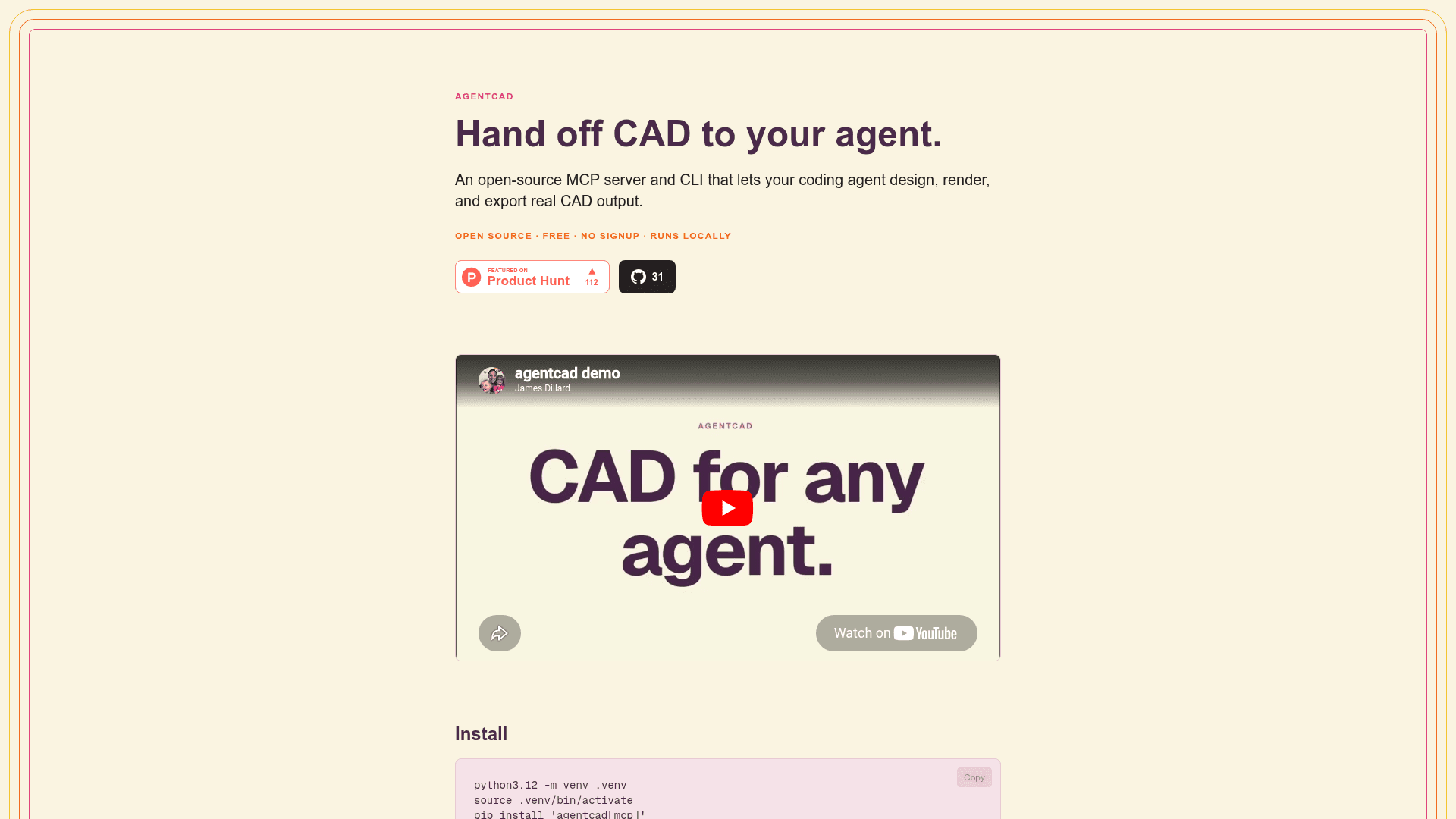
agentcad is actively developed and publicly available on PyPI and GitHub under the Apache-2.0 license. The project was featured on Product Hunt and has a demo video showing a Claude session reconstructing the 1903 Wright Flyer as a 234-part CAD model from prompts. The GitHub repository had 31 stars at the time of the homepage snapshot.
Community Discussions
Be the first to start a conversation about agentcad
Share your experience with agentcad, ask questions, or help others learn from your insights.
Pricing
Free
Fully open-source, free to use with no signup required. Runs locally.
- MCP server and CLI
- Versioned STEP output
- PNG renders
- STL/GLB/OBJ export
- Pre-execution validation
Capabilities
Key Features
- MCP server for AI coding agent integration
- CLI with structured JSON output for all commands
- Pre-execution validation in under 100ms
- Versioned STEP file output with geometric metrics
- PNG render views from any angle including custom az/el
- Export to STL, GLB, and OBJ formats
- Zero-import script execution with pre-injected build123d primitives
- Diff command to compare design versions
- Inspect command for topology debugging
- Browser-based three.js viewer for STEP and GLB files
- Parametric script support with --params flag
- Built-in JSON documentation via agentcad docs
- Agent skill manifest installable via agentcad skill install
- Persistent warm CAD runtime in MCP mode
- Feedback command to submit friction notes with session log
Integrations
Demo Video