
AgentGrid
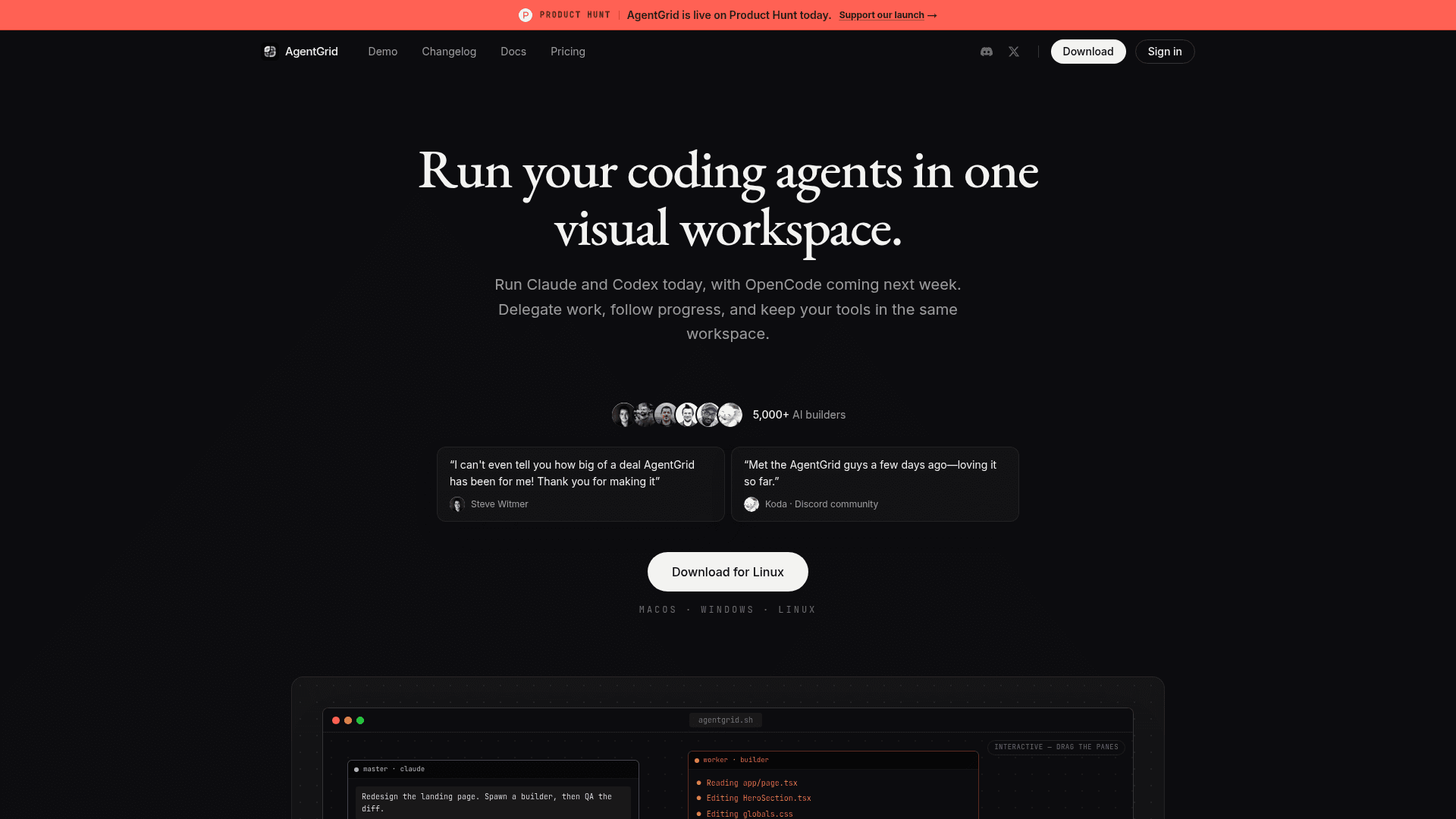
A visual desktop workspace for running multiple coding agents like Claude Code and Codex side by side on an infinite canvas.
At a Glance
Get started with AgentGrid at no cost
Engagement
Available On
Alternatives
Listed Jul 2026
About AgentGrid
AgentGrid is a desktop application that gives developers a single infinite canvas to launch, monitor, and coordinate multiple AI coding agents simultaneously. Built in Vancouver by @0xPaperhead and @yagudaev, it currently supports Claude Code and Codex, with OpenCode listed as coming soon. The tool launched on Product Hunt and the homepage reports a community of 5,000+ AI builders.
What It Is
AgentGrid is a visual multi-agent workspace for software development. Instead of switching between separate terminal windows or chat interfaces, developers open one canvas and arrange agent panes, terminals, notes, a browser with DevTools, and VS Code side by side. The core idea is that agents can read the full workspace context — notes, terminal output, and other panes — rather than being limited to their own chat history.
How the Canvas Works
The workspace is organized around a zoomable, pannable infinite canvas. Each project gets its own canvas, and developers can:
- Create new spaces with ⌘T and launch agents with ⌘1–9
- Search across the canvas with ⌘F and navigate with a minimap
- Drag and rearrange panes freely
- Undo closed panes
Sessions are saved to disk in a .agent-grid folder, so work persists through OS updates and restarts. Agents can be resumed mid-task after a reboot.
Orchestration and the Agentic SDLC
AgentGrid supports a master-worker delegation model. A master agent can split a task into sub-tasks, spawn visible worker agents for implementation, testing, and review, and developers can read the full worker conversation and send follow-ups directly. The homepage describes this as a "Plan → Implement → Review" loop — a visible software factory where each stage is inspectable and controllable by the human developer.
When a provider hits a usage or session limit, AgentGrid shows a warning before work stops and lets developers open another agent in the same project, hand off context from the visible workspace, and continue without copy-paste.
Developer Tools and Voice Mode
Beyond agent panes, AgentGrid embeds practical developer tooling directly in the canvas:
- A real terminal for running commands
- VS Code integration beside the active agent
- Git staging, diffing, and committing
- Chromium with DevTools for live preview
Agent calls (voice mode) let developers start a live audio call from any agent pane, continuing the same development conversation while the agent works and handing off the next task during the call.
Cross-Device and Mobile Beta
The same project and canvas layout can be opened on desktop (macOS, Windows, Linux) and on iPhone or Android in a mobile beta. Layout syncs live across devices, so developers can monitor or direct agents from a phone.
Update: Version 2.7.9
The changelog shows active weekly releases. As of July 17, 2026, version 2.7.9 added in-app password reset without opening a browser. Recent prior releases include one-click CLI installation during onboarding (2.7.8), an in-app Plan/billing management section in Settings (2.7.7), and selection-centered zoom behavior (2.7.6). The cadence signals rapid iteration toward a polished production release.
Community Discussions
Be the first to start a conversation about AgentGrid
Share your experience with AgentGrid, ask questions, or help others learn from your insights.
Pricing
Free
Get started with AgentGrid at no cost
- Canvas workspace
- Claude Code and Codex support
- Session persistence
- Terminal, VS Code, git, and browser panes
Pro
Full access for individual developers
- All Free features
- In-app plan and billing management
- Priority support
Capabilities
Key Features
- Infinite canvas workspace for coding agents
- Run Claude Code and Codex side by side
- Master-worker agent orchestration and delegation
- Session persistence across restarts (saved to .agent-grid)
- Smart workspace context sharing across panes
- Integrated terminal, VS Code, git, and Chromium with DevTools
- Agent voice calls for live development conversations
- Provider usage monitoring with limit warnings and reset times
- Agent handoff when provider limits are reached
- Cross-device support including mobile beta (iOS and Android)
- Minimap navigation and undo close
- Keyboard shortcuts for agent launch and navigation