
CoCalc.ai
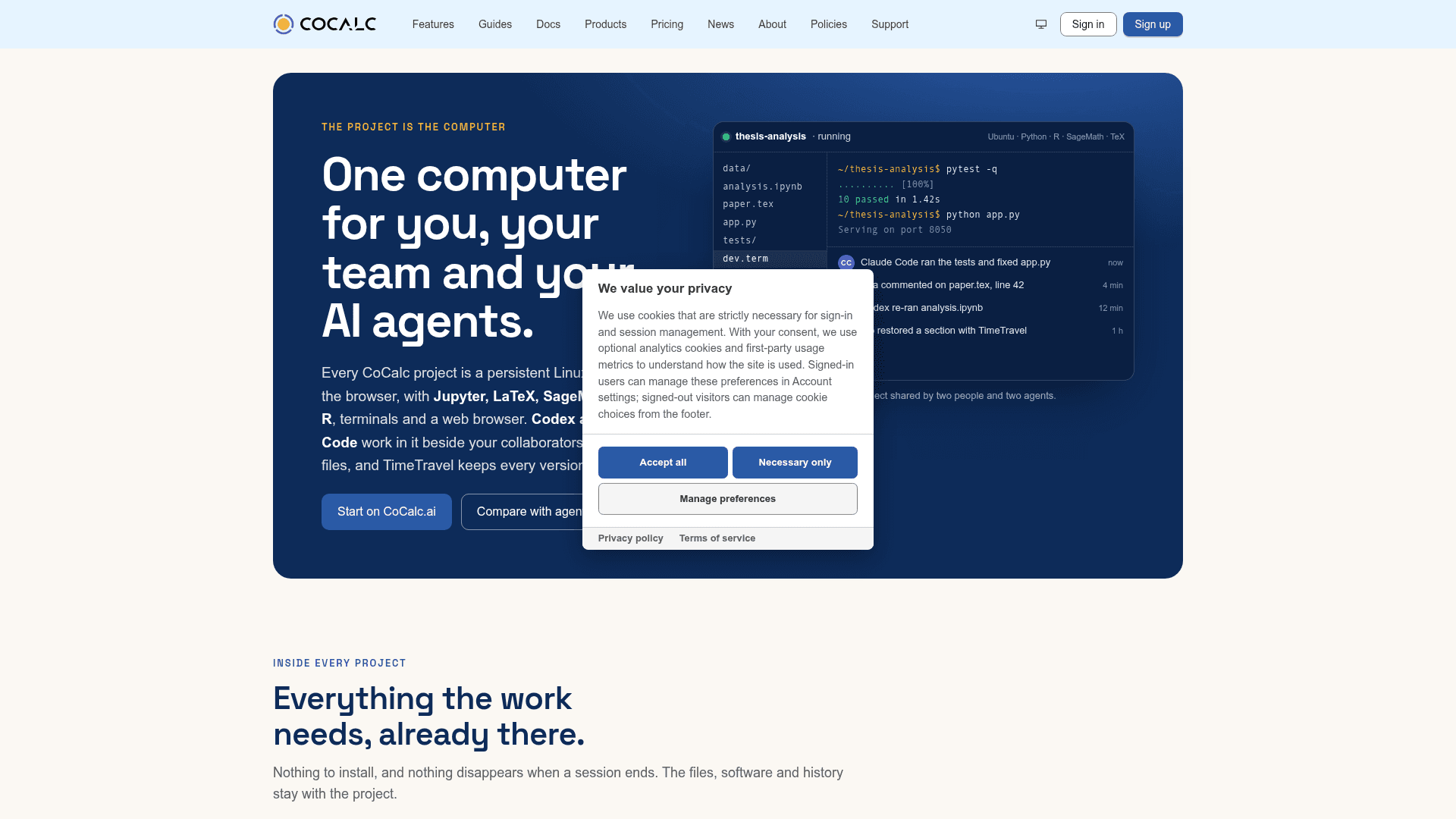
Persistent, shared Linux projects in the browser where people and AI agents like Codex and Claude Code work together with Jupyter, LaTeX, terminals and a browser.
At a Glance
Start using CoCalc with just enough resources to explore the platform and do basic work.
7-day free trial of paid memberships (Basic, Standard, Pro).
Engagement
Available On
Listed Nov 2026
About CoCalc.ai
CoCalc.ai is built by SageMath, Inc. It gives each project a persistent Linux machine in the browser, with Jupyter, LaTeX, SageMath, Python, R, terminals and a web browser. Codex and Claude Code run inside the project beside human collaborators, working on the same files.
What It Is
CoCalc.ai is a collaborative computing environment for research, coursework, papers and apps. Each project keeps its files, installed software and history, so work does not disappear when a session ends. Users can open notebooks, LaTeX documents, whiteboards, slides and terminals in the same project, and TimeTravel shows every edit to a document.
How agents work in a project
According to the site, Codex and Claude Code run commands, edit files, start servers and test web apps in the project. Agents browse in a real Chromium instance that users can watch live. Users can take over to sign in or solve a CAPTCHA and then hand control back. The workflow is to ask an agent for something, let it work in the project, review the changes, and have a person or another agent continue. Named agents can be shared with colleagues, who join the same conversation and project. Users choose which other projects an agent can reach, with read-only file access or full runtime access.
Compute, CLI and teaching
Projects can move to a dedicated machine, or connect a remote Jupyter kernel. The cocalc CLI and an HTTP API can script projects, files and notebooks. Documentation also covers self-hosting with CoCalc Star and course workflows such as assignments, nbgrader and course-sponsored compute.
Community Discussions
Be the first to start a conversation about CoCalc.ai
Share your experience with CoCalc.ai, ask questions, or help others learn from your insights.
Pricing
Free
Start using CoCalc with just enough resources to explore the platform and do basic work.
- CPU priority: Low
- RAM 2 GB per project
- Disk 4 GB per project
- Owned Projects 5
- Running Projects 1
Free trial
7-day free trial of paid memberships (Basic, Standard, Pro).
Basic
For occasional light use.
- More shared resources
- Access better shared hosts
- Network access
- Purchase pay as you go dedicated VM's
- RAM 4 GB per project
- Disk 8 GB per project
- Owned Projects 10
- Running Projects 2
- Total disk 16 GB
Standard
Solid everyday membership.
- Higher priority
- Network access
- More backups, snapshots, projects and collaborators.
- Purchase bigger pay as you go dedicated VMs.
- RAM 8 GB per project
- Disk 16 GB per project
- Owned Projects 20
- Running Projects 5
- Total disk 50 GB
Pro
For advanced users and researchers
- Best shared resources
- Many running projects and agent automations at once
- Pay at the end of the month for powerful dedicated VMs
- RAM 16 GB per project
- Disk 50 GB per project
- Owned Projects 250
- Running Projects 50
- Total disk 500 GB
Capabilities
Key Features
- Persistent Linux projects in the browser
- Codex and Claude Code agents working in the project
- Agent-driven Chromium browser with user takeover
- Collaborative Jupyter notebooks with Python, R, Julia and SageMath kernels
- LaTeX editor with SageTeX and PythonTeX
- Linux terminals and graphical Linux applications
- TimeTravel edit history, snapshots and backups
- Whiteboards and slides
- CoCalc CLI and HTTP API
- Dedicated compute and remote Jupyter kernels
- Course management with assignments and nbgrader
- Self-hosting with CoCalc Star
- Agent memory and shared named agents