
cornercase
A terminal multiplexer that runs coding agents in parallel, each in its own git worktree and tab, with a sidebar showing agent status and live diffs.
At a Glance
Self-hosted cornercase terminal multiplexer, licensed under MIT OR Apache-2.0 at the user's option.
Engagement
Available On
Listed Nov 2026
About cornercase
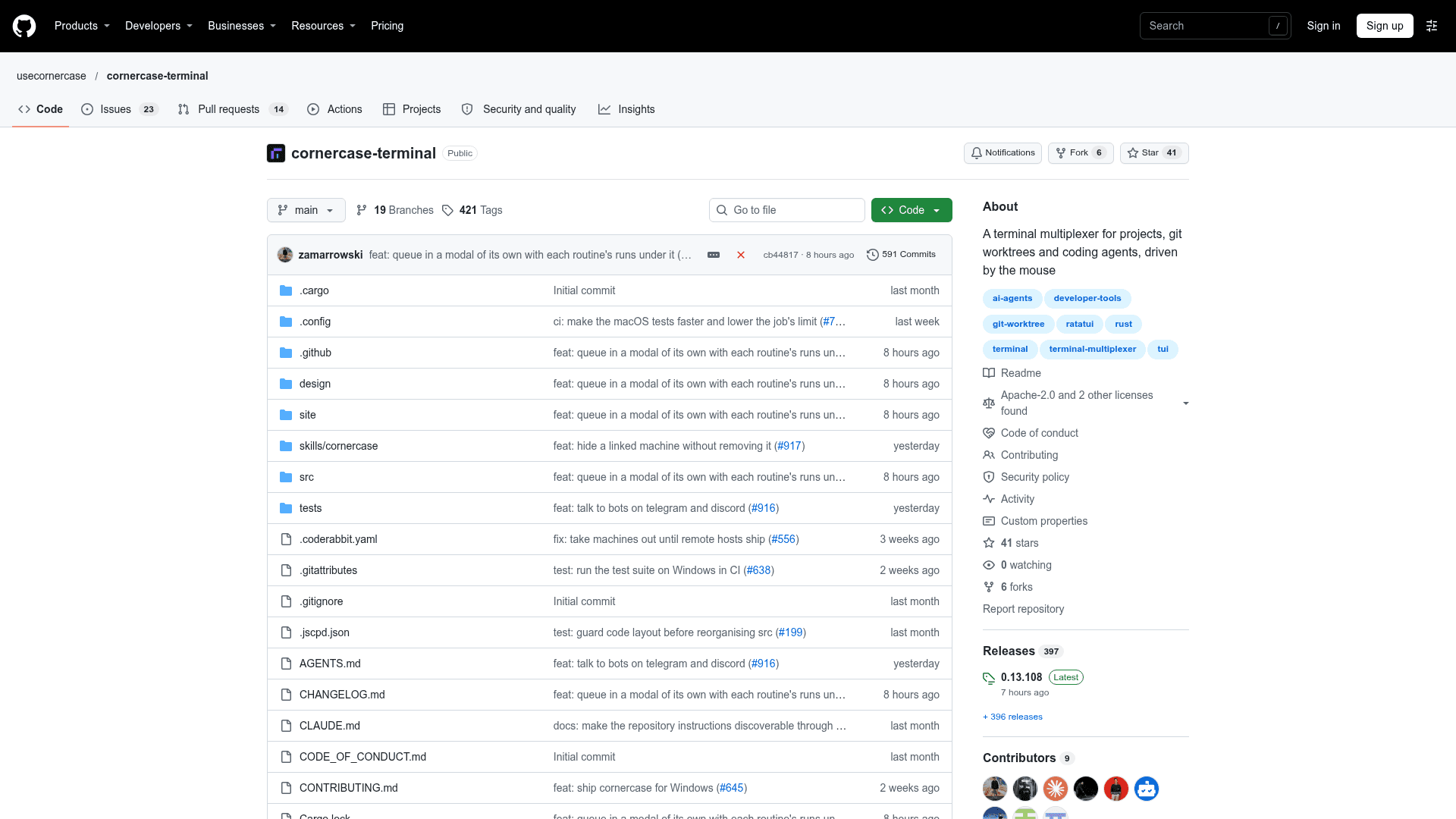
cornercase is an open-source terminal multiplexer from the usecornercase organization, built for running several coding agents at once. Each agent gets its own git worktree and tab, a sidebar shows which agents are working, waiting or done, and a background server keeps sessions alive after the window closes. The latest release listed is v0.13.108.
What It Is
cornercase is a Rust-based terminal multiplexer that is driven mostly by the mouse, so keystrokes go to the program in the active pane. It organizes work into projects, workspaces (git worktrees) and tabs, and runs panes on libghostty-vt, Ghostty's terminal core, so tools such as nvim, fzf and htop work as expected.
From Issue to Agent
You can open an issue from GitHub, GitLab, Linear, Jira, Plane, Asana or Shortcut and press start. cornercase then creates a worktree on a branch named after the issue, opens a tab in it and passes the issue to the agent as its first prompt. The README lists Claude Code, Codex, Gemini, Vibe, Grok, Cursor and Copilot among supported agents, plus nine more.
Monitoring and Review
Tabs show whether an agent is working, needs input or has finished, along with the model and how full its context is. Those states roll up to workspace and project rows, and terminal notifications work over SSH. A changes panel shows the workspace diff as the agent writes it, either uncommitted, per-commit or against a base branch, and lets you open hunks in an editor, stage files or discard changes. A files panel browses and searches the workspace.
Sessions, Remote and Scripting
A background server owns the shells, so quitting detaches and running cornercase reattaches, including from a phone over SSH. The remote command keeps the window local while shells and agents run on another machine over your own ssh. The cornercase command can start agents, wait on them and read their last message from scripts, so one agent can orchestrate others.
Setup Path
Install with a shell script or Homebrew on Linux and macOS (x86_64 and arm64), or with a PowerShell script on Windows x64, where some features are not yet available. It can also be built from source with Rust and Zig 0.15.2. The app checks GitHub hourly for new releases and can update itself.
Community Discussions
Be the first to start a conversation about cornercase
Share your experience with cornercase, ask questions, or help others learn from your insights.
Pricing
Open Source
Self-hosted cornercase terminal multiplexer, licensed under MIT OR Apache-2.0 at the user's option.
- Licensed under either Apache License 2.0 or MIT license, at your option
- Install via curl script, Homebrew, PowerShell or from source
- Git worktree per agent, diff and files panels, background server sessions
- Issue integrations: GitHub, GitLab, Linear, Jira, Plane, Asana, Shortcut
- Scripting CLI and remote machines over ssh
Capabilities
Key Features
- Per-agent git worktrees and tabs
- Sidebar status icons for working, waiting and done agents
- Issue-to-agent start from GitHub, GitLab, Linear, Jira, Plane, Asana and Shortcut
- Live diff changes panel
- Files panel with browsing and search
- Background server with detach and reattach
- Remote machines over ssh
- Scriptable cornercase CLI
- Splits and layouts
- TODO list
- Usage and stats view
- Search across groups, projects, workspaces and tabs