
Device MCP
A native macOS app that mirrors iPhone, iPad and Android devices and exposes them to AI coding agents through an MCP server.
At a Glance
Free version that never expires; limited to 1 device of each type at a time.
Engagement
Available On
Listed Nov 2026
About Device MCP
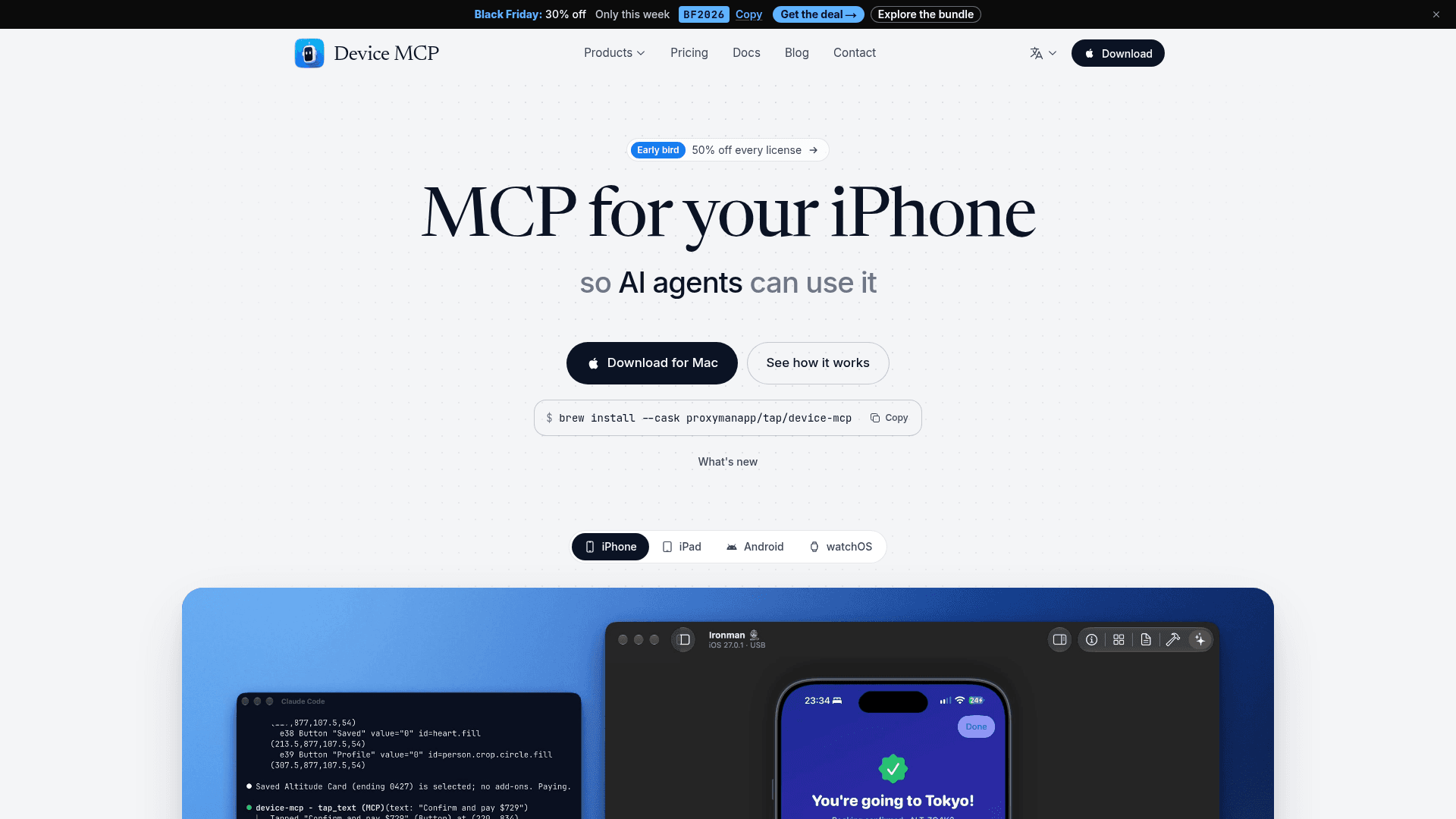
Device MCP is a native macOS app from Proxyman LLC that mirrors iPhones and iPads on a Mac and lets AI coding agents operate them through a built-in MCP server. Agents such as Claude Code, Codex and Cursor can see the screen, tap, swipe and type on real hardware, simulators and Android emulators or phones. Nothing is installed on the device itself.
What It Is
Device MCP is a device mirroring and control tool for developers. It shows a connected iPhone or iPad live on the Mac over USB or Wi-Fi, and lets users control it with a mouse, trackpad and keyboard. The same mirror and controls extend to iOS Simulators (including Apple Watch, Apple TV and Vision Pro simulators), Android Studio emulators and real Android phones. The docs say it requires macOS 26 or later and iOS 27 or iPadOS 27 or later for iPhone and iPad devices.
How Agents Use It
The built-in MCP server runs on the Mac, on localhost behind a token. The site describes 28 tools covering tapping, typing, swiping, launching apps, opening links and recording. Agents receive screenshots plus on-screen text and controls, so they can act on elements by name. Build & Run lets agents build an Xcode project and launch it on the device in one step. Installs, deletions and builds ask for confirmation, calls are logged, and Human Handoff prompts the user when Face ID or a passcode is needed.
Developer Tools Around the Mirror
Beyond mirroring, the app offers screenshots and screen recordings, an app manager, crash reports and logs, and a Settings pane for appearance, text size, motion, contrast and location. A 3D view inspector breaks apps into layers with properties and Auto Layout constraints, and Safari Web Inspector can be opened for Safari tabs and web views. Slim simulators start iOS Simulators without unused background services; the vendor reports about 40% less memory and CPU in its own measurements.
Setup Path
Users plug in a device, trust the Mac, enable Developer Mode, open the app, and add the server to an agent with one command such as claude mcp add. Mirroring and control are free, while the docs state Pro unlocks AI agents, Build & Run, Human Handoff and multi-device use.
Community Discussions
Be the first to start a conversation about Device MCP
Share your experience with Device MCP, ask questions, or help others learn from your insights.
Pricing
Free
Free version that never expires; limited to 1 device of each type at a time.
- 1 iPhone/iPad at once
- 1 iOS Simulator
- 1 Android emulator
- 1 Android device
- Mouse, trackpad and keyboard control
Standard
One-time payment, 1 Mac, 1 year of updates; keep your version forever.
- 1 Mac
- 1 year of updates
- Not a subscription, no auto-renewal
- Unlimited iPhones and iPads
- Unlimited iOS Simulators
- Unlimited Android emulators
- Unlimited Android devices
- Every Pro feature
- Early bird price $34.50 (regular $69)
Pro
One-time payment, 2 Macs, 1 year of updates.
- 2 Macs
- 1 year of updates
- Not a subscription, no auto-renewal
- Unlimited iPhones and iPads
- Unlimited iOS Simulators
- Unlimited Android emulators
- Unlimited Android devices
- Every Pro feature
- Early bird price $44.50 (regular $89)
Lifetime
Pay once, every update forever, 2 Macs.
- 2 Macs
- Lifetime updates
- Not a subscription, no auto-renewal
- Unlimited iPhones and iPads
- Unlimited iOS Simulators
- Unlimited Android emulators
- Unlimited Android devices
- Every Pro feature
- Early bird price $69 (regular $138)
Team License
One shared key for 5 to 100 Macs, one Mac per seat; price per seat.
- Every Pro feature
- 1 year of updates
- Seats managed in License Manager
- Renew every seat at once
- Early bird $34.50 per seat (regular $69)
- Add seats for $29.50 each (regularly $59)
- Renew for $39 per seat per year of updates
Capabilities
Key Features
- Live iPhone and iPad mirroring over USB or Wi-Fi at up to 60 fps
- Mouse, trackpad and keyboard control
- Built-in MCP server with 28 tools
- iOS Simulator support including slim simulators
- Android emulator and real Android phone support
- Build & Run for Xcode projects
- Human Handoff for Face ID and passcodes
- 3D view inspector
- Safari Web Inspector integration
- Screenshots and screen recordings
- App manager, crash reports and logs
- Multiple devices in separate windows
- Device settings pane (appearance, text size, location)