
Doriterm
Open-source app that links all your machines into an end-to-end encrypted mesh so their terminals and coding agents are reachable from a browser, phone or desktop app.
At a Glance
Self-hostable doriterm core (desktop app, host and web client) released under the AGPL-3.0 license.
Engagement
Available On
Alternatives
Listed Nov 2026
About Doriterm
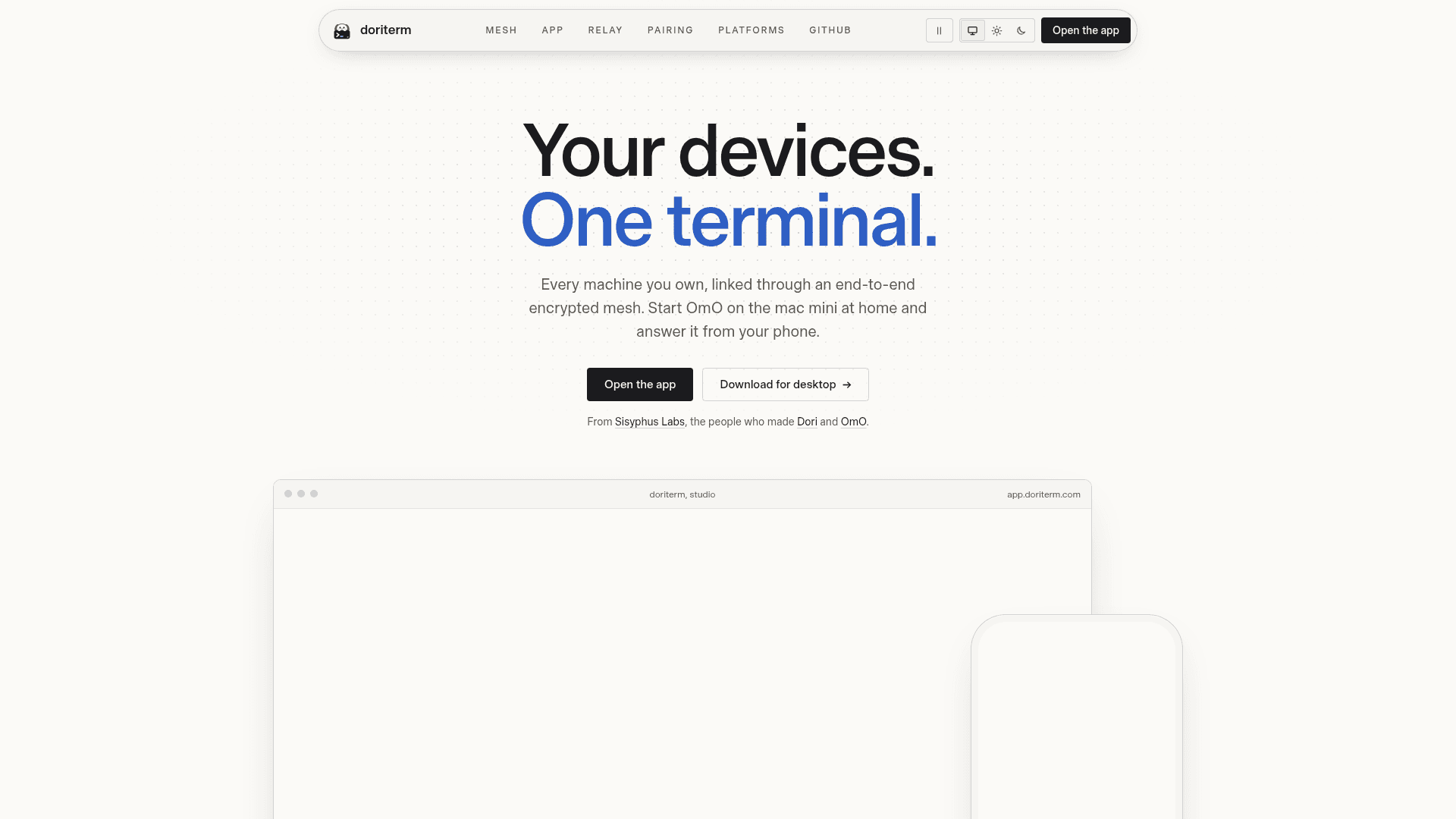
Doriterm is an open-source project from Sisyphus Labs, the makers of Dori and OmO. It puts the shells and coding agents running on your machines into a browser tab, a phone and a desktop app, reached through a relay that carries only ciphertext. The latest listed release is v0.1.8, and the source is published under AGPL-3.0.
What It Is
Doriterm is a remote terminal workspace for machines you own. A host process runs next to herdr-core (hc), where the terminals and agents actually run, and clients connect to it from the desktop app, the web app or an installable phone PWA. The host pipes hc's own JSON-RPC and framed terminal protocol through byte for byte, so the client shows the same tabs, panes and layout on every screen. Work keeps running on its own machine when a client window is closed.
How the Mesh and Sidebar Work
Machines can be joined into one mesh, and each member lists the others in its sidebar with their spaces and agents. Joining uses the same encrypted relay as terminal sessions, so it needs no ssh and no open port. Membership is a set of records signed with each machine's Ed25519 key. A new machine joins after approval on an existing member, unless the invite was opened with --auto. One signed revoke record removes a member everywhere, and --compromised also removes the machines it admitted. Sessions are grouped as needs you, working, idle, done or offline, so agents that report their state show when they are waiting for you. It works with any agent that runs in a terminal, such as OmO, Claude Code, Codex or a custom script.
Encryption, Relay and Pairing
Clients and hosts agree on keys with a Noise handshake (IKpsk2 for first pairing, IK afterwards) and seal records with ChaCha20-Poly1305. The relay runs on Cloudflare Workers, matches the two ends by host id and forwards bytes; it keeps no accounts and stores no messages. Per the documentation it can see host ids, source addresses, and the size and timing of records, but not keystrokes or terminal output. A phone is paired with doriface-host pair, which prints a QR code, a link, an 8-character code protected by CPace, and a fingerprint to compare. The default build has no telemetry.
Setup Path
The desktop app starts a host and herdr-core on the computer it runs on, and installs herdr-core if it is missing. On Linux and macOS a one-line install script sets up the host as a user service. The web client at app.doriterm.com needs no install, and terminals render with libghostty compiled to WebAssembly. Desktop builds exist for macOS, Windows and Linux; browsers need Chrome or Edge 119, Safari 17.4 or Firefox 121 and newer.
Community Discussions
Be the first to start a conversation about Doriterm
Share your experience with Doriterm, ask questions, or help others learn from your insights.
Pricing
Open Source (AGPL-3.0)
Self-hostable doriterm core (desktop app, host and web client) released under the AGPL-3.0 license.
- Licensed under GNU Affero General Public License v3.0
- End-to-end encrypted mesh of your machines
- Desktop app (macOS, Windows, Linux), browser and phone clients
- Source code on GitHub
Capabilities
Key Features
- End-to-end encrypted mesh linking all your machines
- Same workspace in browser, phone PWA and desktop app
- Agent status grouping: needs you, working, idle, done, offline
- Noise IK/IKpsk2 sessions with a ciphertext-only relay
- Pairing by QR code, link or 8-character CPace code with fingerprint check
- Signed Ed25519 membership records with one-record revoke
- libghostty WebAssembly terminal rendering
- Phone key bar with ctrl, esc, arrows and paste, plus IME support
- Desktop app that starts the host and installs herdr-core
- One-line host install as a user service on Linux and macOS
- No telemetry in the default build