
Files.md
A local-first, open-source Markdown note-taking app that stores your notes, journals, tasks, and documents in plain .md files on your device.
At a Glance
Fully free and open-source under the MIT License. Self-host or use the hosted app.
Engagement
Available On
Listed May 2026
About Files.md
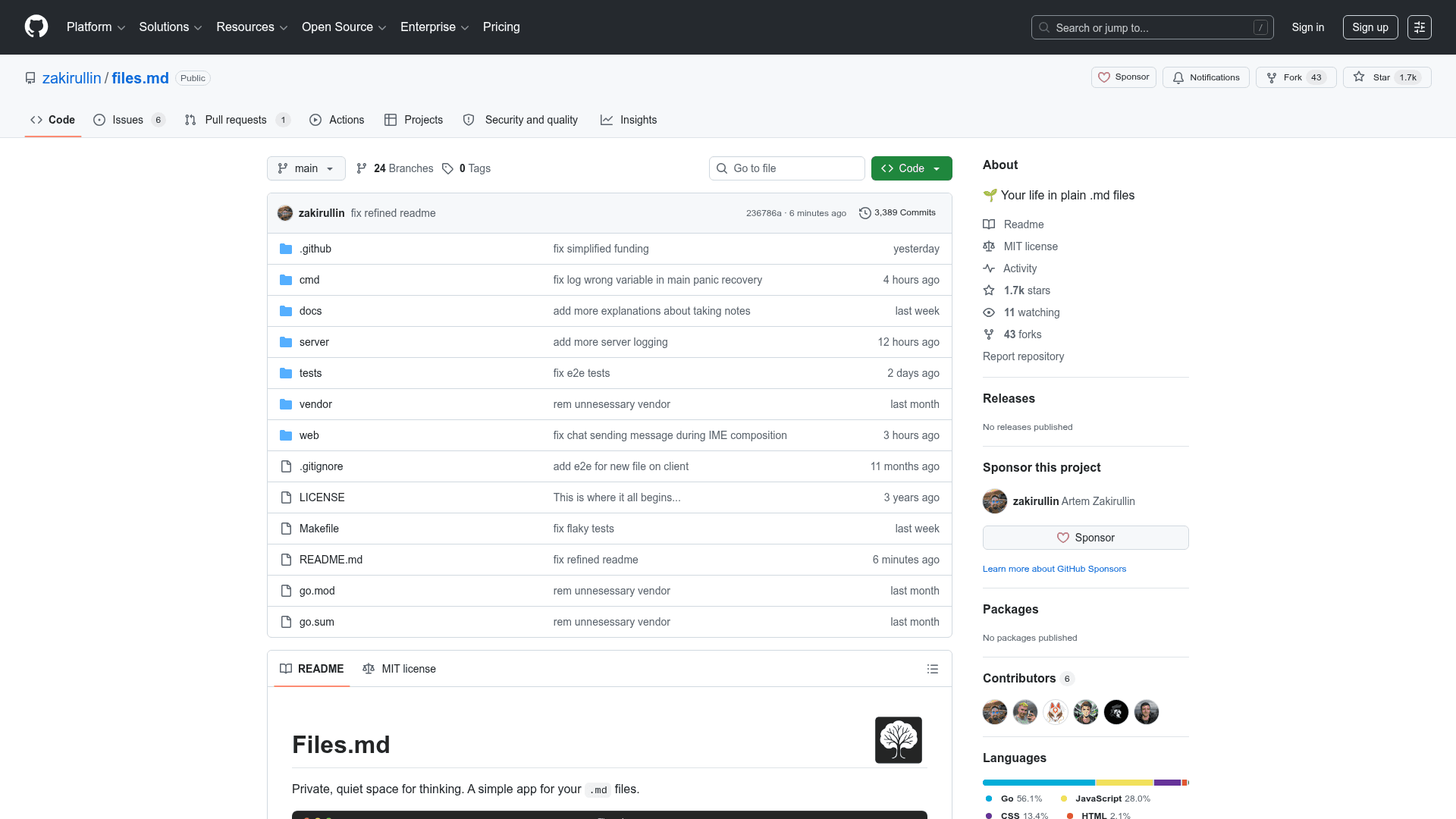
Files.md is a local-first, open-source Progressive Web App (PWA) built by developer zakirullin for managing notes, journals, tasks, and documents entirely in plain .md files. The project has been in active development for five years and is currently in public beta at app.files.md. It is licensed under the MIT License and has accumulated over 1,600 GitHub stars.
What It Is
Files.md is a minimalist Markdown editor and personal knowledge base that keeps all data in plain .md files stored locally on your device. It runs in a browser without requiring installation, works offline, and is explicitly designed so that no data is sent to a server by default. The project's philosophy centers on owning your files and the software that opens them, with a codebase intentionally kept small enough for one person or an LLM to understand in full.
Deployment and Sync Options
Files.md supports four distinct usage modes, giving users control over where their data lives:
- Local-first (default): Files stay in a folder on your device; no server required.
- Cloud-folder sync: Works with iCloud, Dropbox, or Google Drive for cross-device sync without running a server.
- Self-hosted server: A single Go binary provides sync and optional Telegram bot integration.
- Hosted (app.files.md): A managed server option for instant access with no setup.
Architecture and Technical Design
The frontend is a portable PWA with no build system — the entry point is a plain web/index.html file. The backend is a single Go binary. The project uses OPFS (Origin Private File System) as the default file system driver, with an option to switch to the Local FileSystem API by opening a local directory. Vendoring is used for all dependencies, making the repository self-sufficient. The codebase deliberately avoids complexity: WASM was removed in September 2025 due to the overhead it introduced, and AST-based Markdown parsing was replaced with straightforward procedural code for a 3x reduction in code size.
Workflow and Features
The app supports a chat-style quick-capture flow where thoughts are dumped into Chat.md and later organized. Key capabilities include:
- Notes, documents, journals, habits, checklists, and tasks stored in a predefined but flexible folder structure
- Bidirectional linking between notes using
[to insert file links - A Telegram chatbot for on-the-go access and capture
- Keyboard shortcuts for file navigation, search, creation, and formatting
- Utility Go scripts for tasks like adding Whoop health metrics to journals, converting wikilinks to standard Markdown links, inserting backlinks, and shifting journal timestamps
- An
llms.txtfile at files.md/llms.txt describing the file structure for use with AI agents viaCLAUDE.mdorAGENTS.md
Update: Active Development as of May 2026
The repository was last pushed on May 19, 2026. Recent Architecture Decision Records (ADRs) document ongoing refinements: the default capture target was renamed from Today.md to Chat.md in May 2026 to better reflect the chat-style input flow, Inbox.md was merged into Today.md and then into Chat.md, and the sync layer migrated from ctime to mtime for more reliable cross-platform behavior. The project direction continues toward simplicity, cross-platform Markdown compatibility, and LLM-friendliness.
Community Discussions
Be the first to start a conversation about Files.md
Share your experience with Files.md, ask questions, or help others learn from your insights.
Pricing
Free
Fully free and open-source under the MIT License. Self-host or use the hosted app.
- Local-first .md file storage
- Works offline as a PWA
- Optional self-hosted server
- Hosted option at app.files.md
- Telegram chatbot integration
Capabilities
Key Features
- Local-first storage in plain .md files
- Works offline as a PWA
- No data sent to server by default
- Chat-style quick capture to Chat.md
- Bidirectional note linking
- Telegram chatbot for on-the-go access
- Optional self-hosted sync server (single Go binary)
- Cloud folder sync via iCloud, Dropbox, or Google Drive
- Hosted option at app.files.md
- Predefined file structure for notes, journals, habits, tasks, checklists
- Keyboard shortcuts for navigation and editing
- Utility Go scripts for backlinks, wikilink conversion, journal timestamps
- LLM-friendly file structure via llms.txt
- OPFS and Local FileSystem API support
- Image support (png, jpg, webp, gif)