
Grok Build
A CLI-based agentic coding tool from xAI that lets developers build software using Grok models directly from the terminal, with support for skills, plugins, and headless scripting.
At a Glance
Engagement
Available On
Alternatives
Listed May 2026
About Grok Build
Grok Build is xAI's terminal-native agentic coding assistant, powered by the Grok family of models. It brings the capabilities of Grok — including strong agentic tool calling, reasoning, and web search — directly into a developer's command-line workflow. The tool is part of xAI's broader "Build" product surface, documented under the xAI developer docs alongside the API and model offerings.
What It Is
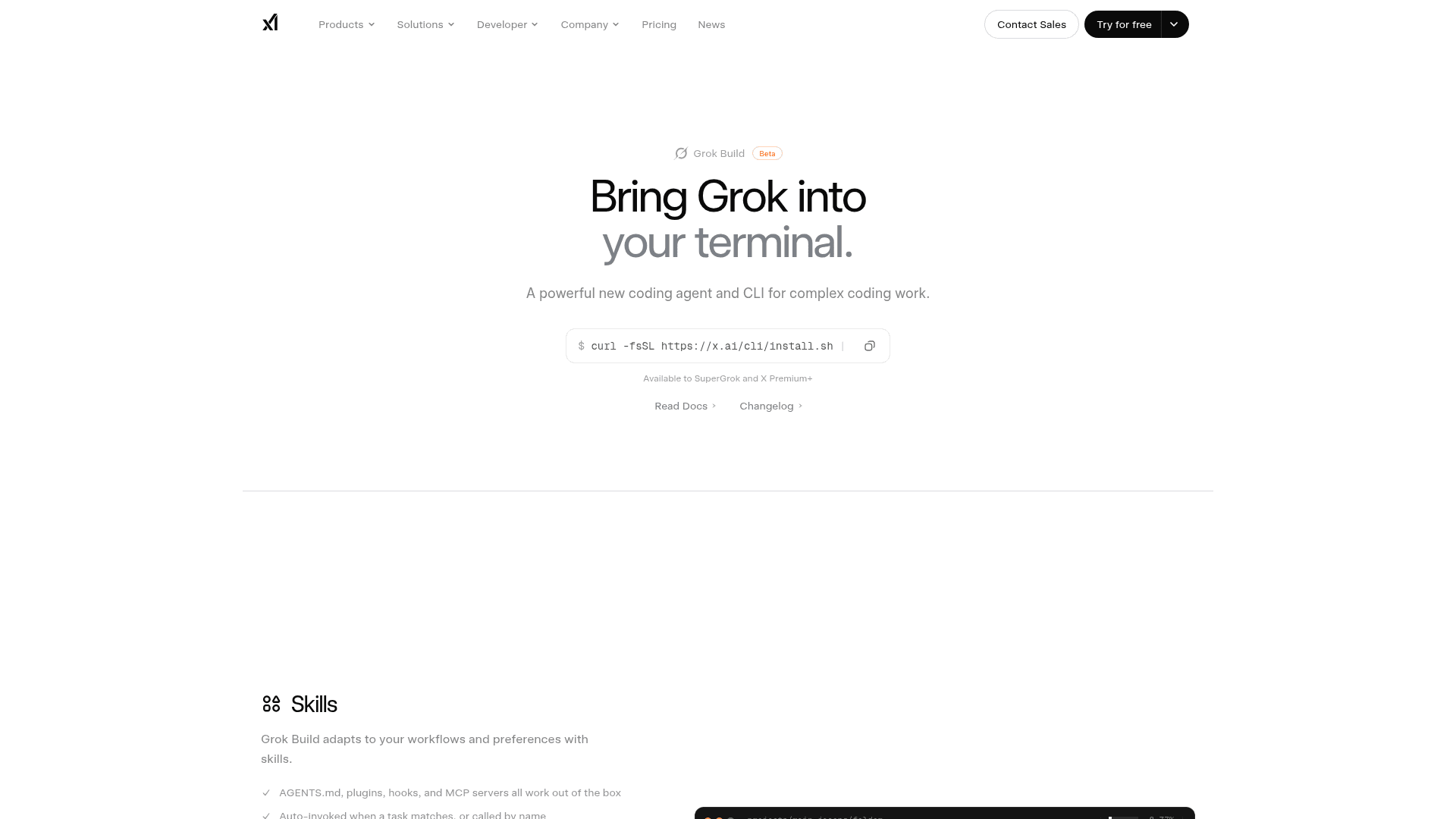
Grok Build CLI is a command-line interface for agentic software development, letting developers interact with Grok models to write, edit, and reason about code without leaving the terminal. It sits in the same product family as xAI's API and playground, but is specifically designed for developers who prefer a local, scriptable, and headless workflow. According to xAI's announcement at x.ai/news/grok-build-cli, it is positioned as a direct competitor to other agentic coding CLIs in the market.
Core Capabilities
The CLI exposes several distinct interaction modes and features documented in the xAI Build section:
- Modes and Commands: Multiple interaction modes for different coding and reasoning tasks
- Skills, Plugins, and Marketplaces: Extensibility through skills and plugins, with marketplace support for sharing and discovering capabilities
- Headless and Scripting: Full headless operation for use in CI/CD pipelines, automation scripts, and non-interactive environments
- Grok Model Access: Powered by Grok models including Grok 4.3, which xAI describes as offering "strong agentic tool calling with minimal hallucinations" and a 1 million token context window
Underlying Model Stack
Grok Build CLI draws on xAI's full model suite available through the API:
- Text/Reasoning: Grok 4.3 with configurable reasoning effort and structured outputs
- Web Search and X Search: Built-in tool integrations for real-time information retrieval
- Code Execution: Native code execution tool support
- Collections Search (RAG): Retrieval-augmented generation via file collections
- Remote MCP Tools: Support for Model Context Protocol remote tool integrations
Extensibility and Integration
The Skills, Plugins, and Marketplaces system allows the CLI to be extended beyond its built-in capabilities. Developers can add domain-specific skills, connect external plugins, and access a marketplace of community-contributed extensions. The tool also supports Remote MCP (Model Context Protocol) tools, enabling integration with a growing ecosystem of MCP-compatible services. Community integrations are documented separately in the xAI developer docs.
Update: Grok Build CLI Launch
xAI announced Grok Build CLI via a dedicated news post at x.ai/news/grok-build-cli, marking it as a new product in the Build section of the xAI developer documentation. The docs label the entire Build section as "New," indicating this is a recently launched product surface. The current flagship model powering the CLI is Grok 4.3, also newly released, with a 1 million token context window and non-reasoning mode support. The documentation covers getting started, modes and commands, headless scripting, and skills/plugins — suggesting an actively expanding feature set.
Community Discussions
Be the first to start a conversation about Grok Build
Share your experience with Grok Build, ask questions, or help others learn from your insights.
Pricing
Pay As You Go
Usage-based pricing for Grok API access powering the CLI. Billed per token for text and per unit for voice, image, and video.
- Grok 4.3 model access ($1.25/1M input tokens, $2.50/1M output tokens)
- Voice Agent API ($3.00/hour)
- Text-to-Speech ($15.00/1M characters)
- Speech-to-Text Batch ($0.10/hour)
- Speech-to-Text Streaming ($0.20/hour)
- Image generation ($0.02/image at 1K/2K)
- Video generation ($0.05/sec at 480p/720p)
- Web search and X search tools
- Code execution
- RAG collections
- Remote MCP tools
SuperGrok
Get better answers, faster.
- Access to Grok Build
- 5x longer conversations in Chat
- 4x AI agents on Expert mode collaborating for best answers
- More usage at lightning-fast speed, with HD 720p 30-second video
- Upload more files for smarter help
- Lightning-fast replies
SuperGrok Heavy
SuperGrok Heavy plan with Everything in SuperGrok and Solve extremely hard problems.
- Everything in SuperGrok
- Solve extremely hard problems
- Highest usage limits
- 16x AI agents on Expert mode (large team collaborating for best possible answers)
- Dedicated support & early access
- 67% off for 3 months promotion, then $300.00/month (limited time)
Capabilities
Key Features
- Agentic coding from the terminal
- Multiple interaction modes and commands
- Skills and plugins system
- Marketplace for community extensions
- Headless and scripting support for CI/CD
- Powered by Grok 4.3 with 1M token context
- Web search and X search tool integrations
- Code execution tool
- Collections Search (RAG)
- Remote MCP tool support
- Configurable reasoning effort
- Structured outputs