
Harness Relay
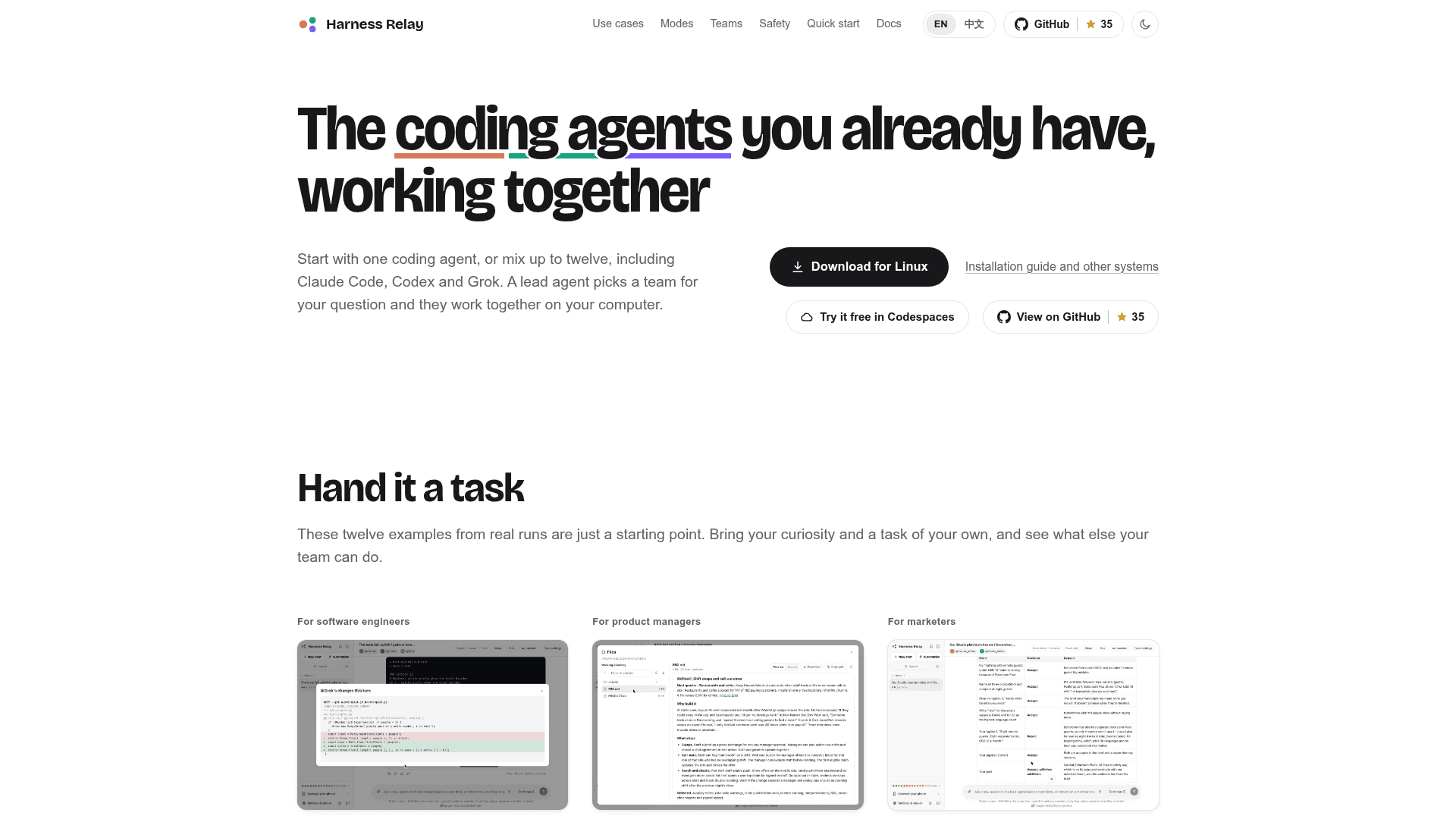
A local desktop group chat that lets multiple coding agent CLIs such as Claude Code, Codex and Grok work together as a team on your computer.
At a Glance
Harness Relay desktop app is downloadable and runs on your own computer, with no account or cloud service of its own. Licensed under the Sustainable Use License (source-available, not OSI). Agent subscriptions or API keys are external costs.
Engagement
Available On
Alternatives
Listed Nov 2026
About Harness Relay
Harness Relay is made by Agentic System Lab, a group based in Taiwan. It runs the coding agent CLIs you already have, and open-source agents on model backends you choose, in a single conversation on your own machine. It is available as a desktop app for macOS, Windows and Linux, and can also run in GitHub Codespaces or from source.
What It Is
Harness Relay is a local group chat for coding agents. It starts the claude, codex, grok, cursor-agent, agy, copilot and muse CLIs with their own tools, sessions and logins. It also starts OpenCode, Goose, Cline, OpenHands and Pi on your API keys or your own OpenAI-compatible endpoint, such as vLLM, Ollama, LM Studio or llama.cpp. It passes each agent the messages it hasn't seen yet and streams reasoning, plans and tool calls into one conversation. You can start with one agent or mix up to twelve.
Teams and Turn-Taking
Each conversation uses one of three modes. Roundtable has agents speak in order, each seeing earlier replies, and ends early when everyone passes. Parallel has everyone answer independently, each in its own git worktree when editing is allowed, and you apply the result you prefer. Relay passes the floor by @mention.
For each question a lead agent reads the conversation and the templates, then keeps the team, uses a template, adapts one or designs a new team, and explains why. You can confirm first or let it answer right away. Templates assign roles such as architect, builder, reviewer or skeptic, plus a model and reasoning effort, with up to eight members. The lead agent can also review the answers and flag risks, disagreements and next steps.
Control, Safety and Automation
Permissions are set per conversation as read-only, edit or full access, and anything beyond them is asked in the chat as an approval card. Each reply lists changed files with a diff, and git snapshots are kept for turns that edit. The server binds to 127.0.0.1, and agents run in their own OS sandboxes where supported. Credentials are stored in the OS credential store.
Automations send the team a message on a schedule, on events such as new mail, a pull request or a failed CI run, or from a webhook. You can also use MCP servers, skills and memory, share a conversation as a link, use voice input via local whisper.cpp, and open the chat on your phone through Tailscale.
Setup Path
Download the desktop app, connect at least one agent in Settings, and ask a first question. Git is needed for edit and parallel modes. The project's license is listed as the Sustainable Use License.
Community Discussions
Be the first to start a conversation about Harness Relay
Share your experience with Harness Relay, ask questions, or help others learn from your insights.
Pricing
Free
Harness Relay desktop app is downloadable and runs on your own computer, with no account or cloud service of its own. Licensed under the Sustainable Use License (source-available, not OSI). Agent subscriptions or API keys are external costs.
- Runs on your own computer; no account or cloud service of its own
- Mix up to twelve coding agents including Claude Code, Codex and Grok
- Teams, modes, automations and permissions
- Try it free in GitHub Codespaces (uses your own GitHub account's free allowance of 120 core-hours a month)
- Requires agents signed in or API keys/model backends supplied by the user
Capabilities
Key Features
- Mix up to twelve coding agents in one conversation
- Roundtable, Parallel and Relay turn-taking modes
- Lead agent picks, adapts or designs a team per question
- Reusable team templates with roles, models and reasoning effort
- Per-conversation permissions with approval cards
- Git worktrees and per-turn diffs
- Automations via schedules, events and webhooks
- MCP servers, skills and memory shared across members
- Custom OpenAI-compatible endpoints and API keys
- Local voice input with whisper.cpp
- Conversation branching and sharing as a link
- Phone access through Tailscale
- English and Traditional Chinese interface