
Helicon
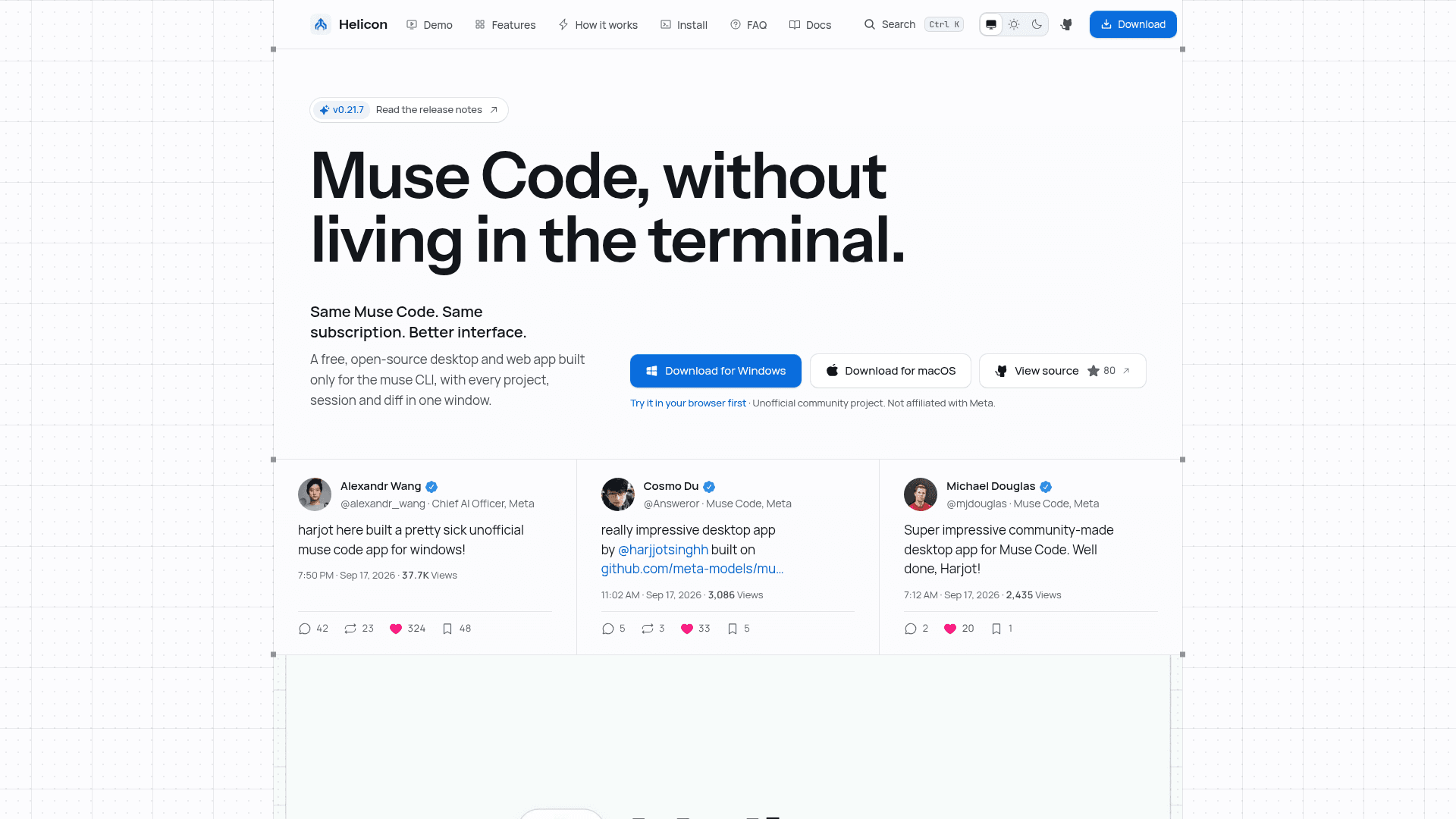
Free, open-source desktop app, web app and VS Code extension that gives Meta's Muse Code CLI a graphical interface for sessions, diffs and approvals.
At a Glance
Free, MIT-licensed desktop and web app for the Muse Code CLI. No paid tier, no trial, no seats, no account. Requires your own Muse Code plan or pay-as-you-go billing on Meta's Model API, which is an external cost.
Engagement
Available On
Alternatives
Listed Oct 2026
About Helicon
Helicon is an unofficial, MIT-licensed desktop and web client for Meta's Muse Code CLI, built and maintained by Harjot Singh Rana. It groups projects, sessions, inline diffs, approvals and cost figures in one window instead of terminal tabs. It is not made, sponsored or endorsed by Meta, and it requires the muse CLI to be installed and signed in.
What It Is
Helicon is an agentic development environment front end for Muse Code. The muse CLI still does the work of planning, editing files and running commands, while Helicon provides the place to supervise several sessions at once. It ships from one React codebase as a Tauri 2 desktop app (Windows, macOS, Linux), as a web app that points at a daemon you run, and as a side-panel extension for VS Code, Cursor, Windsurf and Antigravity.
How It Works
A local daemon spawns one muse serve host per workspace and speaks the Muse Code Session Protocol through Meta's MIT-licensed @muse-code/sdk, rather than scraping the terminal UI. Authentication is the user's own muse login, and Helicon does not store credentials. State is kept in local SQLite. Sessions started in the terminal TUI are discovered and can be resumed.
Core Capabilities
- Projects grouped by working directory, including git worktrees, with session history and resume.
- Inline diffs placed at the point of each edit, plus a file viewer for source, Markdown, images, video and PDFs.
- Approvals surfaced as Muse Code raises them; onRequest, promptUnmatched and denyUnmatched modes are mapped one to one, and allow-all is an explicit opt-in.
- Cost shown at published per-token API rates (a meter reading, not a bill) and the plan's 5-hour window and weekly cap as the CLI reports them.
- Command palette, slash commands, model and reasoning-effort picker, goal controls, and subagent, workflow and background-task controls.
Setup Path
Users install the muse CLI, run muse login, then install Helicon: a Windows installer, a universal macOS DMG, or a Linux x86_64 AppImage. The Windows build can run Muse Code natively or inside WSL2 with path translation. A Muse Code plan or pay-as-you-go billing on Meta's Model API is required; the free Muse app does not include Muse Code. The macOS builds are not Apple-notarized and the Windows installer is not code-signed yet.
Privacy and Status
The project states that code, prompts, threads and files stay on the user's machine; the desktop app only makes an update check. The latest release listed is v0.21.7.
Community Discussions
Be the first to start a conversation about Helicon
Share your experience with Helicon, ask questions, or help others learn from your insights.
Pricing
Helicon
Free, MIT-licensed desktop and web app for the Muse Code CLI. No paid tier, no trial, no seats, no account. Requires your own Muse Code plan or pay-as-you-go billing on Meta's Model API, which is an external cost.
- Desktop app, web app, daemon, auto update
- Full source under MIT license
- No seats, no projects cap, no thread cap
- Requires a separate Muse Code subscription or pay-as-you-go billing through Meta (external cost, not billed by Helicon)
Capabilities
Key Features
- Project and session sidebar grouped by working directory, including worktrees
- Session history and resume, including terminal TUI sessions
- Inline diffs in the thread
- Approval queue mapped to Muse Code approval modes
- Cost at API rates by day, model and thread
- Plan meter for 5-hour window and weekly cap
- File viewer with syntax highlighting, Markdown editing, image, video and PDF preview
- Command palette, slash commands and model/reasoning-effort picker
- Goal, subagent, workflow and background task controls
- Remote daemon with web UI
- VS Code, Cursor, Windsurf and Antigravity side-panel extension
- Native Windows support with WSL2 fallback and path translation