
mcp-for-maya
MCP server that lets AI agents inspect, build, audit and render Autodesk Maya scenes with spatial awareness and transactional safety.
At a Glance
MCP server for Autodesk Maya released under the MIT License; free to use, copy, modify and distribute.
Engagement
Available On
Listed Oct 2026
About mcp-for-maya
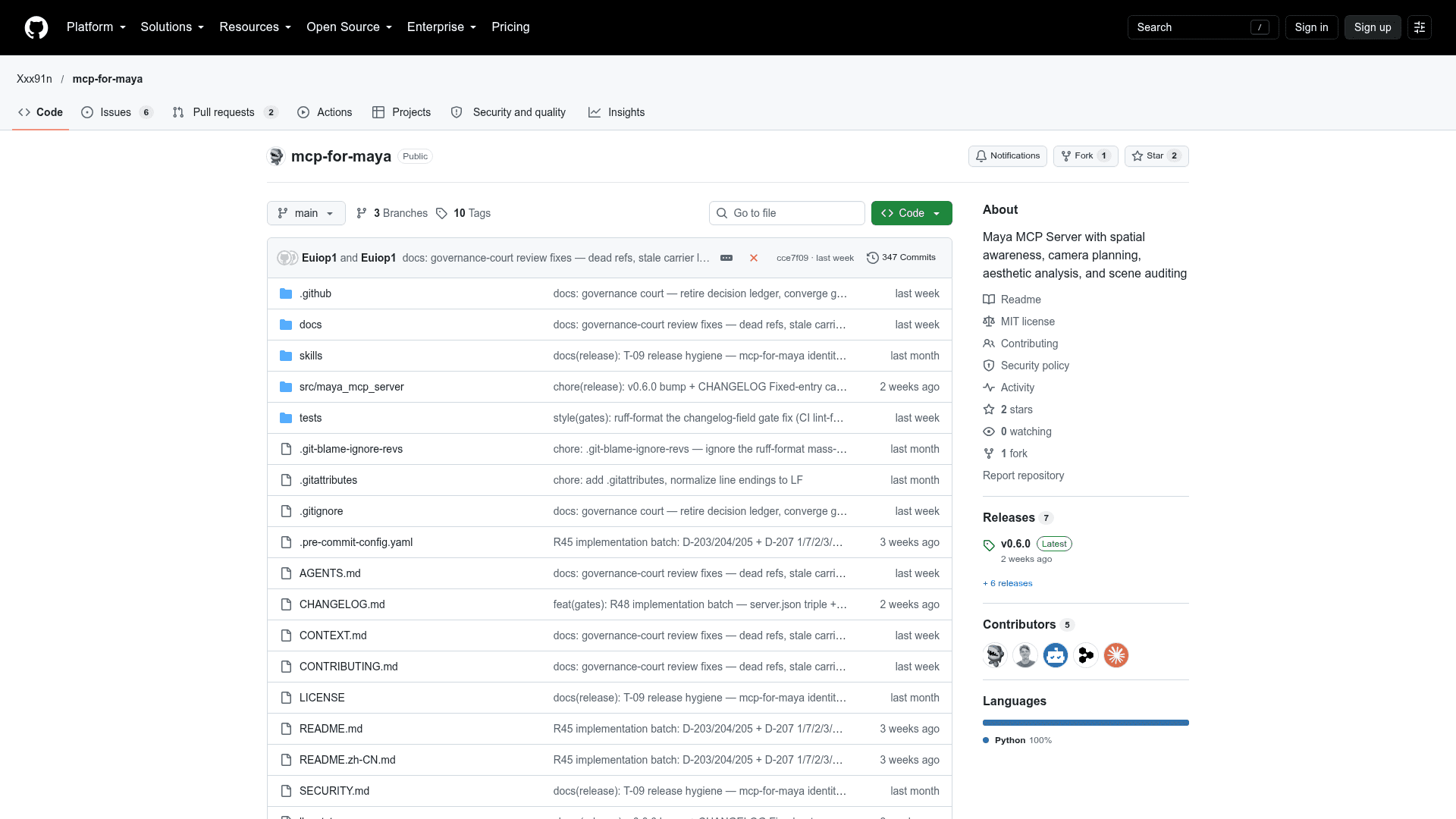
mcp-for-maya is an open-source Model Context Protocol server that lets LLM agents such as Codex and Claude drive Autodesk Maya for 3D modeling, scene planning and engineering-style review. It is forked from chadrik/maya-mcp-server and adds a scene-intelligence layer on top of the upstream connection stack. The latest release listed is v0.6.0, and it exposes 25 MCP tools.
What It Is
The server connects to a running Maya instance over a command port and gives the agent a way to perceive the scene instead of writing code blind. The agent can read spatial state, materials and object relationships, run Python in Maya, and then verify the result against deterministic checks. Per the README, it executes arbitrary Python inside Maya by design, and its validation, rate-limit and audit pipeline is a safety net for accidents rather than a boundary against a malicious client.
How the Workflow Works
Every scene change follows an Inspect, Compute, Execute, Verify loop. The agent calls scene_snapshot for spatial data, plans positions and clearances, applies changes with execute_code or write_module, then confirms with scene_assert and scene_review. On GUI sessions, viewport snapshot and render preview tools give visual confirmation.
Tool Surface
- Spatial: scene_snapshot, scene_inspect and scene_measure, with compact Chain-of-Symbol output.
- Audit: scene_review runs 11 deterministic checks scored 0-100, plus custom rule validation.
- Cameras: 8 shot types and orbit animation.
- Recovery: scene_checkpoint and scene_rollback in-memory snapshots.
- Assets: Poly Haven model search and FBX import with texture wiring, downloaded host-side.
- Export: FBX, OBJ and USD via scene_export.
- Introspection: scene_describe and scene_nodes.
Setup Path
Install from PyPI with pip or run with uvx, then open a Python command port in Maya, either through the maya_setup_guide tool, manually in the Script Editor, or persistently via userSetup.py. Multiple Maya instances each need their own port. The server then goes into an MCP client config such as Codex's config.toml.
Requirements and Trust
The host needs Python 3.10 or newer on Windows, Linux or macOS, and Maya 2023 or newer; it was verified against Maya 2024 GUI. The visual tools need a GUI session. The README states there is no telemetry; the only outbound calls are the Poly Haven asset requests. Optional environment variables can disable the code-execution tools.
Community Discussions
Be the first to start a conversation about mcp-for-maya
Share your experience with mcp-for-maya, ask questions, or help others learn from your insights.
Pricing
Open Source (MIT)
MCP server for Autodesk Maya released under the MIT License; free to use, copy, modify and distribute.
- MIT License
- Spatial awareness of Maya scenes
- Scene auditing and verification (scene_assert, scene_review)
- Executes Python inside Maya
- Autodesk Maya itself and LLM/agent subscriptions are separate external costs
Capabilities
Key Features
- Full-scene spatial snapshot, inspection and measurement
- 11-check deterministic scene audit with 0-100 score
- Aesthetic analysis across five dimensions
- Camera creation (8 shot types) and orbit animation
- Checkpoint and rollback of scenes
- Scene planning with zone mapping and layout suggestions
- Arbitrary Python execution and module injection in Maya
- Viewport snapshot and render preview (GUI sessions)
- Multi-session discovery and connection setup guide
- Poly Haven model search and import with texture wiring
- FBX/OBJ/USD scene export
- Scene-graph introspection with pagination
- Optional strict policy mode to disable code-execution tools
- Compact Chain-of-Symbol output