
Mistral Vibe
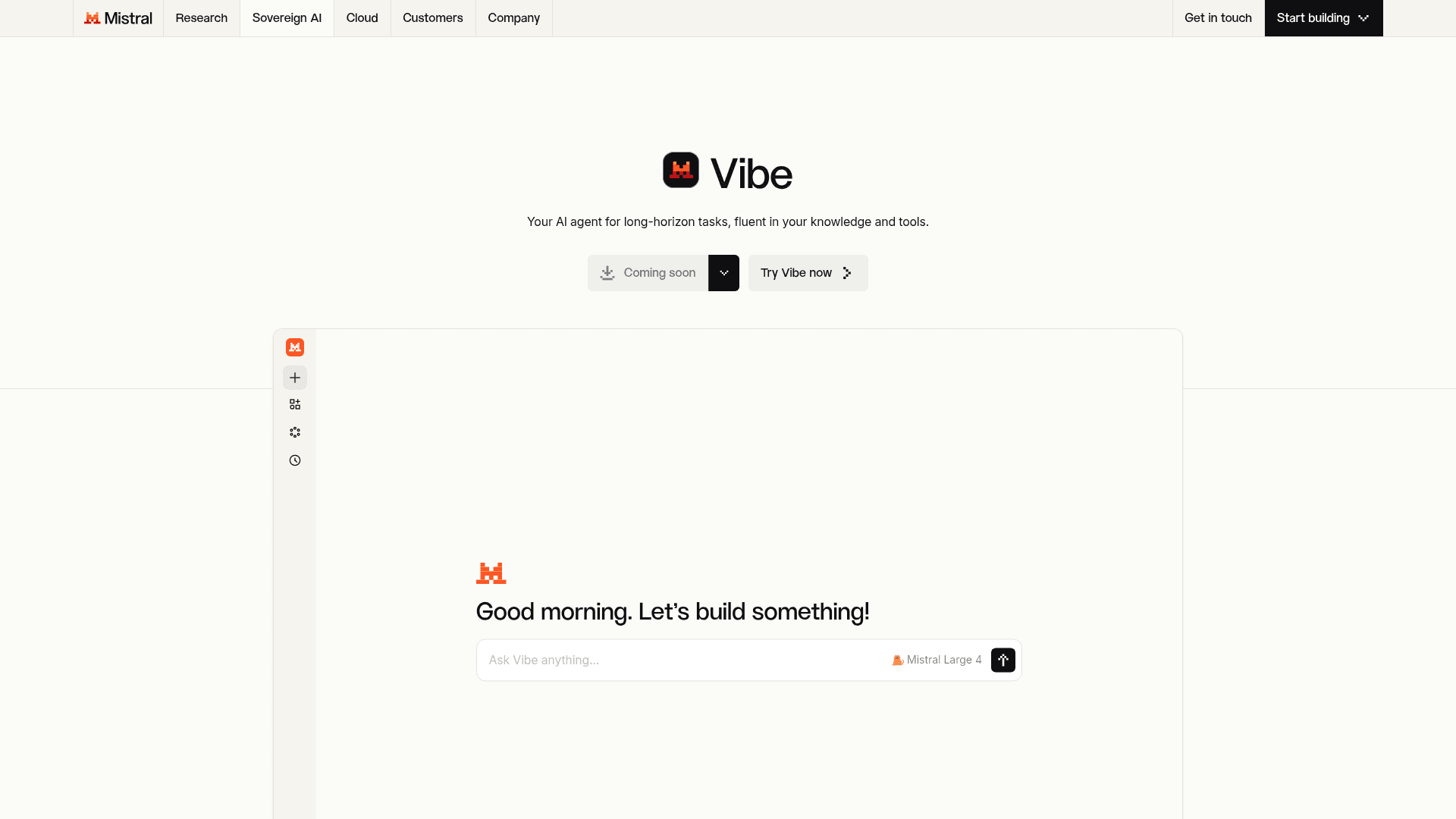
Mistral's AI agent for work and code that handles long-horizon tasks across codebases, documents, and connected tools.
At a Glance
About Mistral Vibe
Vibe is Mistral AI's assistant and agent for work and code. It runs on desktop, web, mobile, terminal, VS Code and Slack. It combines the former Le Chat assistant (Vibe for work) with a coding agent (Vibe for code) in one product.
What It Is
Vibe is built for long tasks. Vibe for work handles research, data analysis, documents, meeting prep and message drafts. Vibe for code writes, tests and deploys code across a codebase. Le Chat is now Vibe. Existing conversations, settings and plans carry over.
Vibe Desktop
Mistral released Vibe Desktop for macOS and Windows on November 18, 2026. Linux is marked as coming soon. The app puts coding and agent sessions in one place.
- Local or cloud: a session can run on your machine with your files, shell and services. It can also run in a cloud sandbox.
- Parallel tasks: you can run several tasks at once. Worktrees keep file changes separate when tasks share a repository.
- Review in the app: follow the agent's progress, then review the changes and pull requests in the same window.
Desktop needs no separate CLI install. Local sessions share the CLI's agent engine and session logs. Mistral notes that tools and prompts can differ between interfaces.
How Teams Use It for Code
The product page describes three coding workflows.
- Ship: build multi-file features with tests, types and documentation from one prompt. Generate tests that match existing patterns. Hand overnight work to async agents that write, test and open PRs.
- Map: reason across services, APIs and modules. Learn team conventions. Pull context from GitHub, GitLab, Jira and project boards.
- Modernize: move legacy code to modern frameworks, run staged migrations and bulk-update dependencies.
You can start in the desktop app, the CLI or VS Code. JetBrains and Zed connect through ACP. Remote agent tasks started in Vibe can be teleported back to the CLI.
Work Automation and Integrations
Vibe can brief you across email, chat, calendar and internal knowledge. It analyzes spreadsheets and databases, runs deep research and produces PDFs, decks and reports. It can route data between tools and process documents in bulk with human checkpoints. Workflows can be packaged into reusable agents that run on a schedule or trigger.
Mistral says Vibe integrates with 100+ tools through connectors and full MCP compatibility. Voice input is powered by Voxtral.
Plans
The free plan covers quick answers, web search and simple tasks. Pro adds agents, long tasks and all-day coding for $14.99 a month. Team costs $24.99 per user a month. Enterprise pricing is through sales.
Deployment and Customization
Enterprise customers can deploy Vibe on-premises, in a private cloud or on Mistral Cloud with full data residency. Fine-tuning on customer data is available for enterprise deployments through Mistral Forge.
Community Discussions
Be the first to start a conversation about Mistral Vibe
Share your experience with Mistral Vibe, ask questions, or help others learn from your insights.
Pricing
Free
Your personal AI agent for everyday tasks.
- Test out Vibe’s capabilities.
- Access on web and mobile.
- Limited messages and web searches.
- Limited coding sessions.
- Basic image generation and editing.
Pro
Full access to Vibe for all-day coding and long-running tasks.
- More access and usage.
- More messages and web searches.
- Faster responses.
- All-day coding in the CLI, IDE, or on web.
- Generate spreadsheets and slides.
- Better image generation and editing.
- $25.5 /mo in API credits.
- Chat and email support.
- Student price: $5.99 / month for verified students
Team
Secure, collaborative workspace for teams building with AI.
- Even higher limits.
- Even faster responses.
- Up to 30GB of storage /user.
- Domain name verification.
- Data export.
Contact sales
Private deployments powered by custom models, UI, and tools.
- Custom models.
- Custom agents.
- Custom workflows.
- Audit logs.
- SAML SSO.
- White label.
Capabilities
Key Features
- Coding agent that writes, tests, and deploys code across a codebase
- Async agents that write code, run tests, and open PRs
- Codebase mapping across services, APIs, and modules
- Migration, refactoring, and dependency upgrades
- Deep research across the web, internal docs, and connected tools
- Document, deck, and report generation
- Meeting briefs and drafted emails from internal context
- Scheduled and triggered recurring workflows and reusable agents
- Bulk document processing with human checkpoints
- Voice input powered by Voxtral
- Enterprise on-prem, private cloud, or Mistral Cloud deployment with data residency
- Fine-tuning through Mistral Forge for enterprise deployments