
Monet
Native desktop app that unifies browsing, searching, and running Claude Code and Codex agent sessions in one multi-engine workbench.
At a Glance
Monet desktop app, MIT-licensed. No Monet-built-in AI fees; AI features use the user's own channels and quotas.
Engagement
Available On
Listed Nov 2026
About Monet
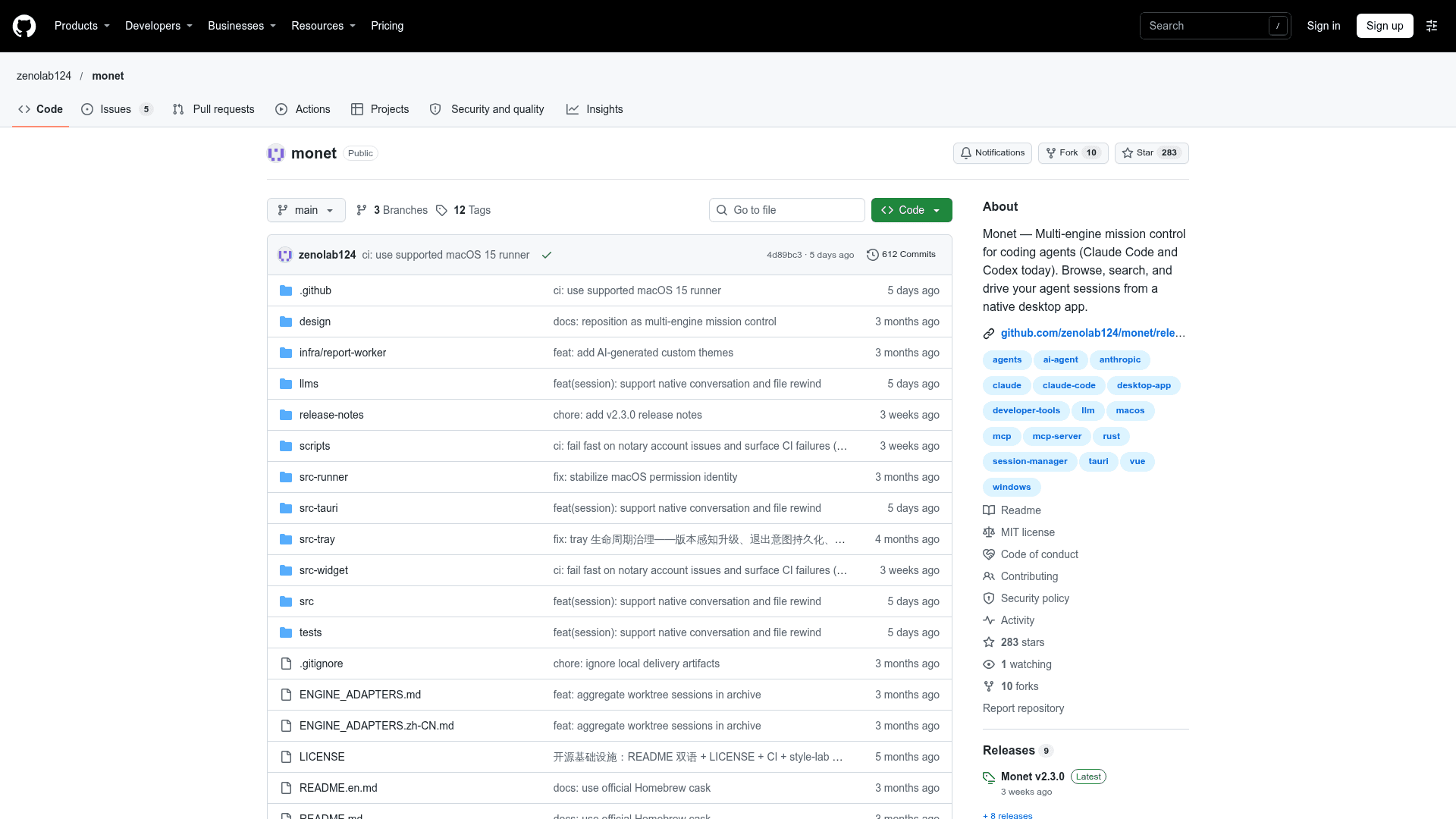
Monet is an open-source desktop app from zenolab124 for browsing, searching, and driving coding agent sessions from Claude Code and Codex. It is built with Tauri 2, Vue 3 and Rust, and ships for macOS and Windows. The latest release listed is v2.3.0.
What It Is
Monet is a companion to coding agent CLIs rather than a replacement for them. It gathers sessions that are otherwise scattered across terminals, projects and transcript files into one archive, a searchable index and a parallel workbench. Existing Claude Code and Codex history is discovered automatically, even without the CLIs installed. Once a CLI is installed and logged in, sessions can be created, resumed and run from within Monet.
Parallel Workbench and Session Control
The workbench lays out any number of session columns side by side, with a monitoring rail showing live status, tail output and token usage. Permission requests appear as GUI cards, and the app can also answer questions and retry failed runs from the card. A race mode broadcasts one prompt to different engines, models or channels so answers and costs can be compared, and the whole workbench can be exported as a panoramic image. Running sessions support hot-switching of channel, model and thinking effort without restarting the process. A file ledger tracks which files a session changed, and a Runner can host dev servers with logs beside the session.
Archive, Search and Automation
The archive shows projects and sessions with full-text search that handles Chinese text, plus natural-language queries answered by AI. Titles, tags and summaries can be generated and are stored separately from the original session files. Scheduled routines can be created from natural-language instructions, and Hooks run statistics show which hooks actually fired. A menu-bar subscription quota display and desktop widgets are available, though the README states these system-level integrations are macOS-only.
Data Model and Privacy
Claude Code JSONL and Codex rollout files are treated as read-only. Monet's own metadata lives in ~/.monet/. The README states that local session features run offline with zero telemetry and no Monet account. Monet includes no built-in model; AI features use the user's own channels and quotas and can be disabled individually. A built-in MCP server lets Claude search session history, create routines and view Runner logs.
Community Discussions
Be the first to start a conversation about Monet
Share your experience with Monet, ask questions, or help others learn from your insights.
Pricing
Open Source (MIT)
Monet desktop app, MIT-licensed. No Monet-built-in AI fees; AI features use the user's own channels and quotas.
- MIT License
- Multi-engine session browsing for Claude Code and Codex
- Parallel agent workbench
- Local session features run offline, zero telemetry, no Monet account
- BYOAI: Monet does not bundle models or charge AI fees
Capabilities
Key Features
- Unified archive for Claude Code and Codex sessions
- Parallel multi-column workbench with monitoring rail
- Race mode to compare engines, models, or channels
- GUI permission approval cards
- Hot-switching of channel, model, and thinking effort
- File ledger with per-session diffs
- Runner-managed dev servers with logs
- Full-text and natural-language session search
- AI-generated titles, tags, and summaries
- Natural-language scheduled routines
- Hooks run statistics
- Menu-bar subscription quota and desktop widgets (macOS)
- Built-in MCP server
- Panorama export of the workbench
- 12 interface languages
- Read-only access to original session files