
MultiCC
Open-source, self-hosted workspace that coordinates coding agents like Claude Code and Codex with task context, memory, tools and reviewable outputs.
At a Glance
Open-source, self-hosted MultiCC workspace under the MIT License. Model and external service charges depend on your own configuration.
Engagement
Available On
Listed Nov 2026
About MultiCC
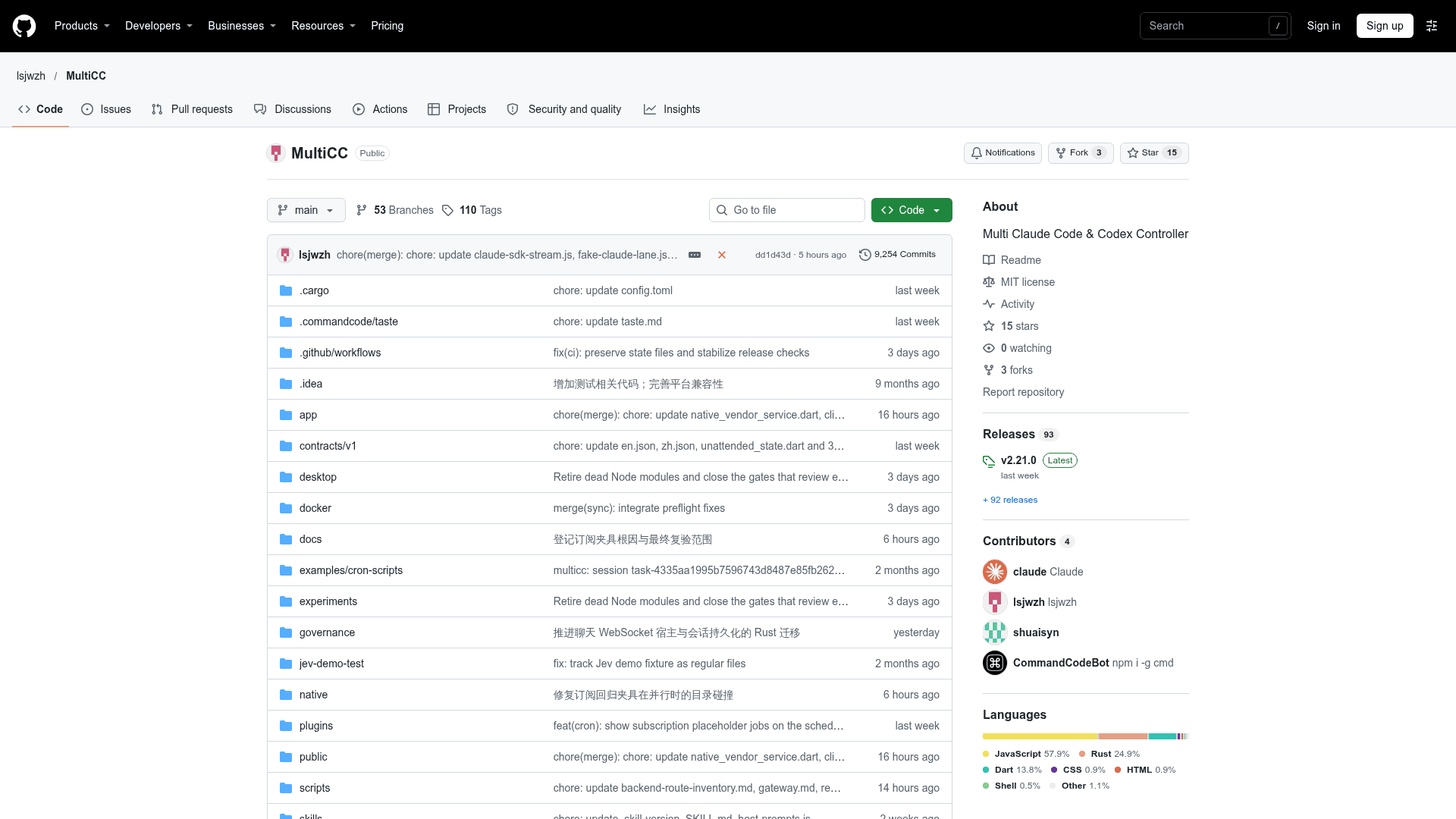
MultiCC is an open-source, MIT-licensed, self-hosted workspace that brings coding agents, task history, scoped memory and tools together in one place. It runs on your own computer or server and can be followed from a web UI, desktop app or mobile app. The latest release listed is v2.21.0.
What It Is
MultiCC wraps the official coding CLIs rather than reimplementing them. Supported engines named in the README include Claude Code, Codex, OpenCode, ZCode, Kimi Code, Qoder, WorkBuddy, DSH, Gemini CLI, Command Code, Grok and pi. You describe a goal, and a task-bound conversation runs on the selected engine, with independent task workspaces isolating code changes in per-session git worktrees.
Workflow and Outputs
A Commander session can coordinate work and delegate independent tasks to other agents, then collect results. Background commands, scheduled tasks and registered waits return results to the conversation. Outputs are reports, files, previews and code diffs that you review, with a syntax-gated merge workflow for integrating changes; conflicts still need manual resolution.
Switching Engines and Human Help
A conversation can move between supported CLIs in place. A bounded, visible-text checkpoint (recent messages, task state and a git snapshot) is carried over, and hidden internal state is not. When a task is blocked, the agent can request help via remote desktop controls or annotated screenshots, then continue after you reply. Remote desktop control requires a host agent; macOS and Linux (X11) are supported, while Windows desktop control and Wayland are not currently supported.
Setup Path
Install with a one-line script for macOS, Linux or Windows that downloads a standalone package including its own Node runtime, or use the Electron desktop installers. A working git is required, and at least one logged-in coding CLI is needed. Android and iOS apps connect to your own MultiCC server. Providers, subagent routing, voice, notifications and IM bridges are configured from the Air console.
Community Discussions
Be the first to start a conversation about MultiCC
Share your experience with MultiCC, ask questions, or help others learn from your insights.
Pricing
Open Source (Self-hosted)
Open-source, self-hosted MultiCC workspace under the MIT License. Model and external service charges depend on your own configuration.
- MIT License
- Self-hosted on your own computer or server
- Supports Claude Code, Codex and other CLI engines
- Task board, scoped memory, tools and background execution
- Model and external service charges depend on your configuration (external costs)
Capabilities
Key Features
- Commander and cross-session task delegation
- In-place switching between supported coding CLIs with handoff checkpoint
- Per-session git worktrees with syntax-gated merge
- Task history, scoped memory and retrieval
- Background commands, cron schedules and triggers
- Human assistance via remote desktop and screenshot annotation
- Multi-provider routing, failover and subagent routing
- Token accounting
- Speech-to-speech voice and on-device ASR
- IM bridges for WeChat, Feishu, Telegram, Discord and Slack
- Web Push, Bark and webhook notifications
- Multi-computer management
- Desktop, mobile and PWA clients
- Session sharing via password-protected snapshots
- Built-in tunnels (Tailscale Funnel, Shouhuike, SakuraFrp)