
Muster
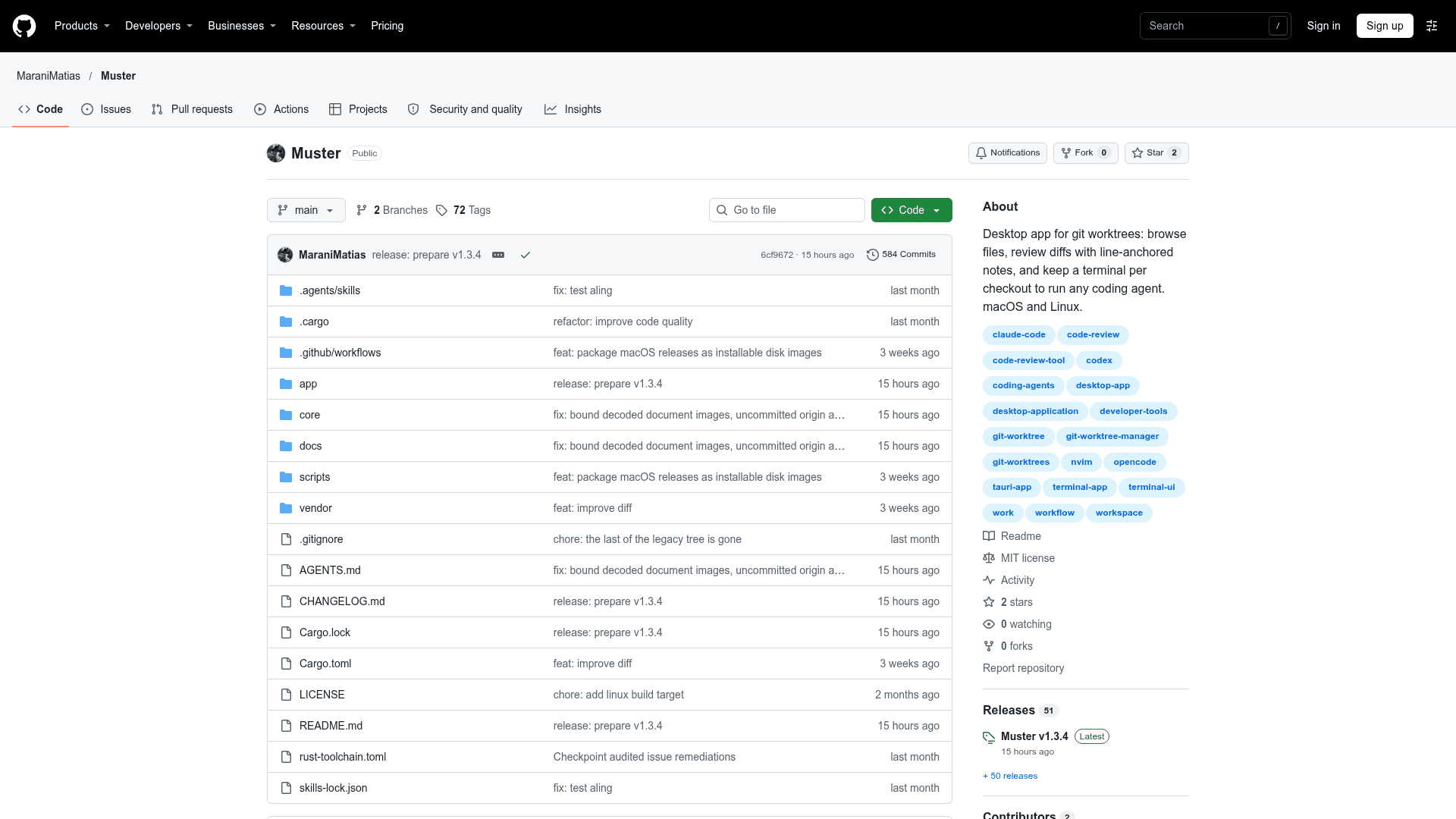
Desktop app that brings Git repositories, worktrees, terminals, and line-anchored code review notes into one window for working with coding agents.
At a Glance
Muster desktop app released under the MIT License; free to use, copy, modify and distribute. Muster does not run AI models itself.
Engagement
Available On
Listed Nov 2026
About Muster
Muster is an open-source desktop app by MaraniMatias for macOS and Ubuntu that combines repositories, Git worktrees, terminals, and code review in a single window. It lets you run coding agents in separate worktrees, inspect their changes, and leave notes on specific lines. The current release listed is v1.3.4.
What It Is
Muster is a workspace and review companion for Git worktrees. You add a Git repository (or a regular folder), select or create worktrees, open terminals per checkout, and review diffs in a Changes view. It does not run AI models itself and can be used without an agent. It is not a full IDE or a GitHub or GitLab review client.
Review Workflow
The Files view browses a checkout, previews files, and supports quick edits; Markdown and SVG open as rendered views with a source toggle. The Changes view shows Git diffs measured either from the merge base with the default branch or from uncommitted changes on disk. You can attach notes to individual lines or ranges, and notes whose code has since changed are marked outdated. Notes can be exported as Markdown or sent to an existing OpenCode session; if that session is busy, you can send now, queue, or cancel.
Working with Agents and Terminals
The sidebar groups terminals under their repository or worktree, detects worktrees created outside the app, and lets you reorder them and move terminal rows between worktrees. Terminals support output search and modifier-click on links. OpenCode session activity is shown, and Pi v1.1.0 activity appears in the terminal row and prevents removal of a worktree it is working in. Other CLI agents can be run in the terminals, with review notes exported as Markdown. Kitty graphics are supported in terminals.
Local Data and Setup
Workspace settings, delivered OpenCode review rounds, and preferences are stored locally under ~/.muster, and the README states Muster has no telemetry. Review notes are held in the window and are not restored after closing, so they should be exported. macOS 15 or later is required, and the macOS app is not notarized by Apple. Ubuntu 24.04 packages are provided for x86_64 and arm64.
Community Discussions
Be the first to start a conversation about Muster
Share your experience with Muster, ask questions, or help others learn from your insights.
Pricing
Open Source (MIT)
Muster desktop app released under the MIT License; free to use, copy, modify and distribute. Muster does not run AI models itself.
- MIT License
- Desktop app for macOS and Ubuntu
- Git worktree management with a terminal per checkout
- Line-anchored review notes in diffs
- Send review notes to OpenCode or export as Markdown
Capabilities
Key Features
- Git worktree management including detection of externally created worktrees
- Multiple terminals per worktree with output search
- File browser with preview and quick edits
- Git diff review with line and range notes
- Outdated note marking when code changes
- Send review notes to an OpenCode session or export as Markdown
- Pi and OpenCode activity display
- Kitty graphics support in terminals
- Local data storage with no telemetry