
Roo Code
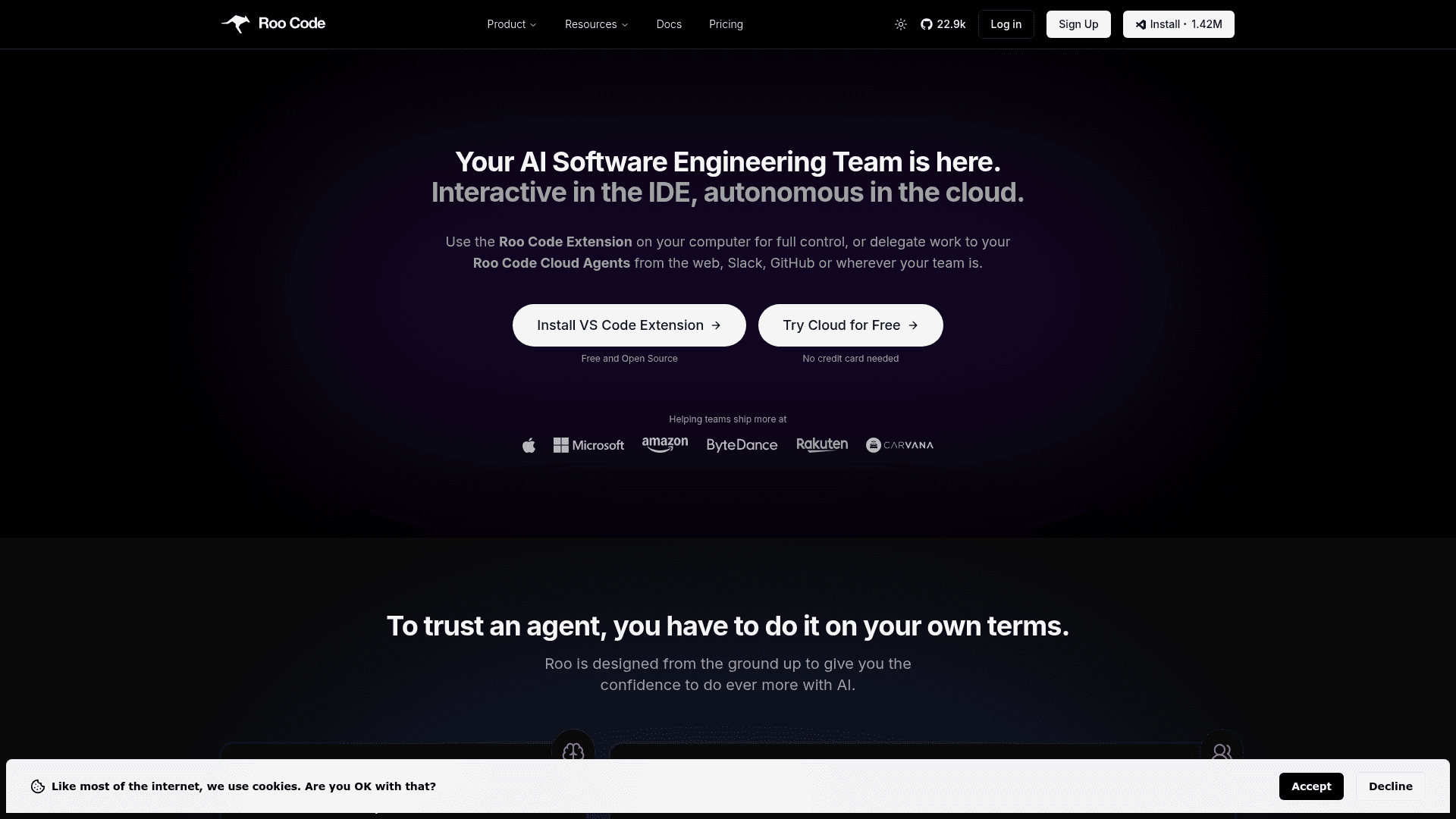
An open-source AI-powered coding assistant for VS Code that supports multi-file edits, agentic task execution, and cloud-based autonomous development agents.
At a Glance
About Roo Code
Roo Code is an open-source, AI-powered software engineering assistant that runs as a VS Code extension and optionally as cloud-based autonomous agents. It goes far beyond simple autocompletion by reading and writing across multiple files, executing terminal commands, running tests, and adapting to your workflow through role-specific modes. The extension is free and model-agnostic, supporting dozens of AI providers including OpenAI, Anthropic, Google Gemini, and local LLMs, while Roo Code Cloud enables fully autonomous agent teams that can be triggered from the web, Slack, or GitHub.
- VS Code Extension — Install from the VS Code Marketplace for free; connect your own API keys or use the built-in Roo Code Router to start coding immediately.
- Model-Agnostic Design — Works with OpenAI, Anthropic Claude, Google Gemini, Grok, Mistral, Ollama, and many more; switch providers without changing your workflow.
- Role-Specific Modes — Architect, Code, Ask, Debug, and Test modes keep the AI focused on specific tasks, limiting tool access and reducing hallucinations.
- Cloud Agents — Spin up autonomous agent teams (Planner, Coder, Explainer, Reviewer, Fixer) in the cloud and delegate tasks from the web, Slack, or GitHub.
- Multi-File Editing — Roo reads, refactors, and updates multiple files simultaneously for holistic, project-wide code changes.
- Permission-Based Execution — Every file change and command requires explicit approval (or can be set to auto-approve), ensuring nothing runs without your consent.
- Open Source & Auditable — The VS Code extension is fully open source on GitHub under an OSI-approved license; no training on your data.
- SOC 2 Type 2 Compliant — Enterprise-grade security with end-to-end encryption, audit trails, SAML/SCIM integration, and model allow-lists.
- Roo Code Router — Access curated frontier models (Gemini, GPT, Claude) at-cost with no markup, paid via pre-purchased credits.
- Team Collaboration — Cloud Team plan offers unlimited users, centralized billing, shared configuration, and Slack/Linear integrations.
Community Discussions
Be the first to start a conversation about Roo Code
Share your experience with Roo Code, ask questions, or help others learn from your insights.
Pricing
VS Code Extension
The best local coding agent — free and open source forever.
- Unlimited local use
- Bring your own model
- Powerful, extensible modes
- Community support
Cloud Free
For AI-forward engineers — free cloud tier with access to agents and router.
- Access to Cloud Agents
- Access to the Roo Code Router
- Follow your tasks from anywhere
- Share tasks with friends and co-workers
- Token usage analytics
Cloud Team Trial
14-day free trial of the Cloud Team plan.
- Everything in Cloud Free
- Unlimited users (no per-seat cost)
- Shared configuration & policies
- Centralized billing
- Slack and Linear integrations
Cloud Team
For AI-forward teams — unlimited users, centralized billing, and team integrations.
- Everything in Cloud Free
- Unlimited users (no per-seat cost)
- Shared configuration & policies
- Centralized billing
- Slack and Linear integrations
Enterprise
Enterprise control-plane with SAML/SCIM, large-scale deployments, and custom terms.
- Centralized Roo Code management dashboard
- Complete visibility into usage and costs
- Consistent policy enforcement
- SAML/SCIM integration
- REST API access
- Model allow-lists
- Data residency controls
- Audit trail compliance
- Department chargebacks
- Custom terms
Capabilities
Key Features
- Open-source VS Code extension
- Model-agnostic AI support
- Role-specific modes (Architect, Code, Ask, Debug, Test)
- Cloud autonomous agents
- Multi-file editing and refactoring
- Permission-based command execution
- Roo Code Router (at-cost model access)
- Slack and GitHub integrations
- SOC 2 Type 2 compliance
- SAML/SCIM enterprise integration
- Token usage analytics
- Centralized billing for teams
- Local LLM support via Ollama
- MCP (Model Context Protocol) support
- Custom .rooignore for privacy
- PR reviews and fixes via GitHub