
pando
A terminal workspace that runs AI coding agent sessions across projects and git worktrees and reviews their changes with VS Code-style diffs in one TUI.
At a Glance
Self-hosted terminal workspace (pando) released under the Apache-2.0 license.
Engagement
Available On
Alternatives
Listed Nov 2026
About pando
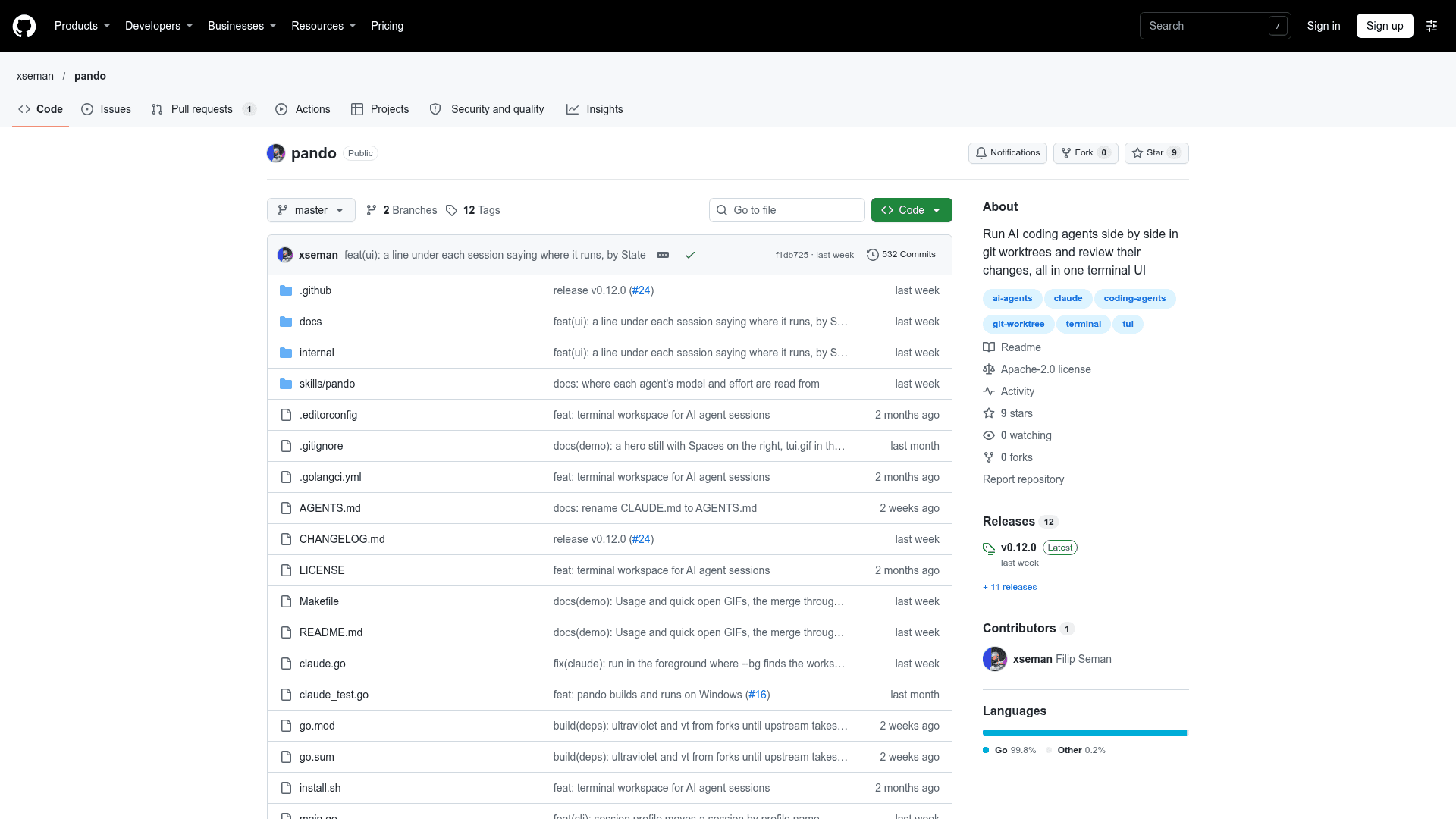
pando is an open-source terminal UI for running AI agent sessions such as Claude, Codex or any shell across several projects and git worktrees at once. It pairs a background daemon that holds the sessions with a TUI where the changes agents make can be reviewed, staged and committed. The latest release listed is v0.12.0, and the project is licensed under Apache-2.0.
What It Is
pando is a terminal workspace organized as projects, worktrees and sessions. Each worktree can host sessions for an installed agent (claude, codex, gemini, agy, grok, opencode) or a plain shell. Sessions are marked when they need attention, and the subagents that claude, codex, agy or grok run are listed beneath them. The README says it borrows ideas from Zed's agent panel, herdr's daemon and socket API design, and VS Code's Source Control and diffs.
How the daemon model works
One daemon owns the sessions, and the TUI and CLI are clients that talk to it as JSON over a unix socket. Closing the TUI leaves every agent running, and running pando again restores the view. Sessions are resumed after a daemon restart and put to sleep when unused to free memory. Separate instances can be run with their own projects and sessions.
Review and editing tools
Source Control offers line-level staging, Commit & Sync, Publish, AI-generated commit messages, history drawers and commit or pull request comparisons. Diffs can be shown inline or side by side with word-level highlights. A built-in editor provides find and replace, vim mode, code folding, format on save and language server support with hover, rename and completion.
Beyond sessions
With the gh CLI installed, pando lists pull requests, issues and notifications, and can check a pull request out in its own worktree. A Databases view shows SQLite, Postgres, MariaDB and MySQL tables in an editable grid with changes submitted in one transaction. A Customizations tab shows the skills, instructions, hooks, MCP servers and plugins an agent loads, and a Usage tab shows claude and codex plan limits per sign-in profile.
Setup path
Installation is a shell script for Linux and macOS that verifies the binary against a checksums file, or a build from source with Go. It requires git and the agents or shell you want to run in sessions.
Community Discussions
Be the first to start a conversation about pando
Share your experience with pando, ask questions, or help others learn from your insights.
Pricing
Open Source
Self-hosted terminal workspace (pando) released under the Apache-2.0 license.
- Apache-2.0 licensed core product
- Agent sessions across projects and git worktrees
- Source Control with diffs and commits
- Editor with language server support
- Databases, GitHub and Usage views
Capabilities
Key Features
- Projects, worktrees and agent sessions in one TUI
- Persistent daemon keeps sessions running after the TUI closes
- Session resume after daemon restart
- Session state markers and subagent listing
- Source Control with line-level staging and AI commit messages
- Inline and side-by-side diffs
- Built-in editor with vim mode and language server support
- GitHub pull requests, issues and notifications via gh
- Database browser for SQLite, Postgres, MariaDB and MySQL
- Customizations view for skills, hooks, MCP servers and plugins
- Claude and Codex plan usage tracking by profile
- Editor groups and VS Code themes
- CLI and JSON unix socket API
- Self-update on Linux and macOS