
Pinna
A Mac menu bar app that automatically records calls without a bot, transcribes them on-device, and exposes meetings to AI agents over a built-in MCP server.
At a Glance
Free to record; every install starts with a 7-day Pro trial, after which Pinna keeps working as Free and keeps everything made.
7-day Pro trial on every install
Engagement
Available On
Listed Oct 2026
About Pinna
Pinna is a macOS app from Breukr that notices when a call app opens the microphone and records the call on its own, with no bot joining. Each meeting is stored locally as ordinary files, and Pinna's built-in MCP server lets AI agents such as Claude, ChatGPT, Codex and Cursor search and read those meetings. The site lists version 1.0.1 and requires macOS 26 or later.
What It Is
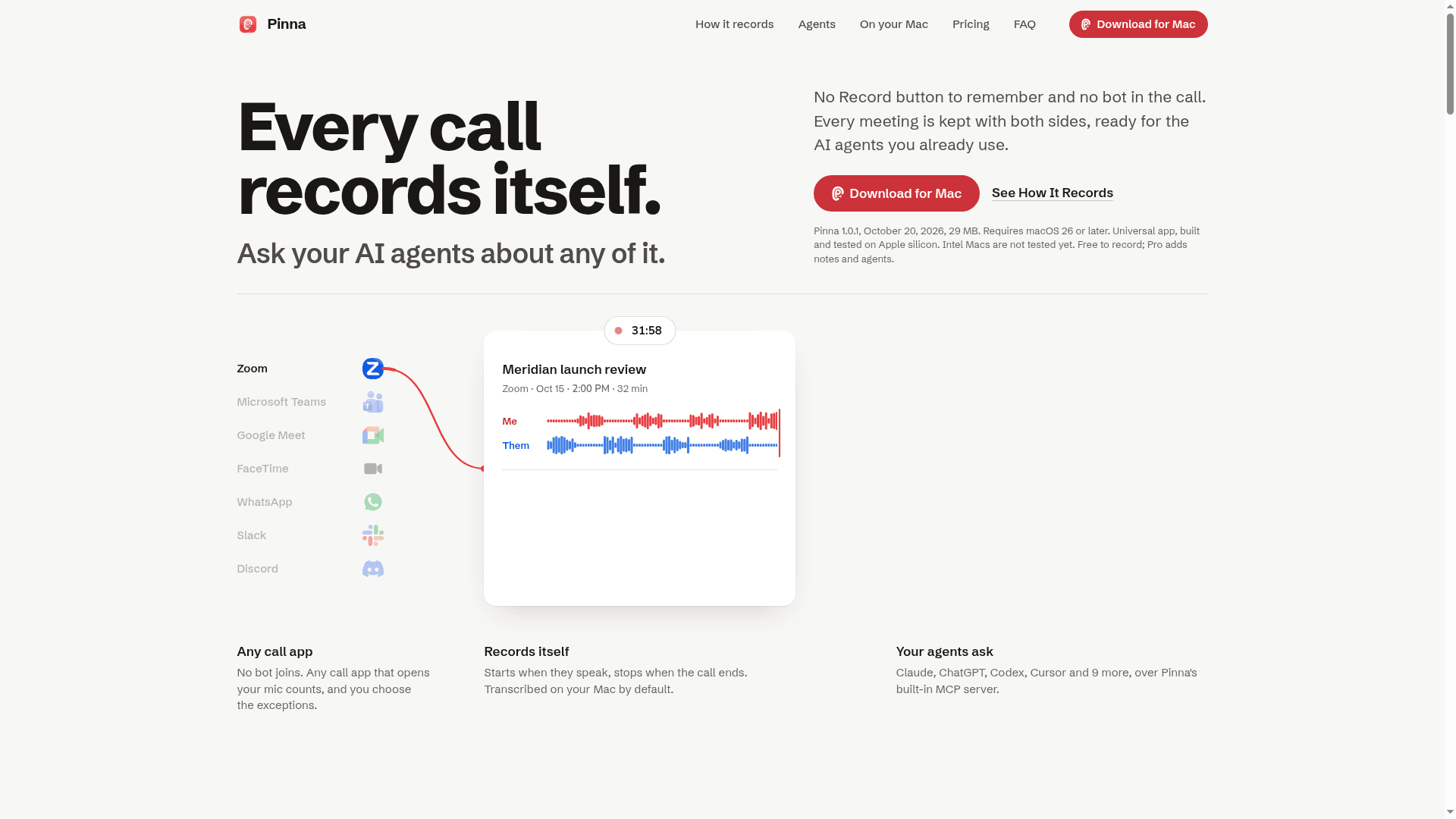
Pinna is an automatic call recorder that lives in the menu bar. It detects any app that opens the microphone, including Zoom, Microsoft Teams, Google Meet, FaceTime, WhatsApp, Slack, Discord and Webex. It records your side and the other side as separate audio files plus a mix. Transcripts are made on the Mac by default, using built-in Whisper, Parakeet, or Apple on-device speech depending on the hardware.
How It Records
Capture begins when the call app opens the microphone, but nothing is kept until others speak. After about 3 seconds of their voice, Pinna keeps the call from 15 seconds before they started. It stops after the call app releases the microphone, with a configurable wait of 45 seconds by default. If both sides are silent for 5 minutes, it asks before stopping. Calls where nobody joins go to the Trash with a short Undo.
Agent Access Over MCP
Pinna runs an MCP server locally on the Mac. It exposes twelve tools for searching meetings, reading transcripts and notes, listing action items, opening a moment in the recording, and checking recording status. Starting or stopping recordings and saving notes work only if the user allows them. Setup is a single step per agent app, covering Claude Desktop, Claude Code, Codex, ChatGPT desktop, Cursor, VS Code, LM Studio, Raycast, Gemini CLI, Windsurf, Zed, Goose and Hermes. An activity log shows what agents read, and meetings or apps can be hidden from them.
Files and Privacy
Each meeting is a folder under Documents/Pinna containing meeting.md, transcript.json, notes.json, per-side stems and the mix. AGENTS.md and an index file help other agents find them. Recording, transcripts, notes and the MCP server stay on the Mac. Audio or transcript text goes to a cloud service only when the user picks one and supplies their own key, after a consent prompt. Pinna states it has no account, analytics or bot. The FAQ notes that users should tell participants they are recording.
Community Discussions
Be the first to start a conversation about Pinna
Share your experience with Pinna, ask questions, or help others learn from your insights.
Pricing
Free
Free to record; every install starts with a 7-day Pro trial, after which Pinna keeps working as Free and keeps everything made.
- Records calls automatically
- Transcription on your Mac by default
- Everything you made stays after the trial
Free trial
7-day Pro trial on every install
- Agent access is part of Pro and the trial
Pro (one Mac)
One-time payment license for one Mac, no subscription. Free for the first 25 people (founding users); then $9.99 until December 31, then $14.99.
- Everything in Free
- AI notes: summary, decisions and action items, and Enhance for misheard names
- Agent access over MCP, for the agents you already use
- Cloud speech and notes services, with your own key
- Deepgram, AssemblyAI and ElevenLabs can also label each person on their side
Pro (two Macs)
License for two Macs, one-time; $17.49 until December 31, then $22.49.
- Pro features on two Macs
Capabilities
Key Features
- Automatic call detection and recording with no bot
- Separate audio files for your side and their side plus a mix
- On-device transcription with Whisper, Parakeet or Apple speech
- Built-in MCP server with twelve tools
- AI notes with summary, decisions and action items (Pro)
- Optional cloud speech and notes engines with your own key
- Speaker labeling for the other side via Deepgram, AssemblyAI or ElevenLabs (Pro)
- Library with search across transcripts and notes
- Plain-file meeting folders with meeting.md and JSON transcripts
- Activity log and per-meeting or per-app hiding for agents
- Import of recordings made elsewhere