
prompt-rail
A Claude Code plugin that shows a rail of your session's prompts so you can hover to read one and click to jump back to it.
At a Glance
MIT-licensed Claude Code plugin (mod), free to use, modify and distribute. Requires Claude Code 2.1.287 or later.
Engagement
Available On
Listed Nov 2026
About prompt-rail
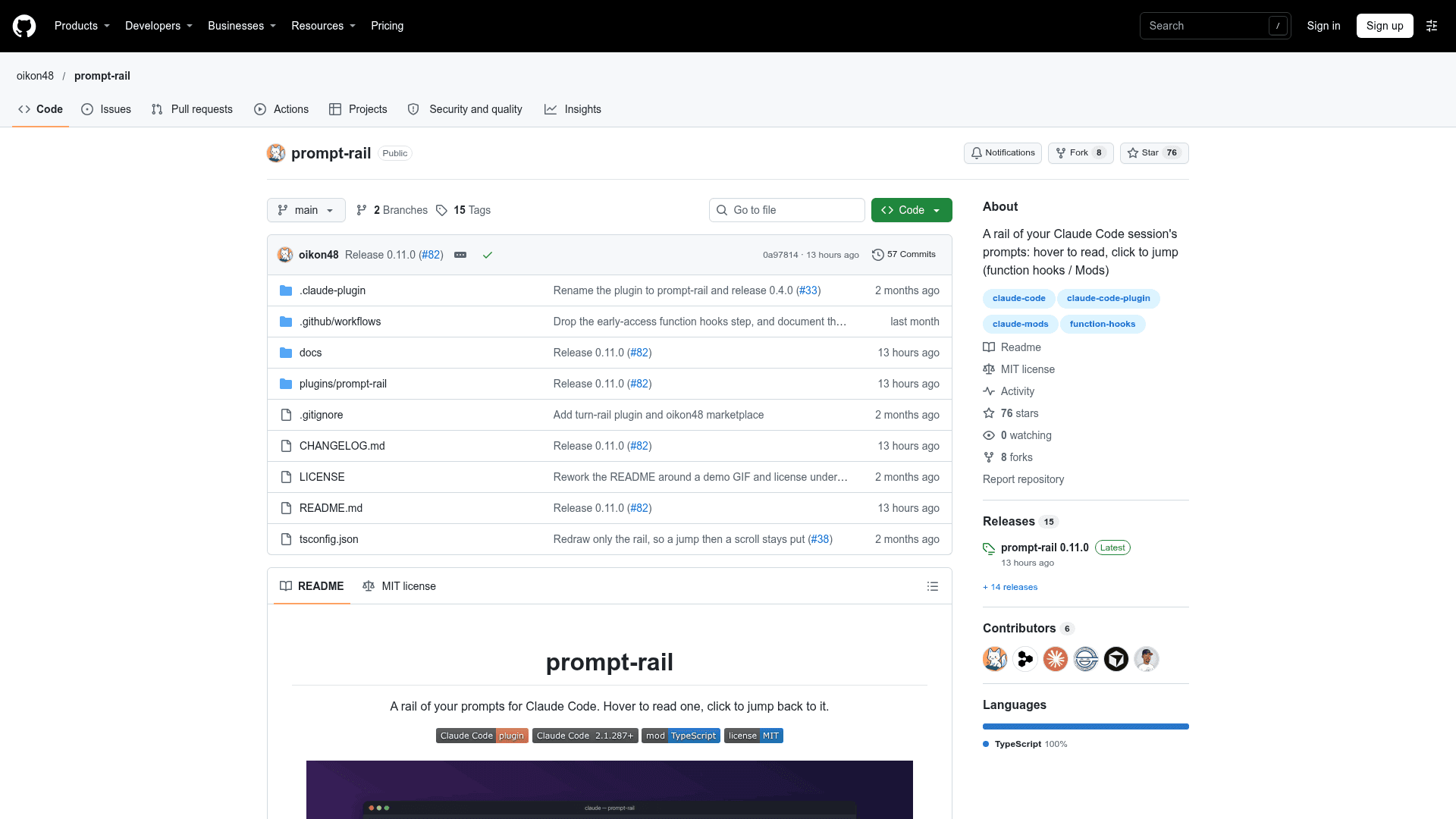
prompt-rail is an open-source Claude Code plugin by oikon48, released under the MIT license. It adds a rail of the prompts in the current session: hover to read a prompt and its turn summary, click to jump the transcript back to it. The latest listed release is 0.11.0.
What It Is
prompt-rail is a Claude Code mod, so it requires Claude Code 2.1.287 or later, where mods are on by default. It reads the session transcript file and lists every prompt on the live branch. Prompts abandoned with /rewind drop out, and prompts from before a resume are included. The prompt currently being read is the one that owns the topmost row on screen.
Layouts and Navigation
The rail has three layouts: horizontal bars above the prompt input (the default), a vertical pane beside the transcript with a hover card, and bars below the prompt under Claude Code's hint line. The layout is switched with /prompt-rail horizontal|vertical|below|off or through the Rail mode row in /config, and it is kept across sessions.
Slash commands jump to the next or previous prompt, the first or newest prompt, a numbered prompt such as #12, or the newest prompt containing given words with /prompt-rail find. The next, prev and toggle commands take no argument, so they can be bound to keys in ~/.claude/keybindings.json. In the horizontal layout, ctrl+x tab moves focus to the bars, where arrow keys and Enter select a prompt.
Setup Path
Install by adding the marketplace with claude plugin marketplace add oikon48/prompt-rail and then claude plugin install prompt-rail@oikon48, or use the equivalent /plugin commands inside a session. Start a new session and the rail opens on its own. Mouse interaction works best with "tui": "fullscreen".
Limitations to Know
The README notes the mods API may change between Claude Code releases. In the Claude desktop app the horizontal rail and hover cards are drawn, but clicking cannot jump because the app gives plugins no way to scroll the transcript. The vertical pane was not drawn there with Claude Code 2.1.280. A /compact command's own row cannot be jumped to, and next cannot scroll further near the end of the transcript.
Community Discussions
Be the first to start a conversation about prompt-rail
Share your experience with prompt-rail, ask questions, or help others learn from your insights.
Pricing
Open Source
MIT-licensed Claude Code plugin (mod), free to use, modify and distribute. Requires Claude Code 2.1.287 or later.
- MIT License
- Horizontal, vertical and below layouts
- Hover to preview a prompt, click to jump to it
- Slash commands: next, prev, first, last, find, toggle
- Keybinding support via ~/.claude/keybindings.json
Capabilities
Key Features
- Hover to preview a prompt and its turn summary
- Click to jump the transcript to a prompt
- Horizontal, vertical and below layouts
- Slash commands for next, prev, first, last, numbered and find navigation
- Keybinding-friendly next, prev and toggle commands
- Keyboard focus on the bars with arrow keys and Enter
- Tick legend marking the current, other and unscrollable prompts
- Layout setting persisted across sessions and available in /config