
Serena
An open-source MCP toolkit that gives AI coding agents IDE-level semantic code retrieval, editing, and refactoring capabilities across 40+ programming languages.
At a Glance
Fully free and open-source MCP toolkit with language server backend supporting 40+ languages.
Engagement
Available On
Updated May 2026
About Serena
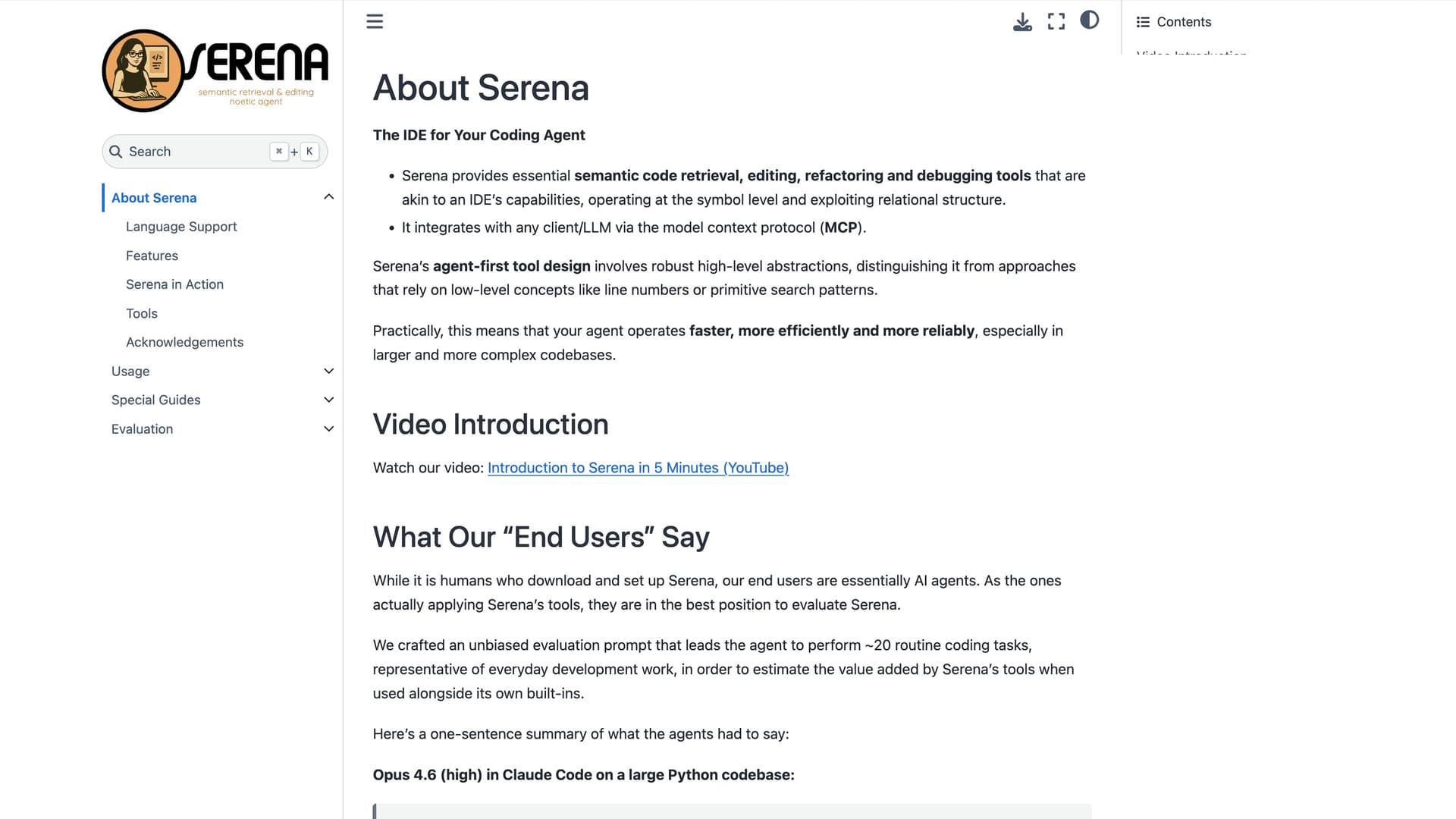
Serena is an open-source MCP (Model Context Protocol) toolkit built by Oraios AI that equips coding agents with IDE-grade semantic understanding of codebases. Licensed under MIT and available on GitHub, it reached 24,000+ stars and version v1.5.1 as of May 2026. Rather than relying on line numbers or primitive text search, Serena operates at the symbol level — enabling agents to navigate, refactor, and edit code the way a seasoned developer using an IDE would.
What It Is
Serena positions itself as "the IDE for your coding agent." It exposes a rich set of tools via the Model Context Protocol, allowing any MCP-compatible LLM client to gain semantic code intelligence without being tied to a specific IDE or editor. The core insight is that agents working with low-level primitives (line numbers, regex search-replace) are slower, less reliable, and more token-hungry than agents equipped with symbol-aware abstractions. Serena bridges that gap by wrapping language server protocol (LSP) backends — or optionally a paid JetBrains plugin — into high-level agent-friendly tools.
How It Works
Serena runs as an MCP server that clients connect to either via a launch command or an HTTP endpoint. It supports a wide range of MCP-compatible clients:
- Terminal-based agents: Claude Code, Codex CLI, OpenCode, Gemini-CLI
- IDE assistant plugins: Copilot, Junie, JetBrains AI Assistant for VSCode, Cursor, and JetBrains IDEs
- Desktop/web clients: Claude Desktop, Codex App, OpenWebUI
Two backend options power the semantic analysis: the default open-source language server (LSP) backend, and the paid Serena JetBrains Plugin that leverages JetBrains IDE analysis engines for deeper refactoring capabilities like move, inline, and propagate-deletions.
Language and Capability Coverage
Using the LSP backend, Serena claims support for over 40 programming languages, including Python, TypeScript, Java, Go, Rust, C/C++, C#, Ruby, Kotlin, Swift, Scala, and many others. Key capability categories include:
- Retrieval: find symbol, symbol overview/file outline, find referencing symbols, find implementations, diagnostics
- Refactoring: rename, move (symbol/file/directory), inline, propagate deletions — with varying availability between backends
- Symbolic editing: replace symbol body, insert before/after symbol, safe delete
- Interactive debugging: exclusive to the JetBrains plugin; supports breakpoints, variable inspection, expression evaluation via a REPL-style interface
- Memory management: a built-in memory system for sharing knowledge across sessions, users, and projects
- Basic utilities: regex search, file read, directory listing, shell command execution (typically disabled when inside an agentic harness that already provides these)
Agent-First Design Philosophy
Serena's design explicitly targets AI agents as its "end users." The README includes an unbiased evaluation methodology where agents perform ~20 routine coding tasks and self-report on the value added by Serena's tools. Vendor-published agent evaluations (Claude Opus 4.6 in Claude Code, GPT 5.4 in Codex CLI, GPT 5.4 in Copilot CLI) independently converge on the conclusion that Serena's semantic tools reduce multi-step, error-prone operations to single atomic calls — particularly for cross-file renames, moves, and reference lookups.
Update: v1.5.1 (May 2026)
The latest release is v1.5.1, published May 18, 2026, with the repository last pushed on May 19, 2026. The project was created in March 2025 and has grown rapidly, accumulating 24,395 GitHub stars and 1,635 forks. The Oraios team explicitly warns against installing Serena from MCP or plugin marketplaces, citing outdated and suboptimal installation commands there — the recommended path is via uv tool install from PyPI. The JetBrains plugin is available on the JetBrains Marketplace (plugin ID 28946). Active development and community contributions have expanded language support significantly, with the open-source community credited for much of the multi-language coverage.
Community Discussions

Serena review after a week of use
Here is my review of Serena after using it for a week of daily use for regular dev work. The results are coming in slowly.
Claude Code + Serena is the first time I’ve felt like AI can actually do the job
Okay so I’ve actually been using Claude Code + Serena on a real client project (not just playing around with demos), and wow — this is not just another AI tool. This is like, finally, having an actual teammate. Claude is the brain. It’s fast, doesn’t over-explain, and actually gets your codebase. No…
Pricing
Open Source (MIT)
Fully free and open-source MCP toolkit with language server backend supporting 40+ languages.
- Semantic code retrieval and editing
- Support for 40+ programming languages via LSP
- MCP server (stdio and HTTP modes)
- Memory management system
- Multi-layered YAML configuration
Serena JetBrains Plugin
Paid JetBrains plugin backend that leverages JetBrains IDE analysis for deeper refactoring capabilities including move, inline, interactive debugging, and more.
- All language server backend features
- Move symbol, file, and directory refactoring
- Inline refactoring
- Propagate deletions (remove unused code)
- Interactive debugging with breakpoints and REPL
- Type hierarchy analysis
- Search in project dependencies
- Rename files and directories (not just symbols)
Capabilities
Key Features
- Semantic code retrieval at the symbol level
- Symbol overview and file outline
- Find referencing symbols and implementations
- Cross-file rename and move refactoring
- Symbolic editing (replace body, insert before/after symbol, safe delete)
- Interactive debugging with breakpoints and REPL (JetBrains plugin)
- Memory system for long-lived agent workflows
- Support for 40+ programming languages via LSP
- MCP server with stdio and HTTP modes
- Multi-layered YAML configuration system
- JetBrains plugin backend for deeper IDE analysis
- Basic utilities: file read, directory listing, shell command execution
- Regex search and agent-optimized text replacement
- Diagnostics and code inspections
Integrations
Demo Video