
SnapZoom
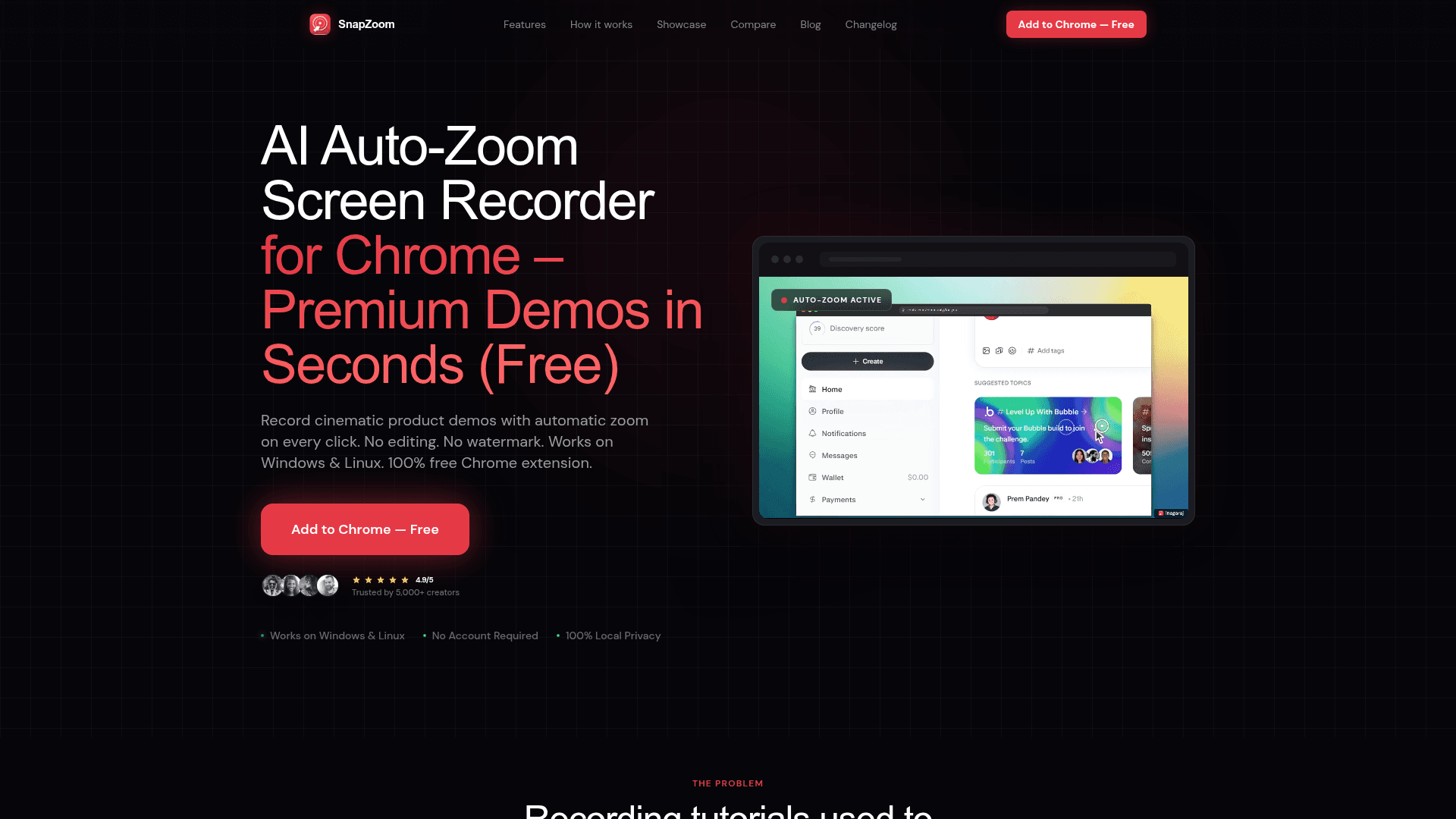
AI-powered Chrome extension that automatically zooms on every click while screen recording, producing cinematic product demos with no editing required.
At a Glance
About SnapZoom
SnapZoom is a free Chrome extension built by indie developer Nagaraj_Dev143 that records screen demos with real-time AI auto-zoom on every click. It targets developers, SaaS founders, and content creators who want polished product walkthroughs without spending time in a video editor. The extension runs entirely locally — no account required, no cloud uploads — and works on Windows and Linux.
What It Is
SnapZoom is a browser-based screen recorder that applies cinematic spring-animated zoom effects automatically at each click point during recording. Rather than requiring users to manually set zoom keyframes in post-production, the extension detects clicks in real time and enhances them with smooth zoom transitions. The result is a professional-looking demo video exported directly from the browser, with no watermark and no subscription required for core functionality.
How the Auto-Zoom Workflow Works
The recording flow is designed to be four steps: click the extension to start, use the tab normally, watch auto-zoom happen on every click, then export. The site claims a typical 4-minute demo can be ready in 4 minutes rather than the 90 minutes a manual editing workflow might take. Key workflow features include:
- Real-time spring-animated zoom triggered on every click, with adjustable intensity from 1x to 4x
- Supersonic 12x export engine ("Nitro engine") for fast 4K video output
- Pro webcam overlays with circular facecam, custom positioning, and Hybrid-Sync technology
- 37+ studio backgrounds including gradients and scene presets
- Precision trim and crop controls built into the extension
- Disable auto-zoom toggle for manual control when needed
Platform and Privacy Model
SnapZoom runs as a Chrome browser extension and processes everything locally on the user's machine. The homepage explicitly states "100% Local — nothing uploaded," which differentiates it from cloud-based recorders like Loom. It supports Windows and Linux; the comparison table on the site notes that a competitor (Cursorful) is Mac-only. No sign-up or account is needed to use the extension.
Target Audience and Use Cases
The site positions SnapZoom for modern product and engineering teams across several scenarios:
- Product demos for SaaS features requiring cinematic focus
- Bug reports for clearly pointing out issues to engineering teams
- Tutorials guiding users through complex workflows
- Client walkthroughs for personalized video updates
- SaaS onboarding flows that benefit from visual guidance
Update: Version 1.0.2
The footer of the site displays the current version as v1.0.2. The site's changelog page exists and the homepage notes a price-escalation model tied to version releases, signaling active development. The site states the product launched at an earlier price point and will increase again after the next version release, suggesting the team is iterating and shipping updates regularly.
Community Discussions
Be the first to start a conversation about SnapZoom
Share your experience with SnapZoom, ask questions, or help others learn from your insights.
Pricing
Free
Core screen recording with AI auto-zoom, no watermark, no account required.
- AI auto-zoom on every click
- No watermark
- No account required
- 100% local processing
- Works on Windows and Linux
Lifetime Access
One-time purchase for full SnapZoom feature set with lifetime updates.
- Automatic AI-Powered Zoom
- High-Fidelity 4K Video Exports
- Supersonic 12x Saving Speed
- Webcam Overlays (TL, TR, BL, BR)
- Precision Trim & Crop Controls
- Custom Zoom Intensity (1x to 4x)
- Disable Auto-Zoom Toggle
- 37+ Premium Studio Backgrounds
- Lifetime Updates & Support
Capabilities
Key Features
- AI auto-zoom on every click in real-time
- Cinematic spring-animated zoom transitions
- 12x supersonic export engine (Nitro)
- 4K video export
- Pro webcam overlays with circular facecam
- Custom webcam positioning (TL, TR, BL, BR)
- Hybrid-Sync webcam technology
- 37+ premium studio backgrounds
- Precision trim and crop controls
- Custom zoom intensity (1x to 4x)
- Disable auto-zoom toggle
- No watermark
- No account required
- 100% local processing
- Works on Windows and Linux