
Summarize
CLI and Chrome extension that turns links, files, and media into sharp summaries using local, paid, or free AI models.
At a Glance
About Summarize
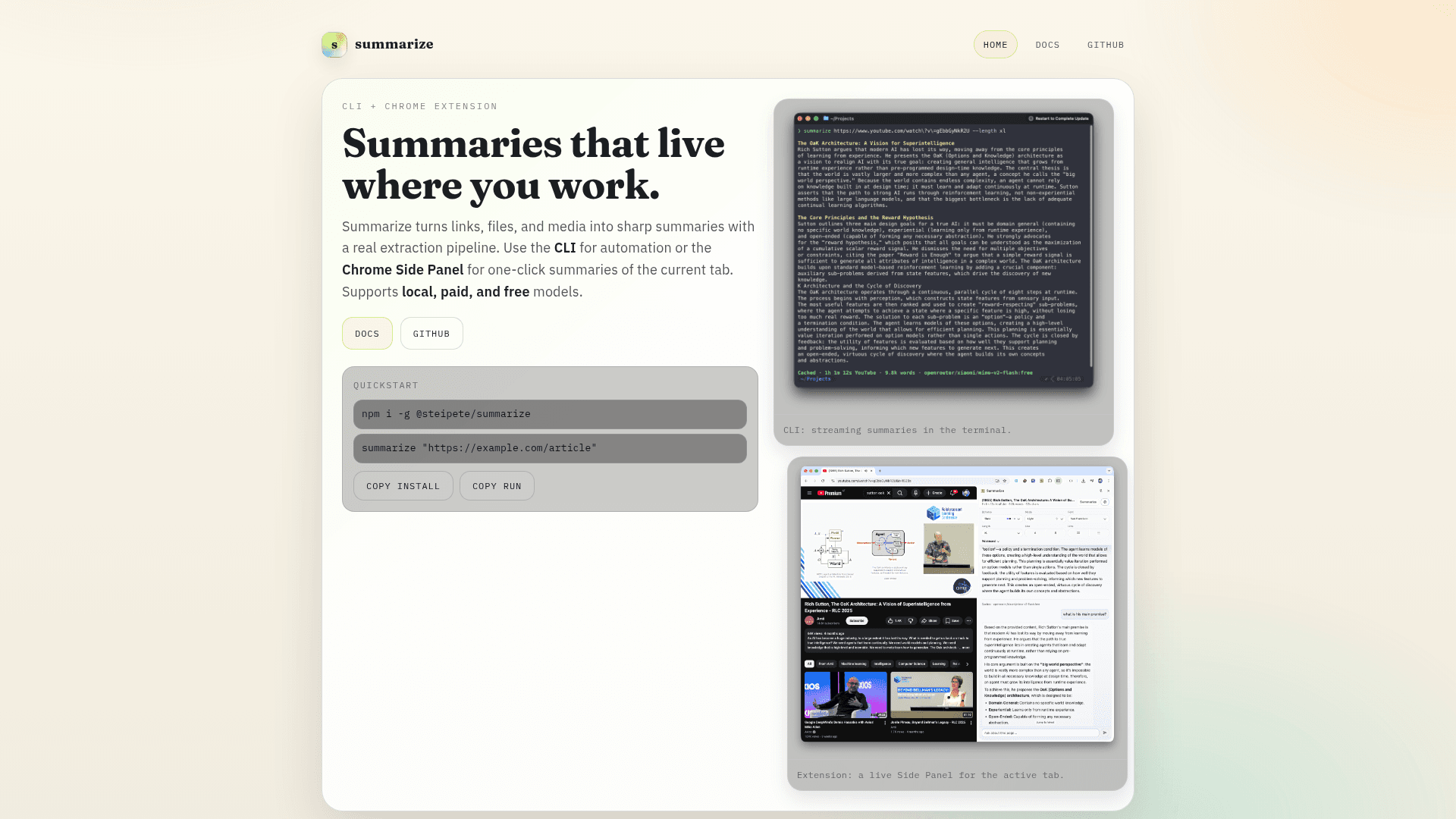
Summarize is a versatile tool that transforms links, files, and media into concise summaries through a robust extraction pipeline. Available as both a CLI for automation and a Chrome Side Panel extension for one-click summaries, it supports local, paid, and free AI models. The tool handles URLs, PDFs, images, audio/video, YouTube, and podcasts with intelligent transcript detection.
- CLI Automation - Built for scripting with support for extracting clean text, summarizing with your preferred model, and outputting JSON or Markdown formats for seamless integration into workflows.
- Chrome Side Panel - A real Chrome extension that streams Markdown summaries for the active tab with auto-summary on navigation, running locally with a token-protected localhost daemon.
- Smart Extraction Pipeline - Uses Readability and markitdown for HTML-to-clean-text conversion, with Firecrawl fallback when sites resist extraction.
- Media-Aware Processing - Prefers published transcripts for podcasts and YouTube videos, with Whisper fallback for audio transcription when needed.
- Provider-Agnostic Models - Works with local OpenAI-compatible gateways, paid providers, and OpenRouter free models, giving flexibility in AI backend choice.
- Scriptable Output Options - Supports streaming TTY output, ANSI Markdown rendering, JSON diagnostics, and metrics via flags like
--json,--extract, and--metrics. - Configurable Summary Length - Adjust output length with options like
--length longfor more detailed summaries.
To get started, install globally via npm with npm i -g @steipete/summarize, then run summarize "https://example.com/article" to generate your first summary. For the Chrome extension, install the CLI and daemon, load the unpacked extension, open the Side Panel, and connect with your token. The daemon runs locally on your machine for privacy and security.
Community Discussions
Be the first to start a conversation about Summarize
Share your experience with Summarize, ask questions, or help others learn from your insights.
Pricing
Open Source
Free and open source tool available on GitHub
- CLI tool
- Chrome extension
- URL and website extraction
- PDF summarization
- YouTube transcript support
Capabilities
Key Features
- CLI for automated summarization
- Chrome Side Panel extension
- URL and website extraction
- PDF summarization
- Image content extraction
- Audio and video summarization
- YouTube transcript support
- Podcast transcript support
- Whisper fallback for audio transcription
- Firecrawl fallback for difficult sites
- JSON output format
- Markdown output format
- Streaming TTY output
- Configurable summary length
- Provider-agnostic model support
- Local model support
- Auto-summary on navigation
- Token-protected local daemon
- Metrics output