
wrapvm
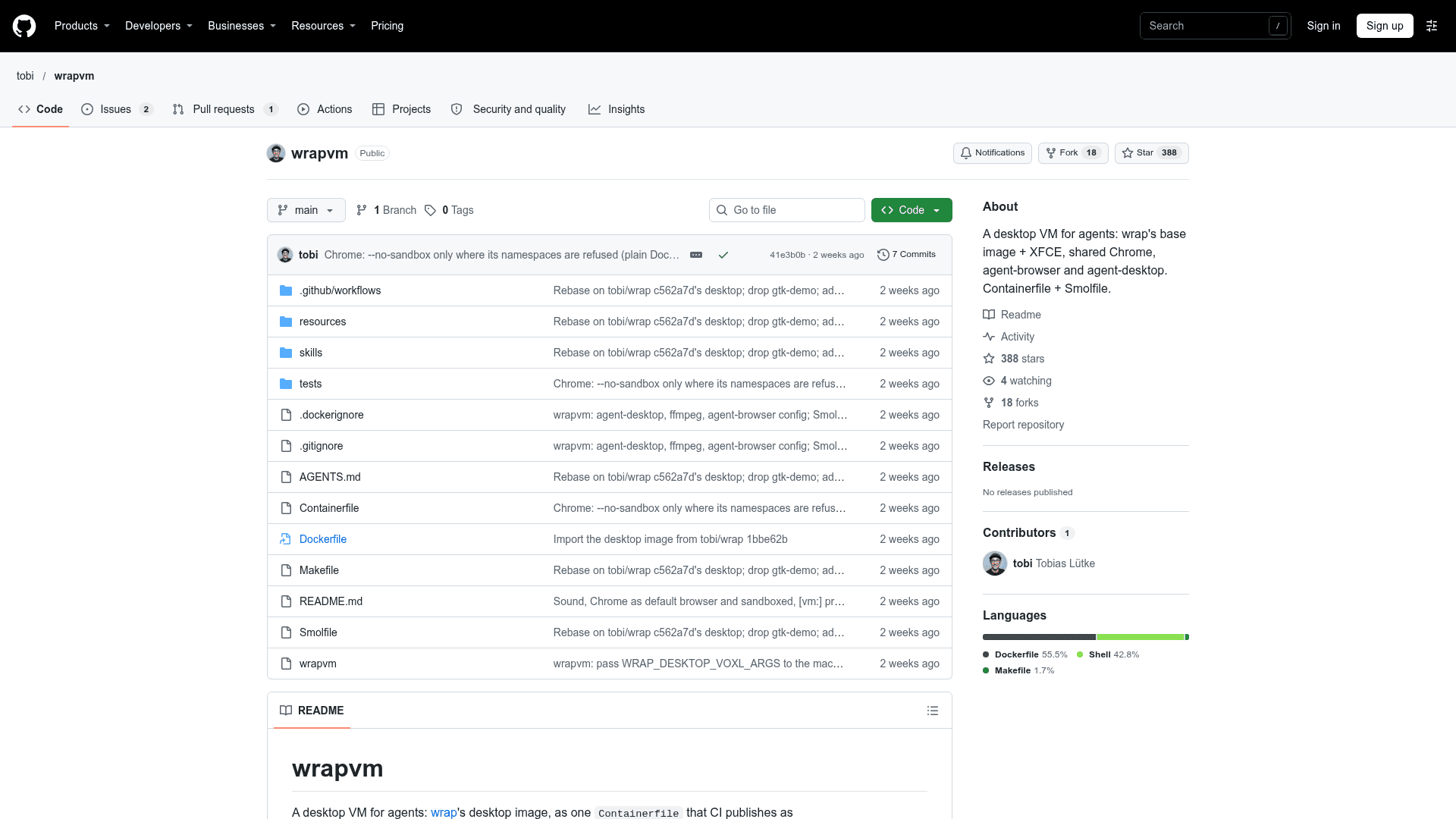
A desktop VM image for AI agents with XFCE, a shared Chrome, agent-browser and agent-desktop, built from a Containerfile and Smolfile.
At a Glance
About wrapvm
wrapvm is a desktop environment for AI agents, published by GitHub user tobi. It packages wrap's desktop image into a single Containerfile that CI publishes as a container image, plus a Smolfile that boots the same image as a smolvm machine.
What It Is
wrapvm gives an agent a full graphical Linux desktop it can drive. The image runs Xvfb with XFCE, which can be viewed in a browser through voxl on port 6080 behind a password. The wrap-desktop url command prints the sign-in link. It builds on wrap's base image and adds the desktop layer on top.
What's Inside
- One persistent Google Chrome with CDP exposed on port 9222, set as the default browser with its sandbox on.
- agent-browser for browser use, attached to that Chrome.
- agent-desktop for computer use through AT-SPI.
desktopandbrowserskills installed in~/.agents/skills, pointing agents to those tools' guides.- PulseAudio with a null sink, streamed by the viewer and recordable with ffmpeg.
- A shell prompt that shows
[vm:<machine>]under smolvm or[container:<host>]in a container.
Setup Path
Running ./wrapvm creates a smolvm machine for the current directory, opens zsh in it and prints the viewer link. Alternatively, run the published image with Docker or Podman and call wrap-desktop url inside it. WRAPVM_DESKTOP_PORT selects another host port. If agent-browser.json is missing from the workspace, a default of headed mode with autoConnect is written. make test builds and tests the image, and make image.tar produces a local build for smolvm.
Community Discussions
Be the first to start a conversation about wrapvm
Share your experience with wrapvm, ask questions, or help others learn from your insights.
Pricing
Self-Hosted
Download the published container image and run it on your own infrastructure. Hardware, hosting, and any connected AI services are your responsibility. The repository does not specify a source-code license.
- Linux desktop with XFCE and Chrome
- Browser and desktop tools for AI agents
- Run with Docker, Podman, or smolvm
- View the desktop through your browser
Capabilities
Key Features
- XFCE desktop on Xvfb viewable in a browser via voxl
- Persistent shared Google Chrome with CDP
- agent-browser for browser use
- agent-desktop for computer use via AT-SPI
- desktop and browser agent skills
- PulseAudio sound streaming and ffmpeg recording
- Smolfile for smolvm machines with workspace mount
- Runs as a Docker/Podman container