
Zeptap
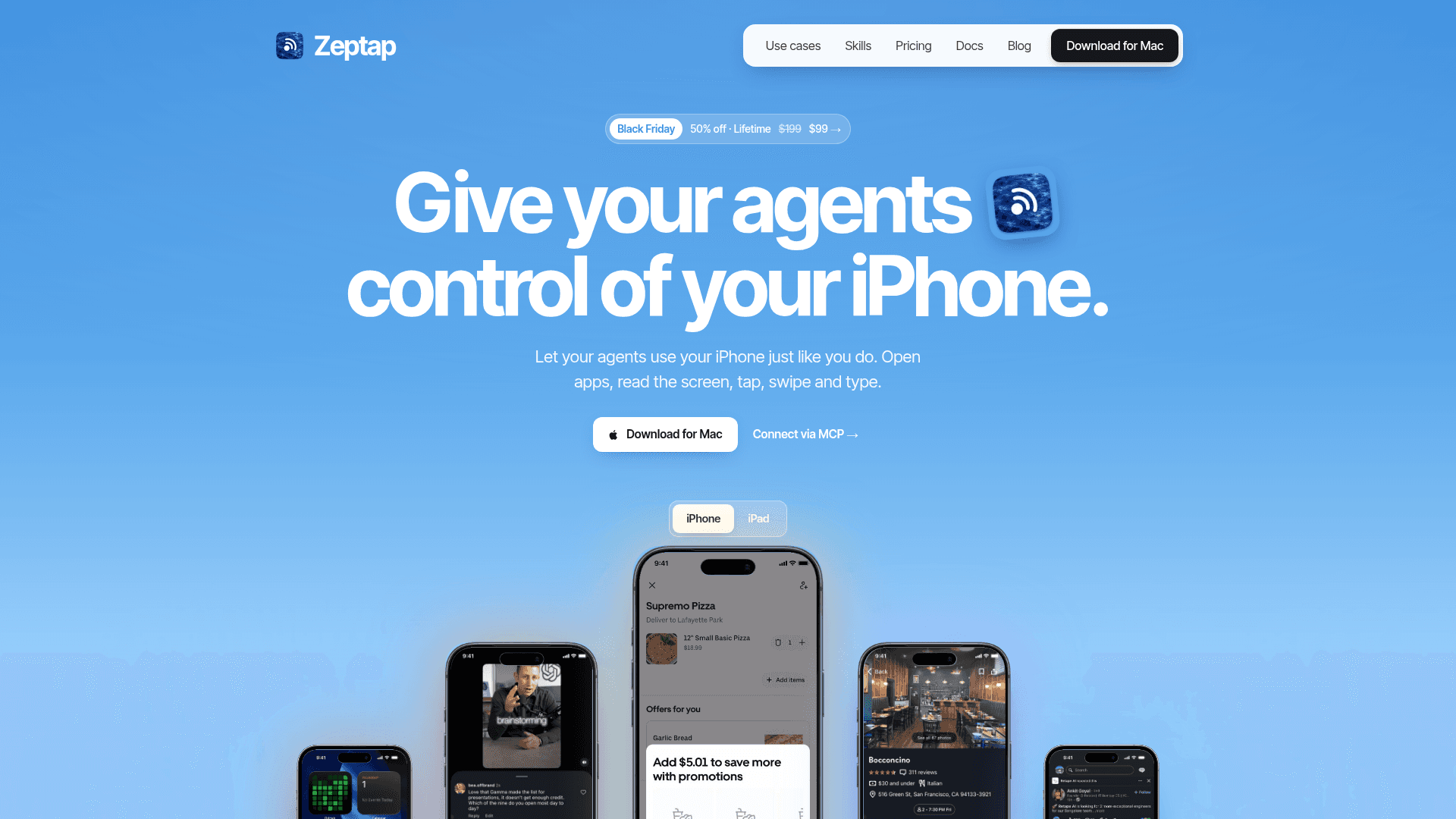
A macOS app that lets AI agents control a real iPhone through a local MCP server, tapping, typing and reading the screen.
At a Glance
First hour of live use is free with everything unlocked; the hour counts only while the iPhone screen is live in Zeptap.
Engagement
Available On
Alternatives
Listed Nov 2026
About Zeptap
Zeptap is a macOS app from Afterlume Labs that lets AI agents use a real, physical iPhone. The Mac reads the phone's screen over USB and taps, swipes and types as a Bluetooth keyboard and pointer, while agents connect through a local MCP server. Nothing is installed on the iPhone.
What It Is
Zeptap turns a real iPhone into something an MCP-capable agent can operate. Per the docs, the Mac captures live video of the screen over USB (used for the mirror, screenshots and on-device OCR) and sends touch and keyboard input over Bluetooth HID via AssistiveTouch. The local MCP server exposes 19 tools, and every action returns a screenshot taken after the screen stops moving. It drives real devices rather than the iOS Simulator, so App Store apps and signed-in accounts are available to the agent.
How agents connect
The MCP server uses Streamable HTTP, listens on loopback only at 127.0.0.1:47801/mcp, and needs no API key. The site says Claude Code, Claude Desktop, Codex, Cursor, Hermes and OpenClaw can be connected in one click, and any MCP client can connect to the local address. A built-in chat can run Claude Code or Codex on the user's own subscription, or use an OpenRouter key. A CLI is also documented for driving the iPhone from a shell or script.
Privacy and setup model
The vendor states there is no account and no Zeptap cloud; screen capture and reading happen on the Mac, though screenshots go to whichever agent is connected and on to its model provider. An optional unlock feature stores the passcode in the macOS Keychain and never shows it to agents. Setup needs no Xcode, Apple Developer account, developer mode or code signing. Requirements listed are a Mac on macOS 14 or later with Bluetooth, an iPhone, and a USB cable.
Use cases
Documented use cases include social media posting and warm-up, Instagram comment and DM replies, in-app research, everyday tasks, and testing iOS apps on a real device by describing tests in plain English. The site also offers a library of skills and prompts for these workflows.
Community Discussions
Be the first to start a conversation about Zeptap
Share your experience with Zeptap, ask questions, or help others learn from your insights.
Pricing
Free trial
First hour of live use is free with everything unlocked; the hour counts only while the iPhone screen is live in Zeptap.
- Everything unlocked
- Setup and pairing don't use up the hour
Monthly
Month to month. Cancel anytime. Black Friday price shown.
- 1 iPhone or iPad
- Works with Claude Code and Codex
- Runs on your Mac, no cloud
- Every update while subscribed
Lifetime
Pay once, keep it for good. Black Friday price shown.
- 1 iPhone or iPad
- Works with Claude Code and Codex
- Runs on your Mac, no cloud
- Every update, no renewals
Lifetime Plus
For teams running several accounts. Black Friday price shown.
- Up to 5 iPhones / iPads at once
- Works with Claude Code and Codex
- Runs on your Mac, no cloud
- Every update, no renewals
Capabilities
Key Features
- Controls a real iPhone or iPad from a Mac over USB and Bluetooth HID
- Local MCP server with 19 tools on loopback
- Screenshot returned after every action
- On-device OCR of the phone screen
- Built-in chat using Claude Code, Codex or OpenRouter
- Optional passcode unlock stored in macOS Keychain
- CLI for driving the iPhone from shell or scripts
- No Xcode, developer account, signing or phone-side install
- Skills and prompt library for social media, research and app testing
- Real-device app testing driven by plain-English instructions