
The Drive AI
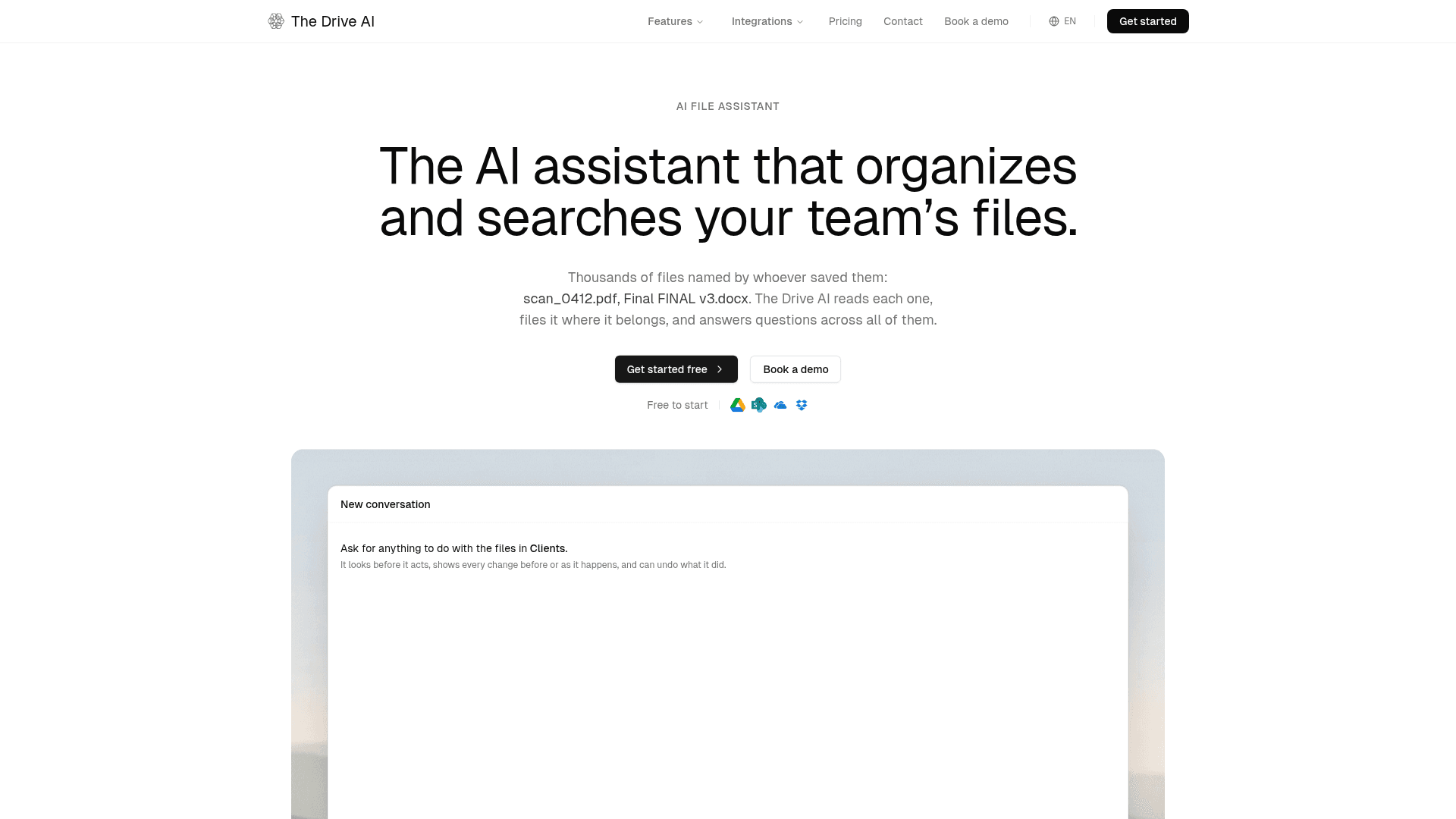
AI file assistant that organizes, searches, and manages team files across Google Drive, OneDrive, SharePoint, and Dropbox.
At a Glance
About The Drive AI
The Drive AI, Inc. offers an AI file assistant that reads the content of documents, files them where they belong, and answers questions across a team's files. It connects to Google Drive, SharePoint, OneDrive, and Dropbox, or works from uploads and its own workspace. Apps are listed for web, desktop, iOS, Android, and a Chrome extension.
What It Is
The Drive AI is an AI file management platform. Instead of relying on filenames, it reads each file's content (including scanned documents) and sorts, renames, moves, splits, or merges files from plain-English requests. Its file agent can also create documents, share files with set permissions, fill forms, merge and split PDFs, and convert formats.
How the approval flow works
Users connect a drive, ask in one sentence, and approve the proposed plan. According to the site, small changes apply at once, large changes and anything sent to another person wait for approval, admins set where that line sits, and changes can be undone. An activity log records each change, who made it, and who it was for.
Workflows and intake
Workflows are standing instructions written in plain English that run on each new file as it arrives, laid out as steps on a canvas. New files can come from uploads, Gmail, Outlook, Slack, and Microsoft Teams. Email integration supports real-time attachment capture, historical import, routing rules, and duplicate detection.
Workspace, search, and security
The built-in workspace offers version history, permissions by file and folder, file requests for collecting documents from external parties, and e-signature. Content-based search covers PDFs, documents, spreadsheets, images via OCR, and audio via transcription. The site states files are encrypted with AES-256, scanned for malware, and never used for AI training, and it lists CASA Tier 2 certification. Industry pages cover real estate, law, accounting, insurance, HR, healthcare, and others.
Community Discussions
Be the first to start a conversation about The Drive AI
Share your experience with The Drive AI, ask questions, or help others learn from your insights.
Pricing
Free
Perfect for individuals getting started
- 20 tasks a month
- 10 workflow files per month
- 1 GB storage, up to 50 files
- Reads PDFs, Word, spreadsheets and text files
- No credit card required
Premium
More power for everyday use
- 500 tasks a month
- 100 workflow files per month
- 20 GB storage, up to 500 files
- Reads every file type, including images, audio and video
Max
Everything you need for power users
- 2,000 tasks a month
- 1,000 workflow files per month
- Works directly in Google Drive, OneDrive, SharePoint and Dropbox
- Workflows on connected drives, Gmail, Outlook, Slack and Microsoft Teams
- 500 GB storage, unlimited files
- E-signatures and file requests
- Priority support
Team
Team plan, per seat, 3-seat minimum
- Includes everything in Max plus admin controls, member management and multiple integrations
- Each seat adds 2,000 assistant tasks, 1,000 workflow files per month and 1 TB of storage to a shared pool
- Packs of 1,000 extra workflow files are $69
- $79 per seat per month billed annually
- 7-day free trial on new team workspaces; card required
Capabilities
Key Features
- AI file organizer that sorts and renames files by content
- Natural-language file agent
- Content-based search across PDFs, images (OCR), and audio
- Plain-English workflows on arriving files
- Preview, approval, and undo of changes
- Email attachment capture
- File requests
- Built-in e-signature
- Permissions by file and folder with version history
- Activity log
- PDF merge, split, and form filling
- Chrome extension, desktop and mobile apps